

- NYC school AI ban explained: rules, limits, and parents’ checklist
- What the NYC school AI ban covers, and what it does not
- Parents are arguing about instructional value, not just screen time
- The policy’s gray areas need clearer oversight
- What evidence should determine the next version?
- What parents should ask their schools this year
NYC school AI ban explained: rules, limits, and parents’ checklist
Two parents reacting to New York City’s new school technology policy reached opposite conclusions. One Manhattan parent said yesterday that she wished the moratorium lasted longer than a year. Another parent said the restrictions had gone too far, taking away tools such as Delta Math that had helped her child understand difficult concepts. Those responses came from a self-selected mailing list, not a representative citywide survey, but they capture the policy’s central tension. (The 74 reported yesterday.)
The NYC school AI ban is not one rule. It is a one-year moratorium on student-facing generative AI from 2-K through eighth grade, a prohibition on one-to-one school-issued device use from 2-K through grade 2, and screen-time recommendations for older elementary and middle school students. High schools have limited exceptions, including career and technical education, five approved pilots, and required AI-literacy instruction. (Chalkbeat described the structure earlier this month.)
That distinction should shape how parents judge the policy. The temporary moratorium is reasonable as an age-based experiment, especially while schools sort out privacy, supervision, and the educational value of generative tools. But the experiment will be difficult to evaluate unless New York City publishes clear definitions, implementation data, and evidence about both the benefits of reducing screen use and the cost of removing useful tools.
What the NYC school AI ban covers, and what it does not
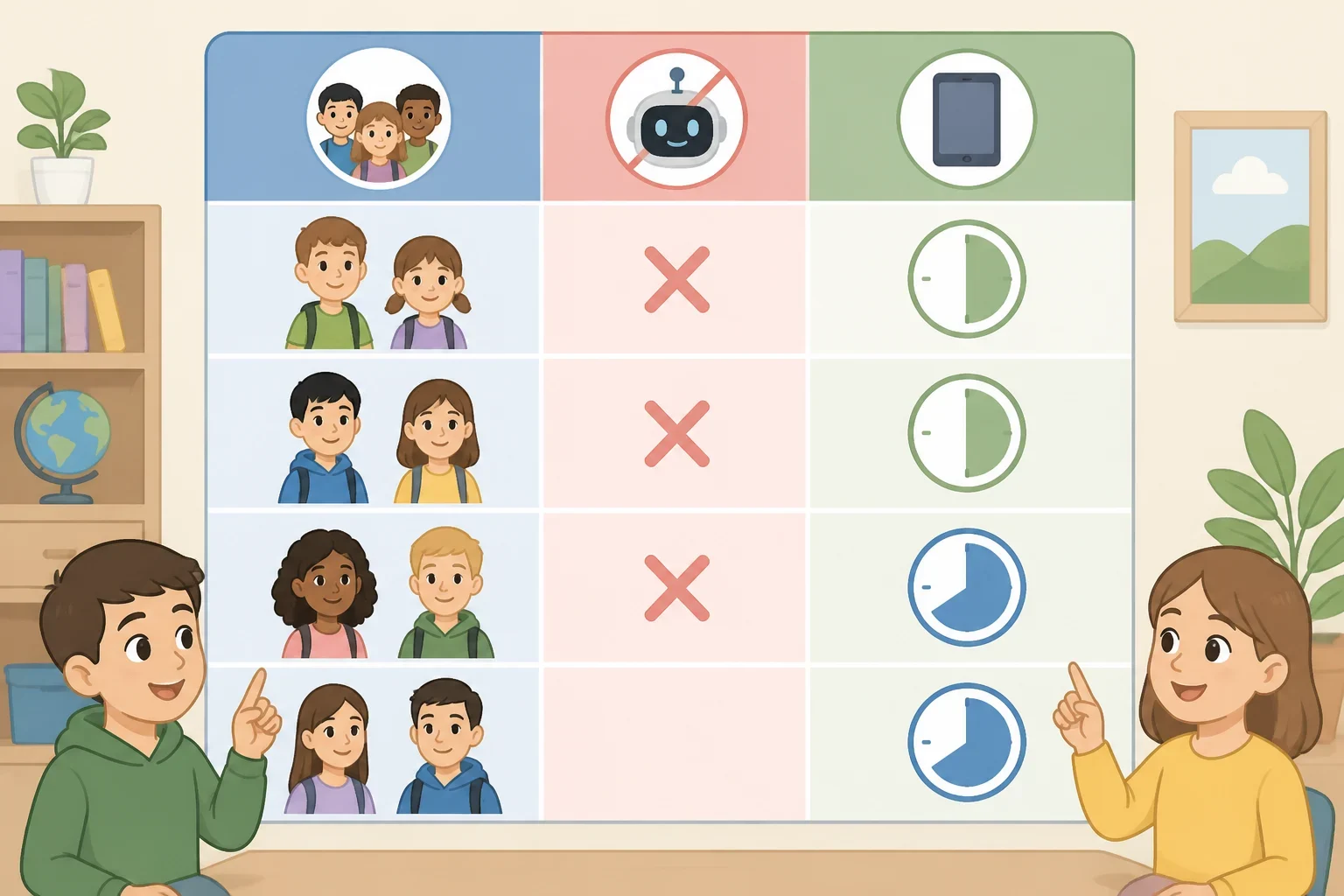
The strongest restriction applies to student-facing generative AI, including chatbots and tutors that respond to prompts. For students in 2-K through eighth grade, those tools are under a one-year moratorium. The policy also prohibits companion chatbots designed to provide emotional or mental-health support for all students. (Education Week reported earlier this month.)
That is different from banning every classroom technology. The policy’s screen-use rules address individual school-issued devices, not every possible use of a computer, projector, accessibility tool, or digital resource. From 2-K through grade 2, there is no one-to-one school-issued device use. For grades 3 through 5, the city recommends no more than 30 minutes a day on individual devices. For grades 6 through 8, the recommendation is 45 minutes a day. High school has no screen-time guideline under this policy. (NYC Mayor's Office outlined the device recommendations earlier this month.)
“Recommendation” matters here. Schools Chancellor Kamar Samuels has said the grades 3 through 8 figures are guidelines, not strict limits that schools must enforce minute by minute. The stated goal is to move students away from screens when possible, not to turn every class into a stopwatch exercise. (Chalkbeat reported earlier this month.)
High school students receive a different kind of policy. They are required to complete two 45-minute AI-literacy modules each year, covering the basics of AI as well as bias and misinformation. They may also use AI under teacher supervision in career programs and professional learning pathways. The five approved pilots are Quill, Edia, Brisk Teaching, Playlab, and Intel AI-Ready Schools. Their use is limited to 45 minutes per week under direct teacher supervision, and officials say the pilots do not introduce general chatbots such as ChatGPT or Claude into the curriculum. (NYC Mayor's Office provided those details earlier this month.)
Officials said as many as 50,000 high school students, approximately 17% of the city’s high school population, could participate in the pilots. (Chalkbeat reported that estimate earlier this month.) That is a meaningful test group, but it is not the same as unrestricted access. The pilots have defined learning goals and are supposed to keep teachers at the center of instruction.
Teachers may still use AI for lesson planning, translation, communication drafts, and some student-data analysis. They may not use it to grade student work, monitor behavior, develop special-education plans, or assist with student mental-health challenges. (Education Week described those staff guidelines earlier this month.)
Parents are arguing about instructional value, not just screen time
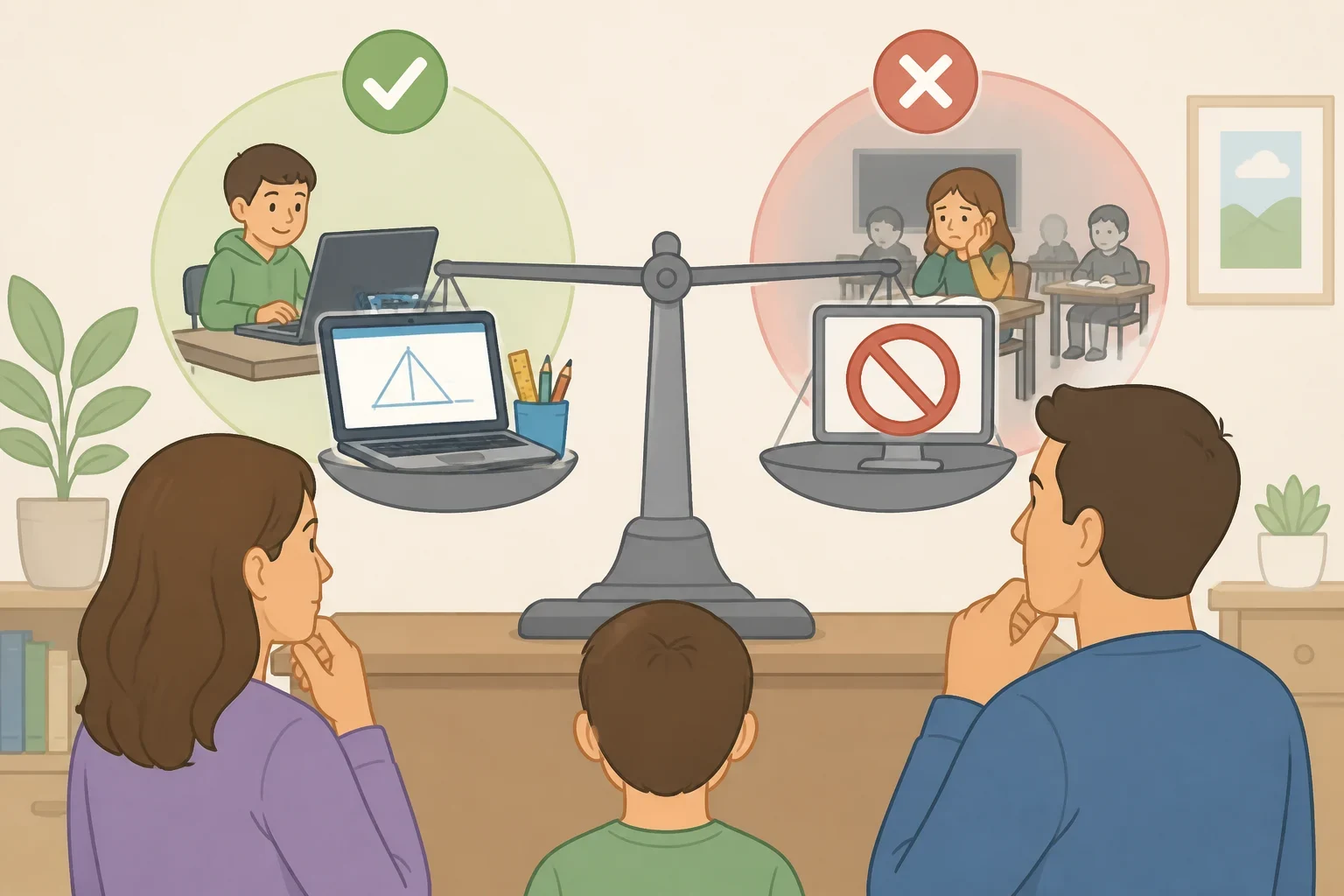
Supporters have a legitimate point. Some parents want schools to reinforce limits they are already trying to set at home. Chalkbeat’s interviews earlier this month included a parent who described herself as “anti-screen-time” and welcomed the policy as support for delaying personal devices. Another parent planned to discuss where and how her children use their Chromebooks, rather than simply treating a school device as an unrestricted household resource. (Chalkbeat reported those perspectives earlier this month.)
Other parents are not defending unlimited technology. They are asking whether the city has separated low-value screen use from useful digital instruction. A parent responding to The 74 said her child had benefited from Delta Math’s explanatory videos and examples. The same parent reported that computers were removed from art class, making it harder for students to find and share reference material. (The 74 reported those concerns yesterday.)
Another parent of an eighth grader said classes had stopped using computers because of the 45-minute figure, despite years of practice with tools such as Google Docs and Sheets. That is one family’s report, not proof that the policy will produce a citywide digital-skills gap. It is still the kind of implementation detail officials should collect rather than dismiss. (The 74 reported the account yesterday.)
The inconsistency becomes sharper when required computer-based reading and math progress monitoring, including i-Ready and state testing, is exempt from the screen-time recommendations. A school may reduce optional digital practice while still requiring students to spend substantial time on assessments. Parents are reasonable to ask whether the policy is measuring educational purpose or simply counting minutes and formats. (Chalkbeat and The 74 documented those different uses.)
There is also a difference between opposing generative AI and opposing digital access. One Brooklyn parent told Chalkbeat earlier this month that the priority was helping a high school student think critically about AI’s role in learning. A student interviewed in the same coverage appreciated having more reading options through digital platforms, while a classmate preferred print. Those views point toward a practical question: what is the tool helping a student do?
The policy’s gray areas need clearer oversight
The city has not described a detailed enforcement mechanism for the AI policy. Much of the responsibility falls to teachers, principals, and superintendents. That may allow schools to respond to different classroom needs, but it also creates the possibility that two students in similar grades will have very different access depending on their school or teacher. (Chalkbeat reported on the enforcement concerns earlier this month.)
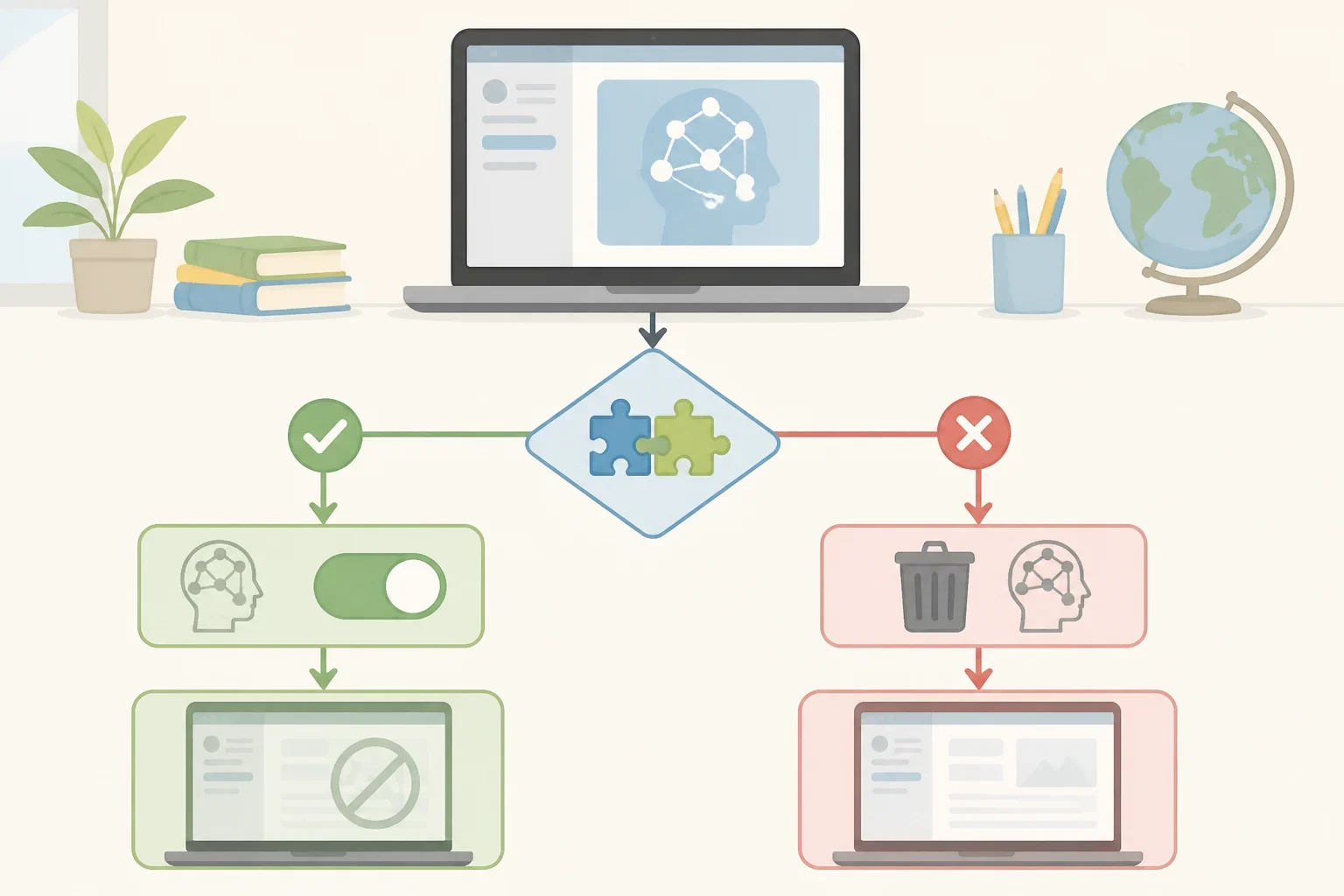
The city also said it would disable the AI components of more than 38 previously allowed programs that do not meet its standards. If a product cannot separate its AI feature from the rest of the tool, officials said the product may be discontinued entirely. That wording is important: the policy does not necessarily eliminate every part of each program, but it may remove a tool when its generative feature cannot be turned off. (NYC Mayor's Office explained the approach earlier this month.)
Parents should also look for how the city handles access needs. Officials have described individualized supports for students who need assistive technology, including eye-tracking software that can help students with severe cerebral palsy type. They have also identified Hello App, an Education Department-created translation tool, as support for communication involving English-language learners, teachers, and families. Those examples show why a broad technology rule needs an access review before a school removes a particular tool. (NYC Mayor's Office provided the examples earlier this month.)
What evidence should determine the next version?
The city has described the policy as finite and promised to study its results during the school year. That review should be more useful than a collection of favorable anecdotes or complaints. It should answer several concrete questions:
- Which schools and grades are following the screen-use recommendations, and how differently are they being applied?
- Which AI features have been disabled, and which full programs have been removed because those features could not be separated?
- Are assistive-technology supports available as listed in a student’s IEP or 504 plan?
- What translation and language-access tools remain available to students and families?
- Are students still practicing basic digital skills, including document, spreadsheet, presentation, and research tools?
- How much preparation time does the policy require from teachers, and how much implementation varies by school?
- What do the five high-school pilots show about student learning, teacher supervision, privacy, and critical evaluation?
- How is the city gathering feedback from students, educators, and families who are affected by the rules?
The standard should not be “less screen time is always better” or “technology is always useful.” The standard should be whether a particular use supports learning, access, communication, or assessment, and whether the school can supervise it responsibly. That is a more demanding test than a blanket ban, but it is also more likely to produce a policy families can trust.
What parents should ask their schools this year
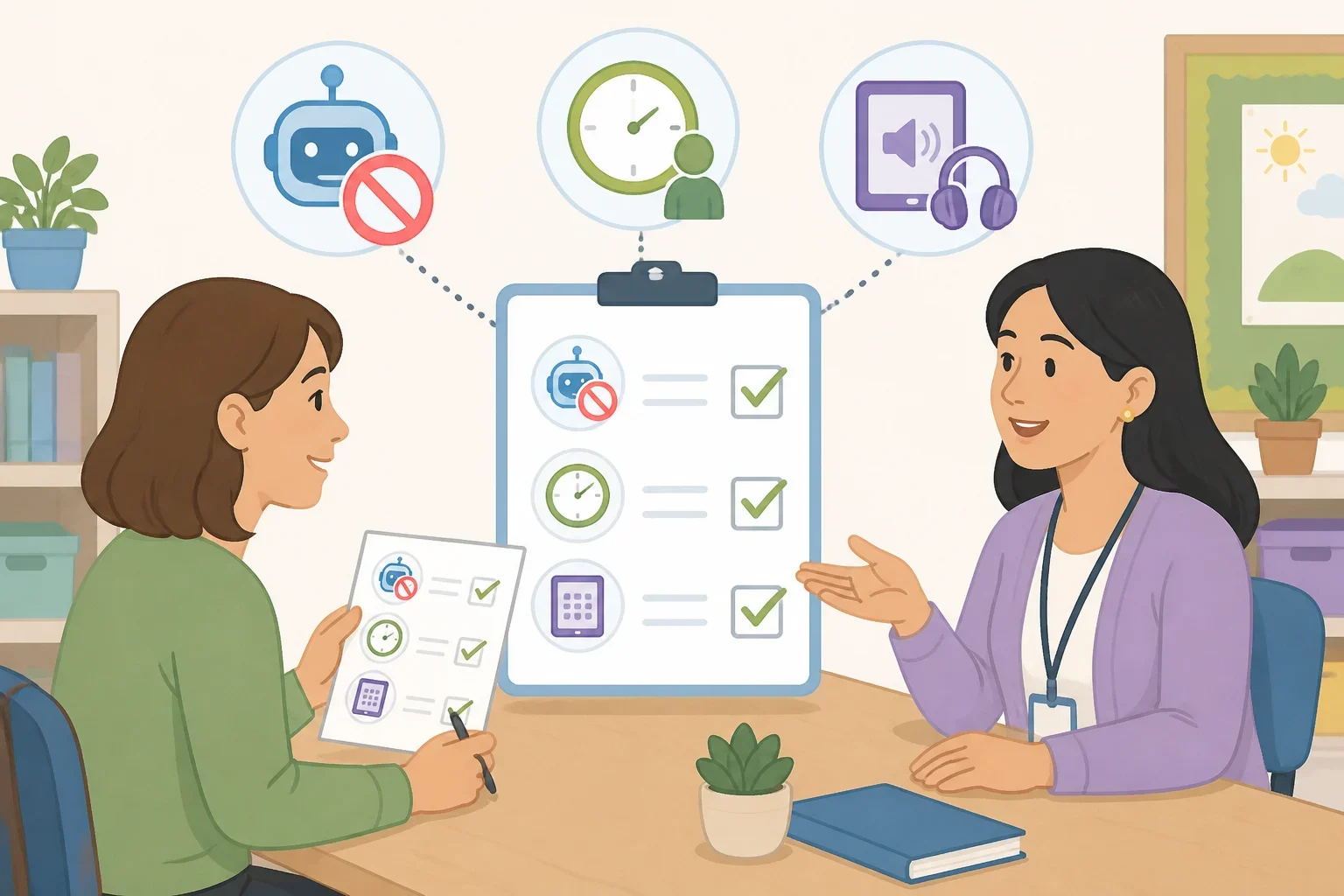
Parents do not need to guess how the policy applies in a particular classroom. They can ask for the school’s written guidance and request specific answers:
- Which school-issued tools are available in this class, and which AI features have been disabled?
- Is the 30- or 45-minute figure being treated as a recommendation in this school?
- How does the teacher distinguish required assessment use from optional practice?
- What assistive technology is listed in the student’s IEP or 504 plan?
- What translation or language-access tools are available?
- If a required support conflicts with the technology policy, whom should the family contact, and how should the conflict be documented?
Those questions are more useful than arguing over whether the policy is a ban. New York City has created a partial AI moratorium alongside broader, mostly nonbinding screen-use guidance. Its temporary design gives officials room to revise the rules, but only if the review shows what students gained, what they lost, and where schools applied the policy unevenly.
That evidence will matter beyond New York. Los Angeles Unified has announced a moratorium on AI use on district-owned devices for all students during this school year, while seven states have enacted laws addressing school-issued devices and digital tools, according to Education Week. NYC is the largest school district in the U.S., so its implementation will give other districts a case study, not a ready-made answer.
For families, the next step is simple: read the school’s written policy, ask how it is being applied in the child’s classes, and report specific conflicts with learning or access supports. A moratorium can be a reasonable pause. It should not become an excuse to stop measuring what students need.