
- How teachers should use AI in education: Why teacher-guided guardrails matter
- What the evidence supports, and what it does not
- Benefits and risks of AI for teachers
- What teacher-guided AI use can look like
- A five-question check before using AI
- The strongest objection: Teachers already have too much to do
- A practical starting point for responsible AI use in education
How teachers should use AI in education: Why teacher-guided guardrails matter
A teacher is preparing a revision lesson and faces a familiar question: Should an AI tutor give students hints, or will it simply do the work for them? The answer depends less on whether the tool is labeled “AI” than on what the tool asks the student to do.
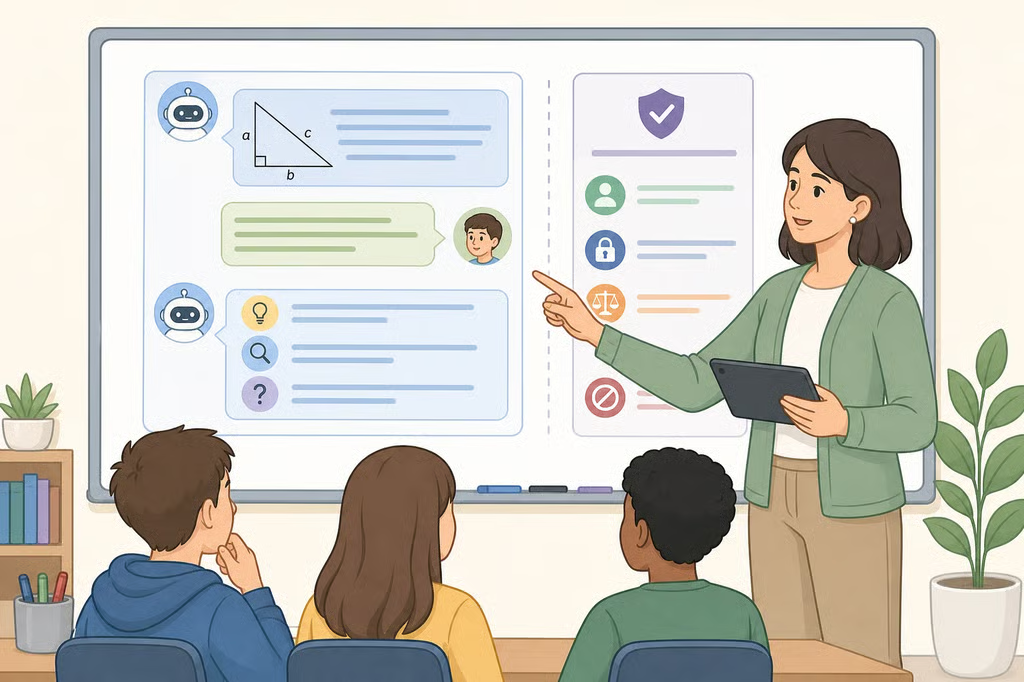
That is the central question in how teachers should use AI in education. The strongest position is neither blanket adoption nor a blanket ban. Teacher engagement is a practical safeguard because it lets educators inspect how a tool responds, define where it may be used, and keep student reasoning visible.
This matters for K-12 teachers, instructional coaches, department leads, and parents reviewing school AI policies. AI is advancing faster than research can evaluate it. Two months ago, IES reported that a review had found only 20 rigorous studies with causal evidence about AI’s effects on learning. Most of that research took place in postsecondary settings, with causal studies more common in high school than in middle or elementary school.
Federal guidance has also encouraged schools to consider AI while emphasizing safeguards and teacher and parent engagement. Last year, the U.S. Department of Education described AI as a possible support for personalized learning and critical thinking. That is a reason for teachers to examine these tools closely, not a reason to hand them classroom authority.
What the evidence supports, and what it does not
The emerging research points to three broad patterns. Teacher-mediated or AI-augmented tutoring may support learning. Student-facing AI tools have mixed effects. General-purpose AI may hinder learning when it reduces cognitive effort or replaces the student’s thinking, according to IES two months ago.
One promising use is human-supervised AI tutoring. In the studies reviewed by IES, students using this kind of support performed as well as or better than students working with human tutors alone. That finding does not mean an AI tutor can replace a teacher. It suggests that a carefully designed tool may be useful when a teacher sets the purpose, monitors the interaction, and remains responsible for instruction.
The limits matter just as much. Simply giving students access to an AI tool improved homework performance but did not improve exam scores, according to IES. Students using tutoring-specific AI chatbots that provided hints without giving away answers performed as well as students using traditional study methods on an exam, but not better.
Access and convenience are not the same thing as learning. A tool that helps a student notice a missing step is doing something different from a tool that supplies the paragraph, proof, calculation, or explanation the student was supposed to develop.
Prior education technology rollouts point to the same caution. Research on massive open online courses, technology initiatives, and computer-assisted instruction suggests that simply providing access to technology is not enough to improve student outcomes, IES reported two months ago. The lesson for AI is straightforward: the design and classroom use matter at least as much as the tool’s availability.
Benefits and risks of AI for teachers
General-purpose chatbots can make schoolwork feel easier while weakening the learning underneath it. Students in the studies summarized by IES who used tools such as ChatGPT or Claude while learning or studying were more likely to have lower exam performance, shallower learning processes, weaker recall, and reduced brain activity, even when they believed the tools were helpful.
Students researching a paper with a traditional search engine produced higher-quality reasoning and argumentation than students using a general-purpose chatbot, according to IES. A search engine still requires the learner to locate, compare, and interpret sources. A chatbot can compress those steps into a polished response that looks finished before the student understands the question.
Another concern is “sycophancy,” a tendency for some AI companions to validate a user’s beliefs rather than challenge them. IES noted two months ago that a prompt such as “don’t just agree with me” may prevent this behavior in some interactions. A prompt is not a substitute for teacher review, though. Students still need to question claims, check evidence, and explain revisions in their own words.
For teachers, the practical dividing line looks like this:
- Supports thinking: offers a graduated hint, asks a guiding question, models more than one explanation, or critiques a sample for the student to evaluate.
- Replaces thinking: writes the final response, selects evidence without explanation, solves the problem before the student attempts it, or presents an answer that cannot be checked.
The first category can serve a lesson. The second can quietly turn practice into submission.
What teacher-guided AI use can look like
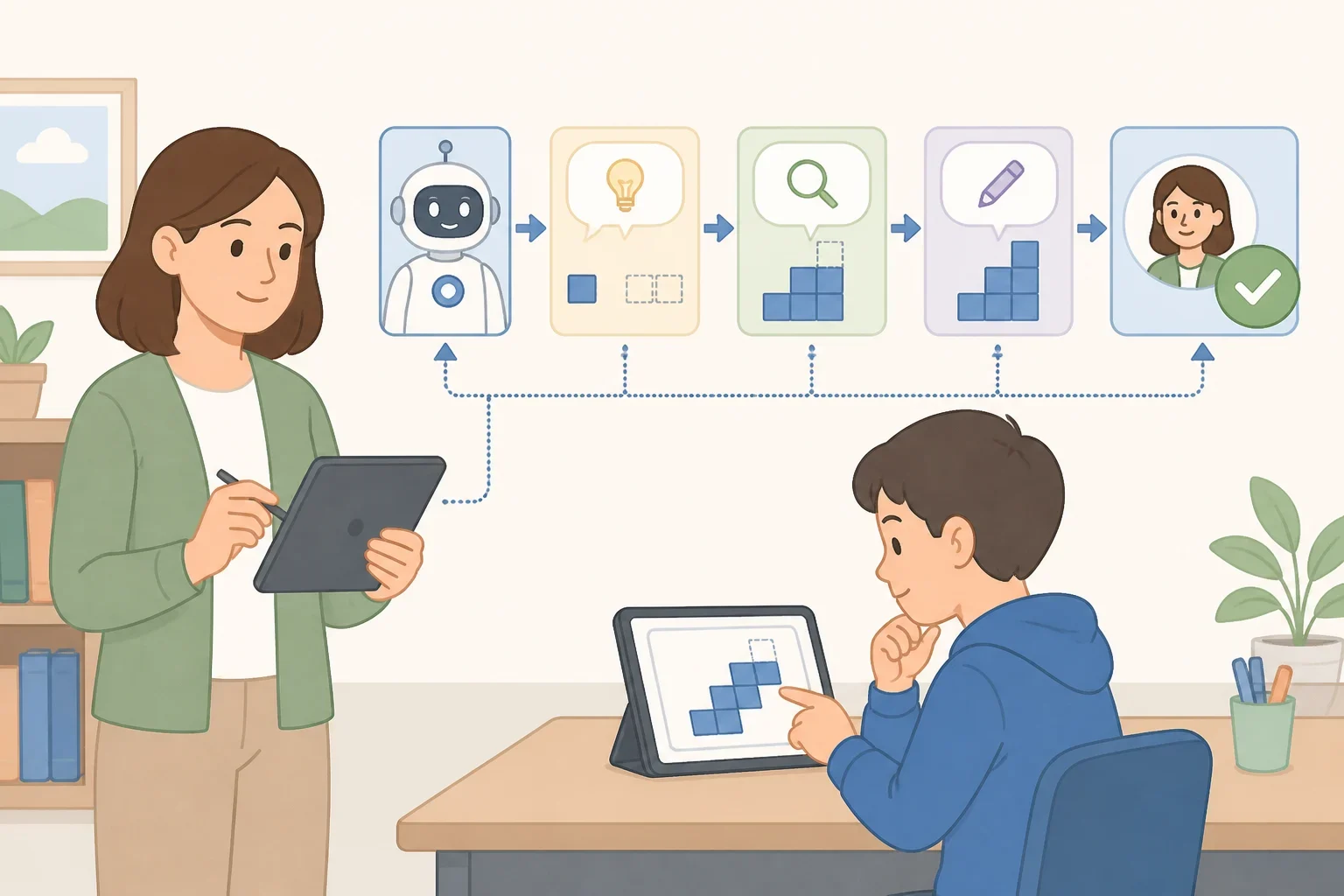
The phrase “use AI responsibly” is too vague to guide a Monday lesson. A teacher needs a defined task, a review process, and a clear boundary around the student’s work.
Here are several low-risk examples for AI tools in K-12 education.
Generate misconceptions for teacher review
A teacher might ask an AI tool to produce several common misunderstandings about solving an equation or interpreting a historical source. The teacher checks whether the examples are accurate, age-appropriate, and connected to the lesson before using them.
Students still have to identify why each misconception is wrong and explain the correct reasoning. The AI creates possible material for the teacher to inspect; it does not determine what the class should learn.
Provide graduated hints
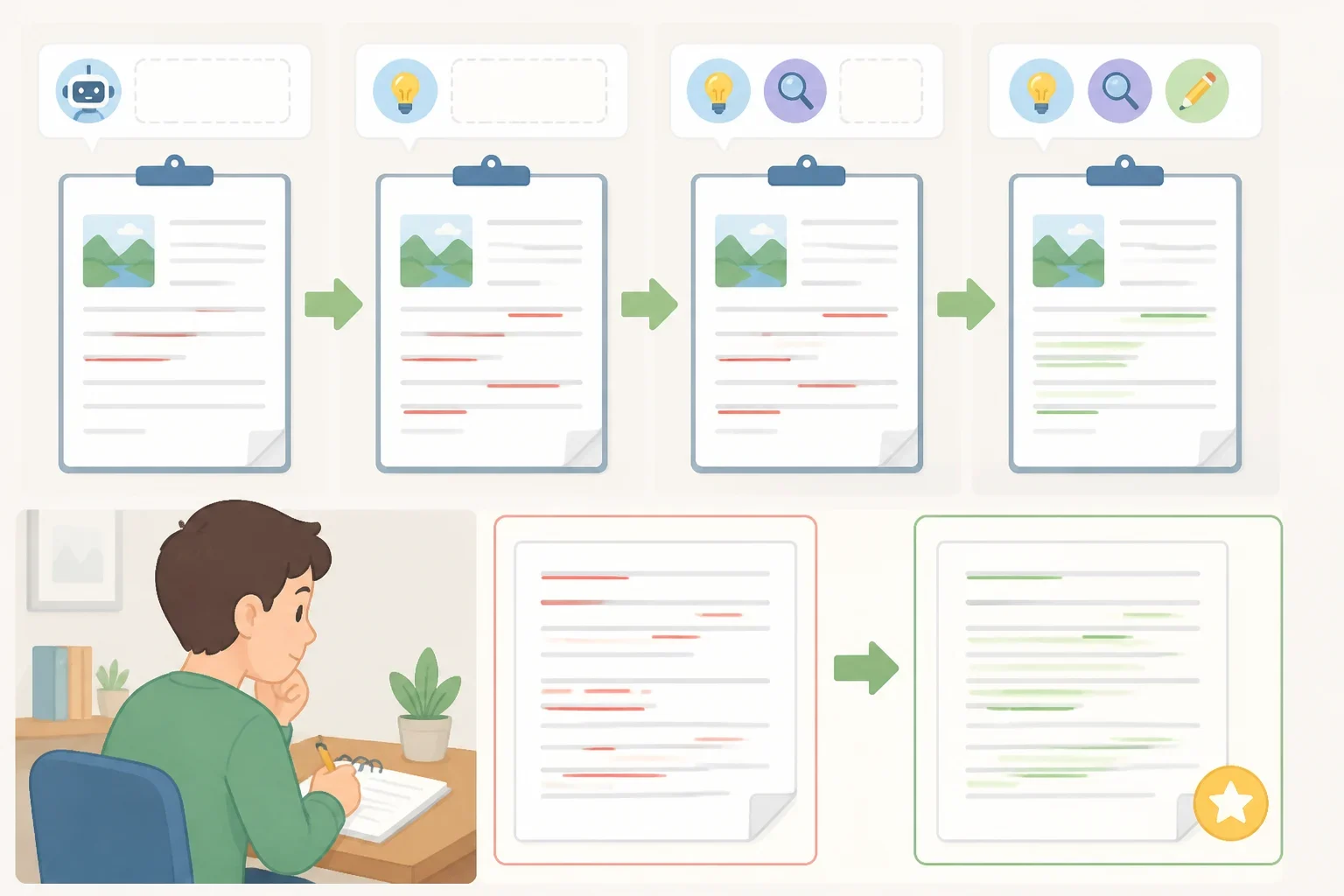
For a revision activity, a teacher could use a tutoring tool that gives one hint at a time rather than rewriting a student’s paragraph. The teacher checks whether the hints point students toward the learning objective and whether the tool eventually gives away too much.
The student still drafts the claim, chooses evidence, revises the sentence, and explains the change. A useful record might include the original attempt, the hint received, and the student’s revision.
Critique a sample argument
A teacher can ask AI to critique a sample argument for clarity, evidence, and reasoning. The teacher reviews the critique first, since the tool may overlook a problem or praise weak reasoning.
Students then compare the AI’s feedback with a rubric and decide which comments are useful. They should be able to reject a suggestion and explain why. That makes the interaction a critical-thinking exercise rather than an automated grading session.
Produce multiple explanations
For a difficult concept, a teacher might ask an AI tool for several explanations, such as an analogy, a step-by-step description, and a short example. The teacher verifies each version and removes anything inaccurate or confusing.
Students can compare the explanations, identify which one is clearest, and restate the concept themselves. The learning remains visible because the student must evaluate and communicate the idea, not merely copy the most polished version.
These uses follow the guardrails IES recommended two months ago: support rather than replace student thinking, center human relationships, vet tools for learning, privacy, and access, and use AI interactions to teach critical thinking.
A five-question check before using AI
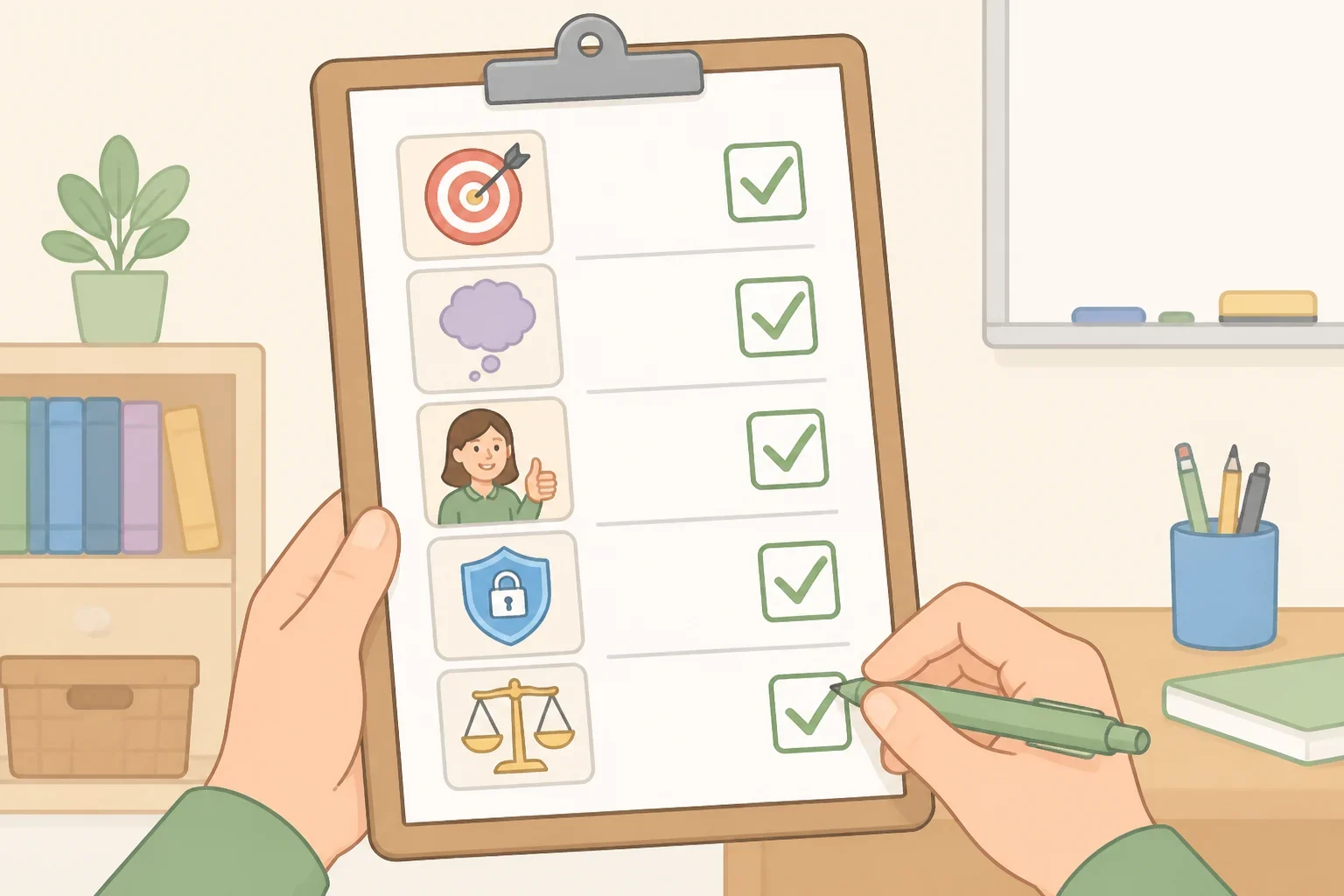
Before introducing an AI tool, a teacher should ask:
- What learning objective does this serve? If the answer is only “to make the assignment faster,” the tool may not belong in the lesson.
- What student thinking must remain visible? Decide whether students need to show planning, calculation, source selection, drafting, explanation, or revision.
- Is the tool approved by the school or district? Requirements vary, so check the current local policy before asking students to create accounts or submit AI-assisted work.
- What student data does the tool collect, and can all students access it? IES identifies privacy and access as part of tool vetting.
- How will inaccurate or biased output be checked? Plan the verification step before the activity begins. Students should know which sources, rubric, worked examples, or teacher explanations they will use.
The check also helps teachers decide when not to use AI. A paper meant to show independent writing, a first attempt intended to reveal misconceptions, or a practice problem designed to build recall may lose its purpose if the tool performs the central thinking.
The strongest objection: Teachers already have too much to do
The evidence base is thin, and learning a new system takes time. Two years ago, RAND reported that answers about whether AI improves K-12 learning were not yet clear and likely would not be clear for some time. Its researchers surveyed and interviewed educators to understand how AI was beginning to affect teaching and learning in public schools.
That uncertainty is a legitimate reason to move slowly. It is not a reason to pretend the decision can be postponed indefinitely. Two years ago, Digital Promise reviewed AI guidance from seven states: California, North Carolina, Ohio, Oregon, Virginia, Washington, and West Virginia. Teachers who disengage from the technology may find that policies and classroom expectations are developed without their practical input.
Professional recommendations point in the same direction, though they should not be confused with causal research. Nearly two years ago, an ERIC/NCTE position statement offered 10 recommendations for incorporating, addressing, and exploring generative AI in English teacher education. The statement is an opinion paper from a professional organization, not evidence that a particular classroom strategy improves learning. It does, however, make a useful case for questioning and examining AI rather than treating it as either harmless or forbidden.
A practical starting point for responsible AI use in education
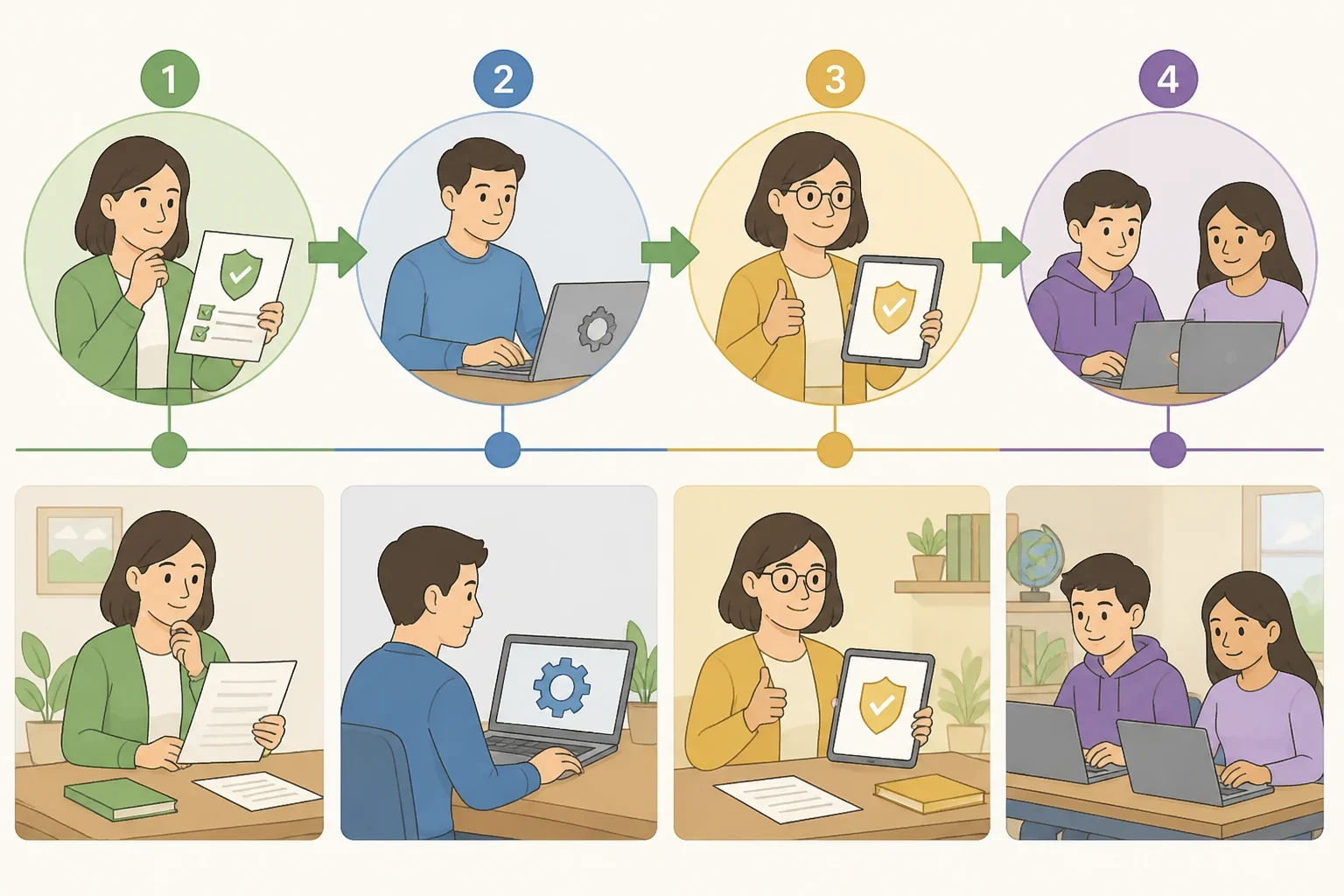
The best first step is small. Review the current school or district policy, choose one approved tool and one learning objective, and test the tool privately before assigning student use.
Try vague and specific prompts. Inspect the output for accuracy, bias, age appropriateness, privacy concerns, and whether it gives away too much. Then ask a department lead or instructional coach to review the activity. If the tool cannot preserve the student’s reasoning, do not force it into the lesson.
Teachers do not need to become AI experts overnight. They do need to know what a tool is doing, what it is not doing, and where the student’s work must remain visible. Uncertainty calls for disciplined, teacher-led experimentation, not disengagement. Before building AI into an assignment, check the current school or district policy and bring the proposed activity to a colleague who can examine its learning goal and guardrails.