
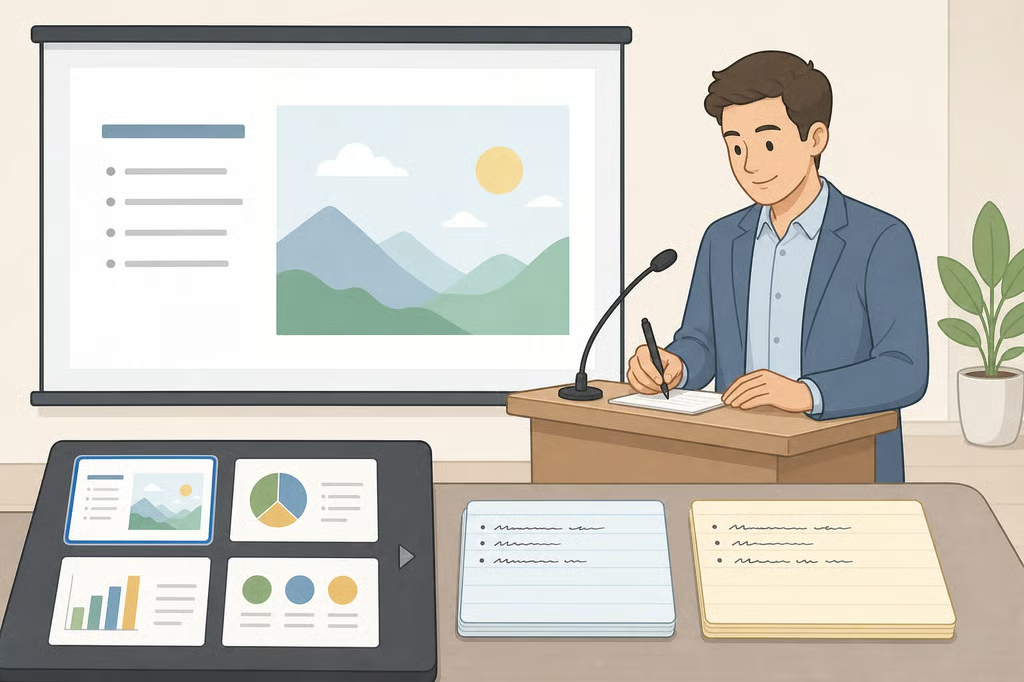
- How to Write Presentation Speaker Notes: 4-Part Template
- Presentation speaker notes examples: slide text versus spoken notes
- How to write presentation speaker notes: a four-part template
- What to put on the slide versus in the notes
- Rehearsing speaker notes for confident delivery
- What to check before the next presentation
How to Write Presentation Speaker Notes: 4-Part Template
A slide is supposed to carry two different things: what's displayed on screen and what's said about it out loud. Slide-design research describes a slide as a single unit built from both halves (PMC, "Ten Simple Rules for Effective Presentation Slides," 2021), which is exactly why copying one half into the other, reading slide text aloud while an audience reads the same words silently, leaves two people reading past each other instead of one person explaining something. Learning how to write presentation speaker notes that work as a prompt instead of a script addresses that habit directly, whether the presentation is a class assignment, a teacher's classroom demo, or a talk prepared for work or a conference.
University presentation guidance generally treats slides and speaker notes as separate jobs. Slides are built for the audience, and the notes field in presentation software is meant to jog the presenter's memory, not supply a script to read word for word (UC San Diego, 2022).
Towson University's presentation guidance puts the goal simply: "A great presentation feels like a conversation. Be yourself and let your personality shine" (Towson University, 2024). That's difficult to pull off while reading full sentences off a page and trying not to sound like it.
This guide works through what belongs in speaker notes, what belongs only on the slide, and how to rehearse until the notes barely get a glance. It's written for students giving a class presentation, teachers modeling the skill, and anyone prepping a talk for work, and it flags what to confirm with an instructor or organizer before a deck is final.
Presentation speaker notes examples: slide text versus spoken notes

A slide includes two things: what's displayed and what's spoken about it. Slide-design research treats those as two halves of one unit, not a script split awkwardly across two surfaces (PMC, "Ten Simple Rules for Effective Presentation Slides," 2021). UC San Diego's guidance is more direct about it: a visual aid "is intended for your students, not to help you remember what you need to discuss" (UC San Diego, 2022).
Here's what that looks like on an actual slide. Picture one titled "Photosynthesis: Inputs and Outputs," showing a simple diagram of sunlight, water, and carbon dioxide going in, and glucose and oxygen coming out. No body text, just the image and title.
A weak set of notes for that slide reads like a hidden script:
"Photosynthesis is the process by which plants convert light energy into chemical energy stored in glucose. Plants take in carbon dioxide and water and release oxygen as a byproduct."
Read that aloud and it turns the explanation into a script. Glance down mid-sentence and the only way back in is hunting for the spot in that paragraph again.
Now picture the same slide with notes broken into four cues instead, a structure this guide calls message-say-bridge-manage:
- Message: Plants convert light energy into stored chemical energy.
- Say: Compare it to charging a battery with sunlight instead of a wall outlet.
- Bridge: Now that we know what goes in, let's look at where that energy goes next.
- Manage: Pause here, ask if anyone has seen this diagram before.
None of those four lines are meant to be read verbatim. They're cues: the point, a line of explanation that isn't on the slide, a sentence that carries the talk forward, and a note about pacing. A presenter glancing at that list can pick back up with a quick glance instead of hunting for a lost sentence.
Fragments aren't the right call for everything. A direct quotation, a definition an instructor expects word for word, a statistic a rubric requires, legally or technically precise wording, or phrasing tied to an accessibility accommodation are worth writing out as full sentences. Treat those as exceptions this guide recommends, not a rule drawn from the research above, and default to fragments everywhere else.
How to write presentation speaker notes: a four-part template
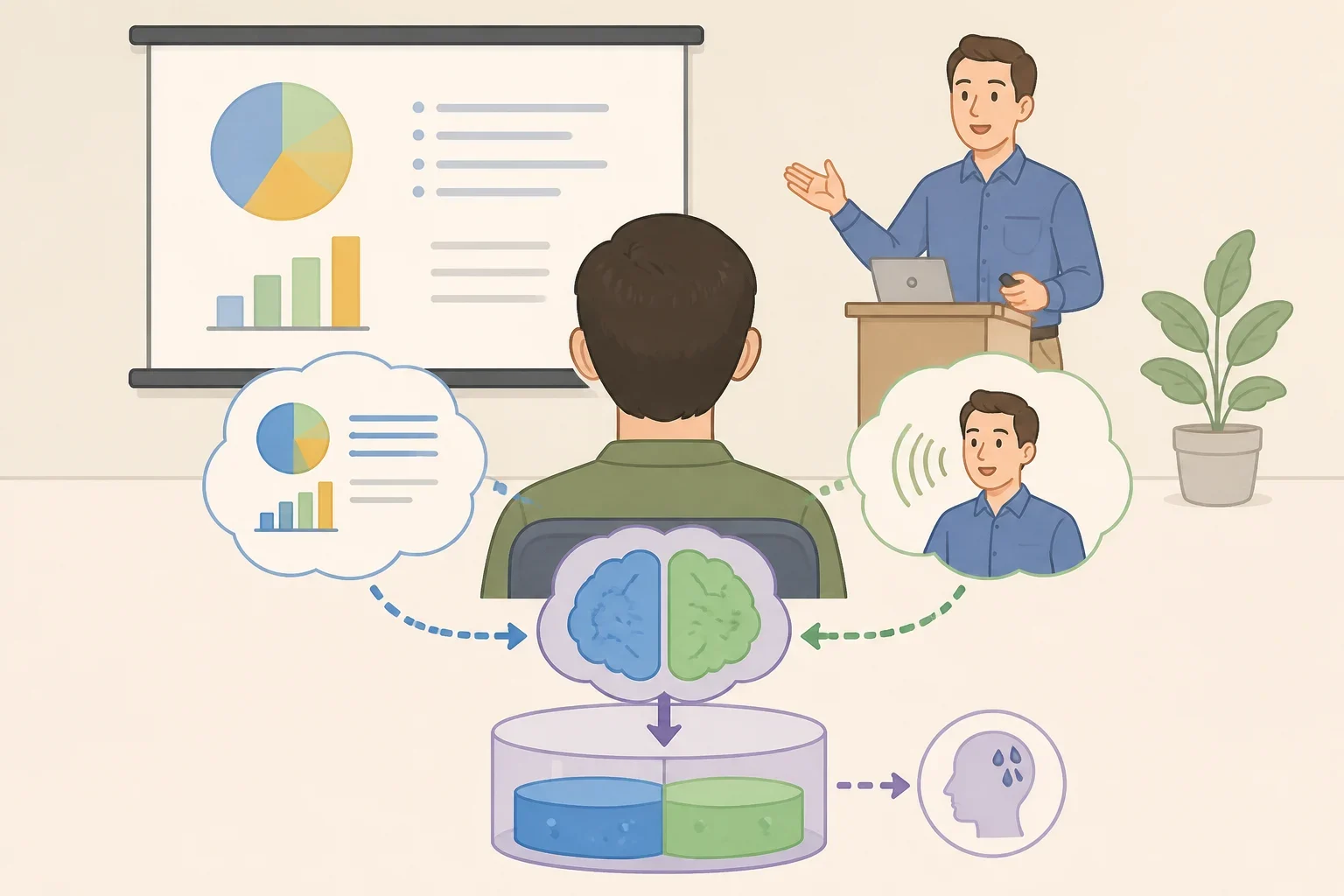
The reasoning behind pairing sparse slides with fuller spoken explanation follows the same split PMC's slide-design guidelines describe: a slide works as one half of a two-part unit, and the spoken half is where anything the audience needs beyond what's on screen belongs (PMC, 2021). The four-part template below is one practical way to put that split into writing before a presenter ever gets on stage.
The message-say-bridge-manage structure shown above is The Classroom's own framework for applying that split, not a method pulled directly from the research. In general terms, each slide gets four short cues:
- Message the one idea this slide needs to land
- Say one explanation, data point, or example not written on the slide
- Bridge the sentence that connects this slide to the next
- Manage a timing cue, pause, or question to ask the audience
Towson's presentation guidance recommends organizing a talk around an engaging opening, three main points, and a close built on a memorable anecdote or summary (Towson University, 2024). Towson frames that "rule of three" as evidence that people process information well in groups of three, which is the source's stated rationale rather than an independently established finding. Either way, it maps onto the template above cleanly: three main points, three sets of message-and-bridge notes carrying the talk between them.
What to put on the slide versus in the notes

Towson and the PMC authors offer several practical heuristics for deciding what stays on screen and what moves into the notes. They come from a few specific sources, not a universal rulebook, so an assignment sheet, employer template, or conference formatting guide should take priority over any number below.
Towson's guideline keeps slides brief: three bullet points or fewer, with text in 24-point font or larger (Towson University, 2024). By this guide's reading, anything that doesn't fit under that limit is a reasonable candidate for the notes instead of the slide.
When an image can represent the material on its own, UC San Diego's guidance recommends dropping accompanying text unless it's necessary for students' understanding, since doing so can make the image "stickier" in students' minds (UC San Diego, 2022). Whatever explanation would have gone in that text block moves into the notes instead.
For pacing, the PMC authors' rule of thumb is roughly one minute per slide, which puts a 20-minute talk at around 20 slides (PMC, 2021). It's less a target to hit exactly than a gut check on whether one set of notes is trying to cover too much ground.
The same source recommends designing each slide so a distracted viewer still catches the main point just by looking at the screen (PMC, 2021). One practical way to apply that: let the slide hold the bare conclusion, and let the notes carry the reasoning and nuance behind it.
A practical PowerPoint speaker notes tip extends to other software too: write cues, not paragraphs, regardless of which program the notes live in. Notes features vary by program and version, so don't assume identical behavior everywhere. Some instructors set a minimum slide count, some employers cap it, and some organizers require notes to stay hidden from the audience during delivery, so confirming slide limits, font sizes, and notes visibility is worth doing before a deck gets locked in.
Rehearsing speaker notes for confident delivery
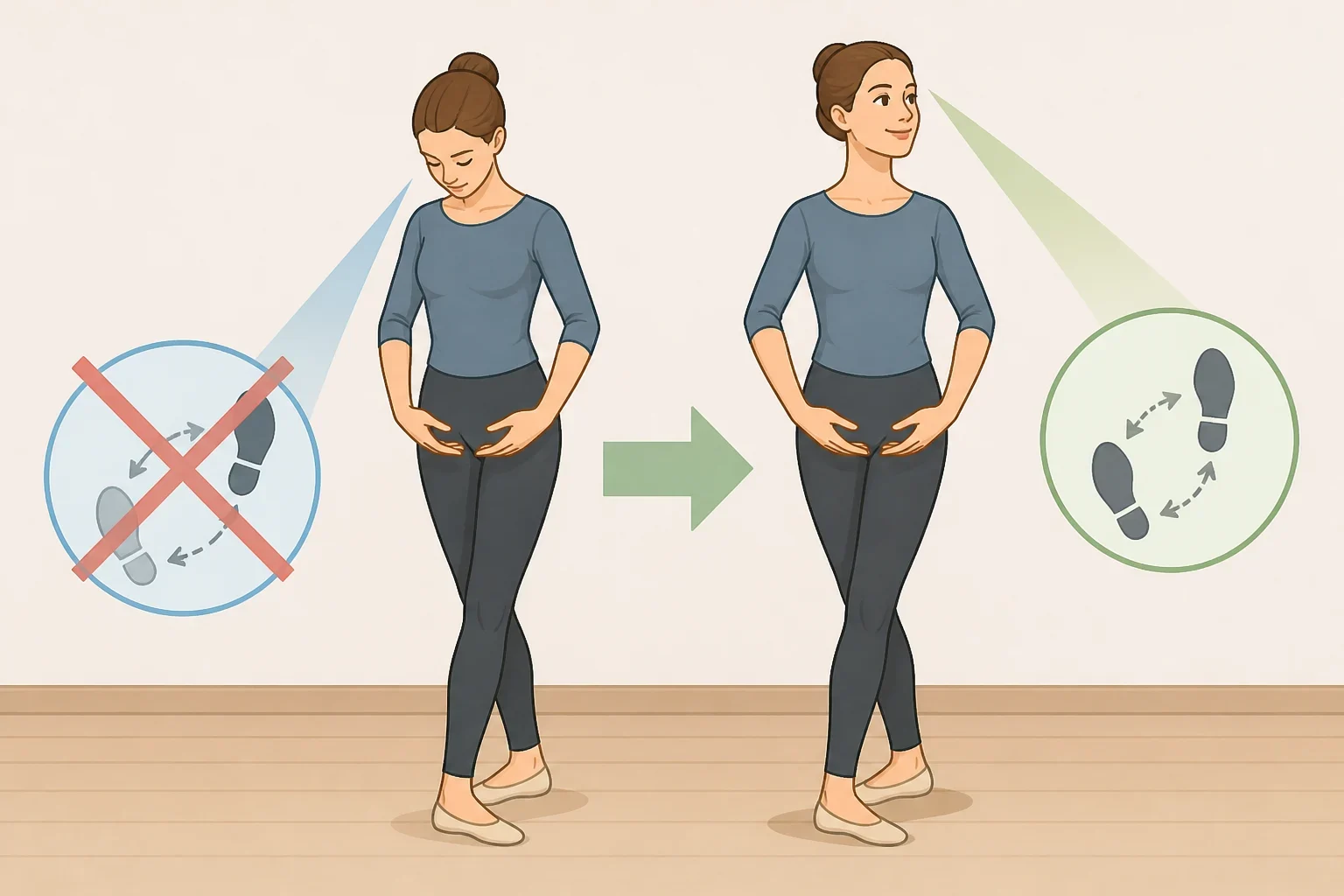
Notes only function as cues if a presenter has rehearsed enough to recognize them at a glance. JMU's Communication Center puts it plainly: "Nothing is more important to the success of your presentation than practice" (JMU Communication Center, 2025).
JMU says its Communication Center can record a presentation to review or share later, and that tutors can give immediate feedback during a practice session (JMU Communication Center, 2025). JMU identifies timing, eye contact, group dynamics, and vocal projection as specific areas its tutors watch for, and those are reasonable things to check in any rehearsal, with or without a tutor present (JMU Communication Center, 2025).
Towson's guidance reports that rehearsing boosts a presenter's confidence, an effect magnified by practicing in front of a live audience, even if that audience is just friends or family (Towson University, 2024).
One approach for trimming notes down to size: after each rehearsal pass, cross out any cue that gets recalled without needing to look down. By the final run-through, what's left should be a short list of cues that still require a glance, not a backup script. That's a practical suggestion from this guide, not a tested method from the sources above.
For managing nerves beforehand, Towson's PCC mentors recommend box breathing: inhale for a count of four, hold for four, exhale for four, hold for four, repeated for several minutes to reduce stress and improve focus (Towson University, 2024). Both sources point to rehearsal as a central part of preparation, not a quick fix that replaces practice.
What to check before the next presentation
Draft notes for one slide of an upcoming presentation using the message-say-bridge-manage structure, then say it aloud using only those four cues, without the full script in front of it. Any phrase that gets forgotten is useful information: either the cue needs rewording, or that section needs another practice pass.
Before finalizing slide count, font size, or whether notes can stay visible during delivery, check the specific requirements set by the teacher, program, or organization hosting the presentation. Those requirements can differ from one classroom or conference to the next, so confirming them early beats reformatting a deck the night before.