
- Longer school calendar: Check instructional time vs. dates
- Four measures to separate before comparing calendars
- Planned reductions and unexpected interruptions are not the same
- Why a changed weekly schedule needs a closer look
- How to calculate the time a schedule provides
- Questions to ask before drawing a conclusion
- What to check next
Longer school calendar: Check instructional time vs. dates
A school calendar can stretch from late summer into spring and still leave an important question unanswered: Did students receive more instruction, or did the district arrange the year differently?
The answer depends on separating four measures: the span shown on the calendar, the instructional time required by the state, the time students are scheduled to be at school, and the time assigned to planned academic instruction. These measures overlap, but they are not interchangeable. State policies define and count them differently, as the Education Commission of the States and the National Center for Education Statistics show.
This distinction matters to families reviewing a new schedule, educators planning a school year, and students trying to understand why a longer-looking calendar may not mean more time in mathematics, reading, science, or social studies. The practical test is simple: determine whether a calendar change adds instructional minutes, rearranges existing time, or changes only the calendar’s appearance.
Four measures to separate before comparing calendars
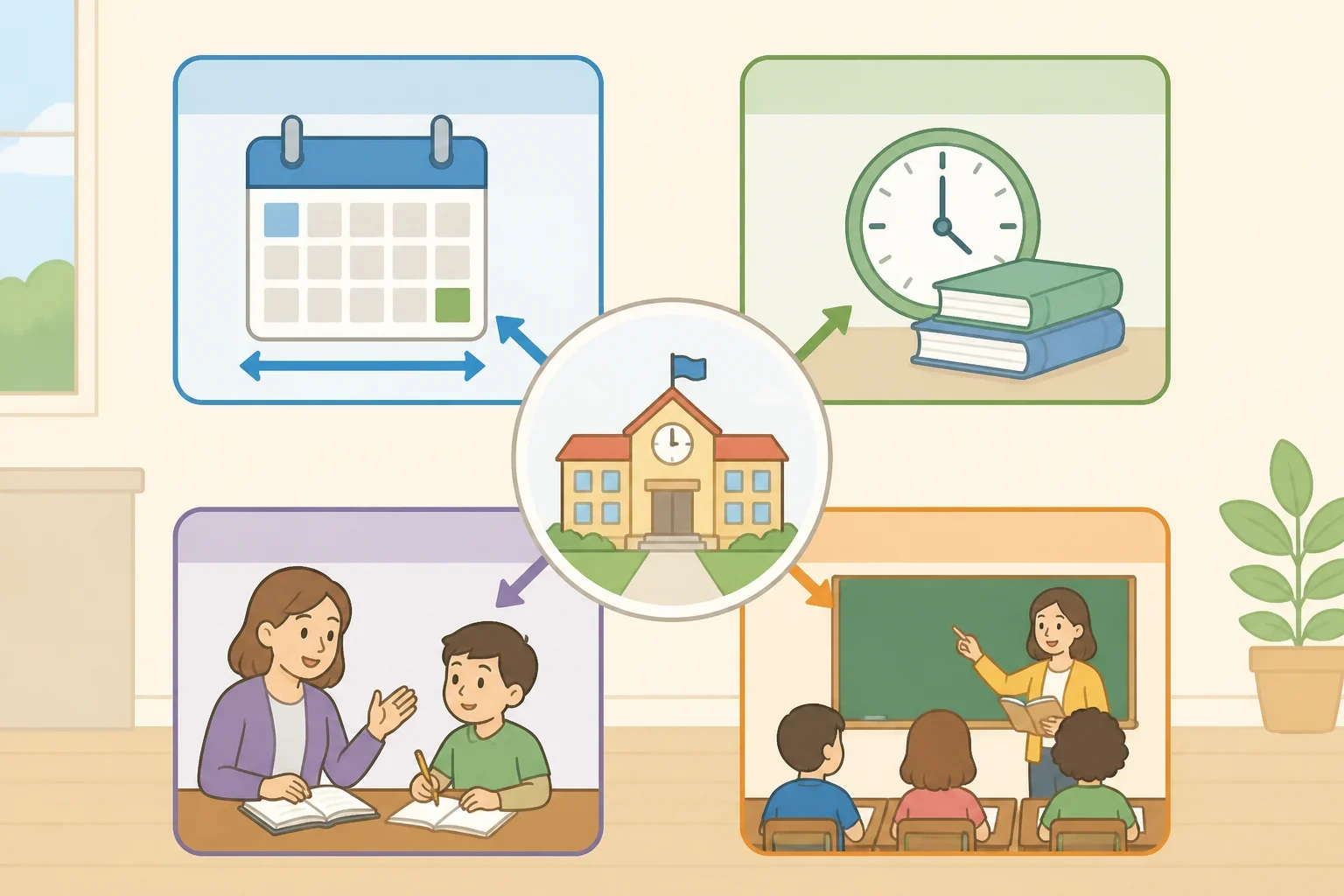
A calendar’s date range is the easiest measure to see and the easiest to overinterpret. It shows when the school year begins and ends, along with holidays, breaks, early-release days, professional-development days, and other events. It does not, by itself, show how many minutes students spend in class.
The next measure is the state’s required instructional time. Depending on the state, that requirement may be expressed through school days, annual hours, annual minutes, attendance rules, or a combination. The Education Commission of the States compares these policies, but a comparison table is only a starting point. The rule that applies to one district may not apply to another.
A day-based requirement and an hours-based requirement can produce different scheduling choices. A district working under an hours-based rule may have more flexibility in deciding how to distribute time across the year. That flexibility does not automatically mean students receive more time with teachers. It means the district has a different way to demonstrate compliance.
Oregon provides a useful example of why the distinction matters. Its official education guidance addresses instructional time through annual hours rather than relying only on a simple count of dates. Families reviewing an Oregon schedule should consult Oregon Department of Education guidance, then check how the district applies that guidance to regular days, shortened days, and closures.
The third measure is scheduled student-contact time. This is the time represented by the daily bell schedule, from the scheduled beginning of the student day to its scheduled end. Depending on local definitions, that period may include lunch, transitions, testing, assemblies, recess, or other activities that are part of the school day but are not ordinary subject instruction. The NCES provides information about school schedules, but a general school calendar cannot show how any one district divides its day.
The fourth measure, used here as an analytical category, is core teaching time. It means the portion of the schedule assigned to planned instruction in academic subjects. It is not necessarily a legal category, and districts may not publicly report it as a separate number. A district may track a subject’s scheduled minutes without tracking how much time remains after transitions, interruptions, testing, or other activities.
These measures answer different questions:
- Calendar span: How long does the school year appear to run?
- Required instructional time: What does the applicable state rule require?
- Scheduled student-contact time: How long are students scheduled to be at school?
- Core teaching time: How much of that schedule is assigned to planned academic instruction?
A useful comparison must identify which question each number answers. Otherwise, a longer calendar can be mistaken for a longer school day, and a longer school day can be mistaken for more core instruction.
Planned reductions and unexpected interruptions are not the same
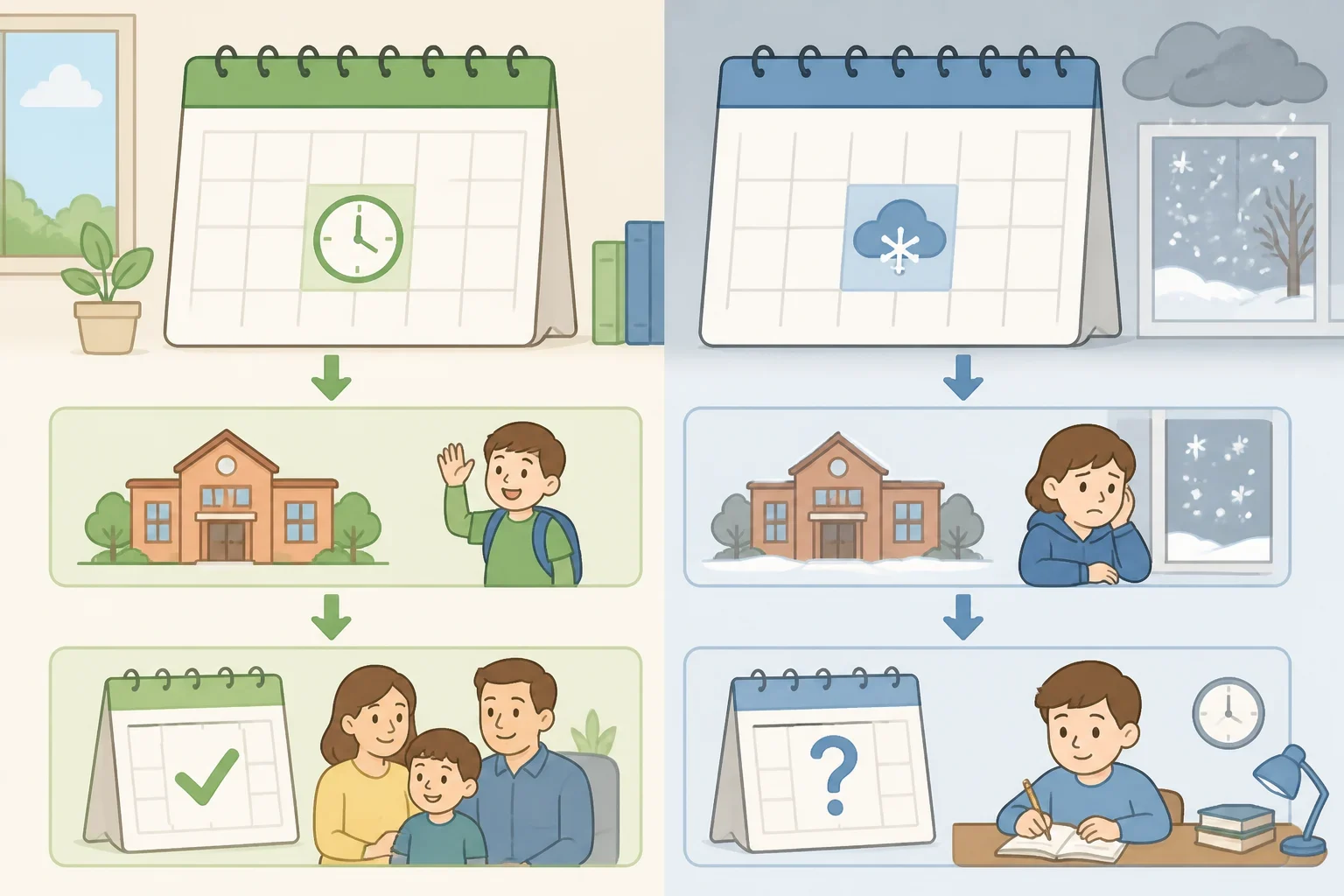
Some time is set aside by design. A district may schedule early-release afternoons for teacher collaboration, professional development, or other district purposes. Testing can also change the ordinary class schedule. These arrangements may be allowed under state rules, but whether they count toward an instructional requirement depends on the state’s definitions and the district’s schedule.
The Education Commission of the States tracks how states approach instructional-time requirements. Its comparison should not be treated as proof that a particular early-release day or professional-development day counts in a particular district. That answer requires the district’s calendar and the applicable state rule.
Unexpected interruptions raise a different question. Weather closures, emergency closures, and remote or asynchronous learning days may be addressed through state law, district policy, or both. The relevant policy may explain whether the time counts toward the requirement, whether students must make up the time, and whether the district can use a different type of instructional day.
ECS tracking of snow-day and make-up-time policies can help identify the issues to check. Families should still read the district’s own closure and make-up policy. A state may establish a framework while leaving local officials to determine how the calendar is adjusted.
The distinction identifies what changed. An early-release day is a scheduling decision made before the school year begins. A weather closure is an interruption that may require a later adjustment. Both can reduce the time available for ordinary lessons, but they should not be combined into one unexplained “lost time” total.
State examples require the same caution. Families in Oregon can review Oregon Department of Education guidance to see how annual-hour requirements interact with local scheduling. Families in Texas should consult Texas Education Agency guidance for the applicable instructional-minutes rules and then ask the district how closures, shortened days, and remote instruction are counted. Neither example should be treated as a national rule.
Why a changed weekly schedule needs a closer look
A schedule that changes the number or arrangement of student days makes the difference between calendar design and instructional time easier to see. The district has to explain how the remaining time is distributed, which activities count, and whether the new arrangement changes weekly or subject-specific minutes.
The first question is compliance: Does the district meet the applicable requirement based on days, hours, minutes, or a combination? The second is instructional: How much scheduled time remains for ordinary lessons? Those questions can have different answers.
A district may meet a state requirement while changing the amount of time students spend in school during a typical week. It may also preserve the total scheduled time while moving minutes among subjects, shortened days, testing periods, or other activities. Neither possibility can be confirmed by looking only at the first and last dates on the calendar.
This is why comparisons should stay narrow. Before comparing an old schedule with a new one, ask:
- Is the comparison based on weekly minutes or annual minutes?
- Does it include shortened days?
- Are testing, assemblies, lunch, recess, or transitions included?
- Does it measure scheduled student-contact time or subject minutes?
- How are closures and make-up time handled?
- Does the district use the same definitions in both schedules?
A district may adopt a changed schedule for staffing, operating, transportation, or community reasons. Those reasons are different from an instructional claim that the schedule improves learning. A calendar decision can address an operational problem while also changing when students receive instruction. Families should evaluate both parts of the decision instead of treating legal compliance as proof of instructional equivalence.
How to calculate the time a schedule provides
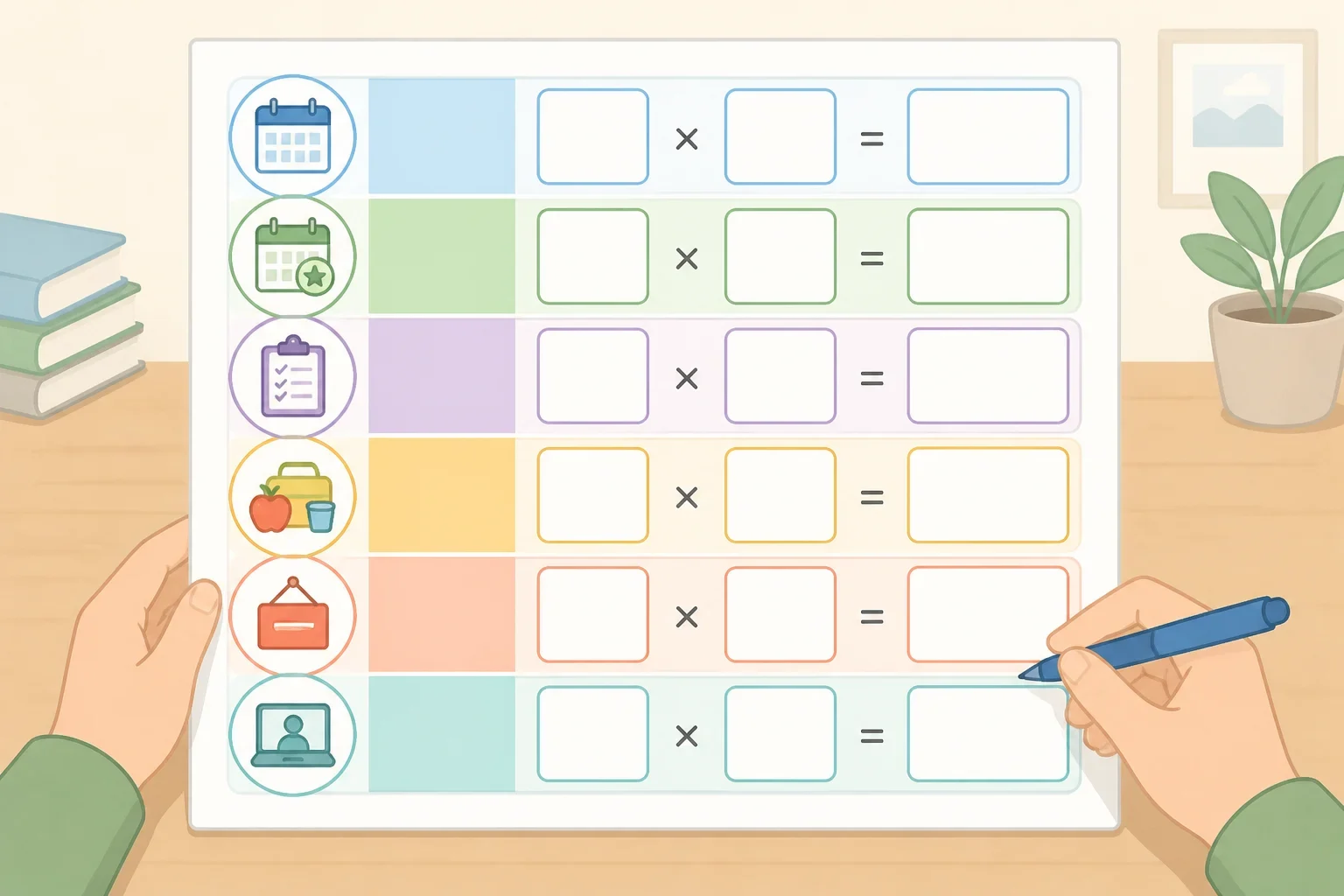
A printed calendar is not enough for a meaningful comparison. Use the calendar, bell schedule, state rule, and closure policy together.
Start by identifying the applicable requirement. Write down whether the state and district use days, hours, minutes, or a combination. Do not convert one measure into another unless the official rule explains how. A school day is not automatically equivalent to a fixed number of instructional minutes.
Next, gather the district’s schedules:
- board-approved annual calendar
- regular-day bell schedule
- early-release or shortened-day schedules
- testing-day schedule, if it differs
- list of professional-development and other non-student days
- closure and make-up-time policy
Then separate the schedule into categories. A simple worksheet can use columns for:
- regular student days
- shortened student days
- student days affected by testing or assemblies
- non-student days
- closure days
- make-up days or added minutes
- remote or asynchronous days
For each type of student day, record the scheduled start and end times. Then record the time that the district identifies as lunch, recess, transitions, testing, or another non-instructional activity. Keep two totals rather than collapsing everything into one:
- Scheduled student-contact time, based on the district’s bell schedule and definitions.
- Scheduled subject minutes, based on the time assigned to academic classes.
That separation prevents a common mistake: treating every minute between the first bell and the last bell as core teaching time. A student may be present at school for a scheduled period that includes activities other than direct instruction.
A comparison can be expressed without pretending that local definitions are universal:
- Total scheduled student-contact time equals regular-day contact time, shortened-day contact time, and other counted student days.
- Scheduled subject minutes equal the subject periods listed in the bell schedules.
- Adjusted annual totals account for those scheduled amounts alongside closures, make-up time, and the state’s counting rules.
The calculation is only as reliable as the district’s definitions. If lunch is included in the state’s instructional-time calculation but not in a family’s estimate of subject instruction, both numbers may be valid for different purposes. Label them clearly.
Questions to ask before drawing a conclusion
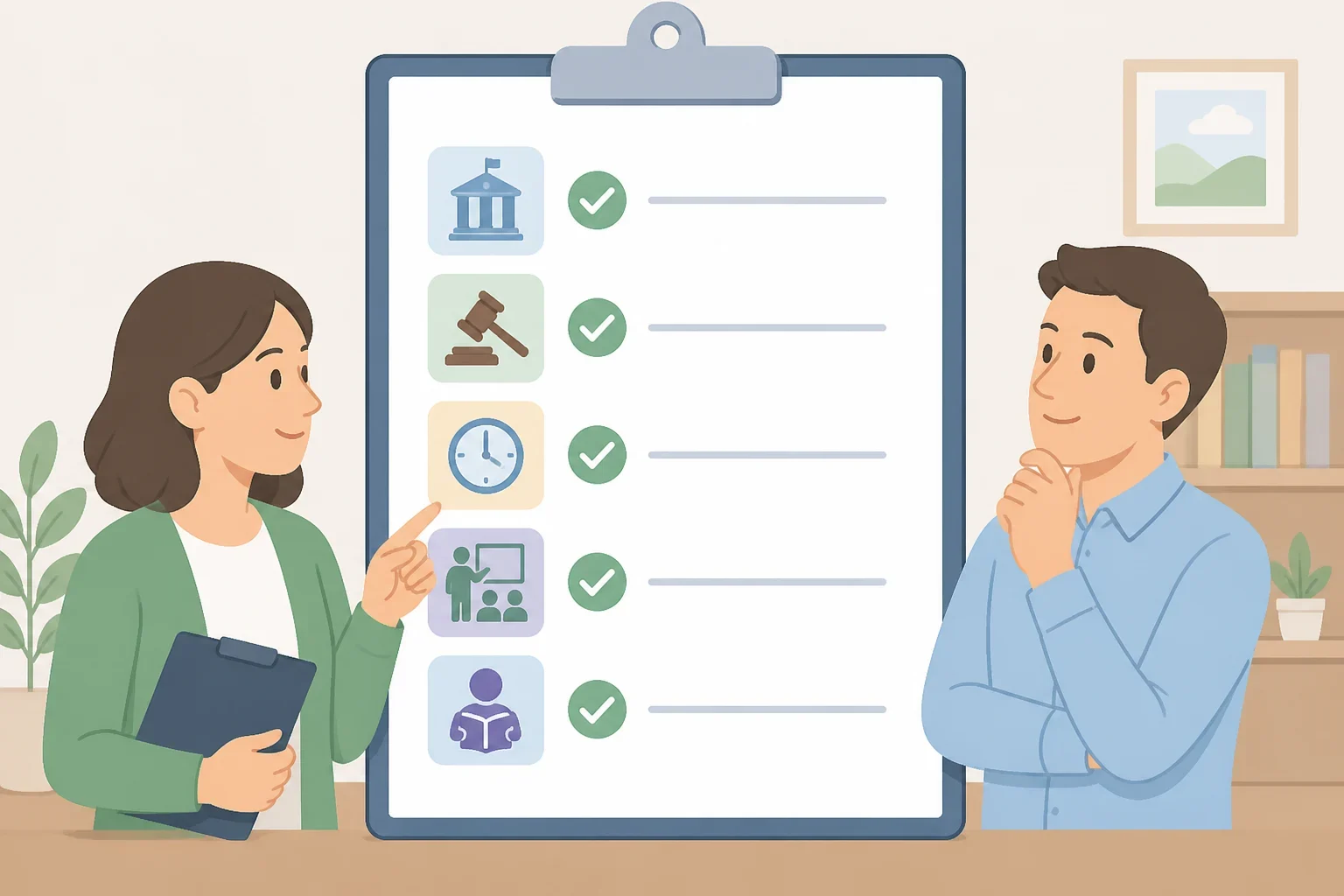
A principal, teacher, or district office can help resolve details that the calendar does not show. Ask:
- Does the district satisfy a requirement based on days, hours, minutes, or a combination?
- Which state rule applies to this grade level and schedule?
- How many minutes are scheduled on a regular day?
- How many minutes are scheduled on an early-release day?
- Which activities are included in the district’s instructional-time calculation?
- How are lunch, recess, testing, transitions, and assemblies classified?
- Which dates are professional-development or other non-student days?
- How are weather closures counted?
- Do remote or asynchronous days count, and under what conditions?
- If time is lost, what make-up schedule does the district use?
- How many minutes are assigned to each core subject before and after the schedule change?
The answers may differ by state, district, grade level, school, and local policy. A district’s statement that a calendar “meets requirements” answers the legal-compliance question only. It does not necessarily answer how much time students spend in each subject or how much of the school day is available for ordinary teaching.
Use the documents to determine what changed: annual instructional minutes, weekly schedule, subject time, or only the calendar’s appearance. That is a more useful question than whether the calendar looks longer.
What to check next
Start with the board-approved calendar and the regular bell schedule. Add the early-release schedules and the district’s closure policy. Then locate the applicable state rule through the district or state education department website.
Compare the district’s categories without treating them as interchangeable. Check the required total against the district’s stated method of counting time, and keep student-contact minutes separate from scheduled core-subject minutes. If the schedule changed, ask the district to show how the change affects regular days, shortened days, closures, make-up time, and each core subject.
A longer school year may add instruction. It may rearrange the same instruction across a different schedule. It may also include more calendar dates without adding comparable subject minutes. The documents and the calculation will show which of those occurred.