
- LinkedIn Profile Examples for Students: Build Every Section
- Set the photo and custom URL first
- LinkedIn headline examples for students
- What to include on a student LinkedIn profile: About and Education
- Choosing the right section for each activity
- How to create a LinkedIn profile for students with no job experience
- What to do after your profile is ready
- Finish your profile and set a semester update reminder
LinkedIn Profile Examples for Students: Build Every Section
A recruiter, professor, or alumni contact who searches your name may use your LinkedIn profile to learn more about your education and experience, sometimes before you ever get to explain it yourself. LinkedIn is the world's largest professional networking platform, with more than 1 billion users, according to the University of Cincinnati's career office in guidance published last year (UC Campus Life). A profile that only reads "Student at [University]" with no photo doesn't tell that visitor much, which is exactly what the sections below are meant to fix.
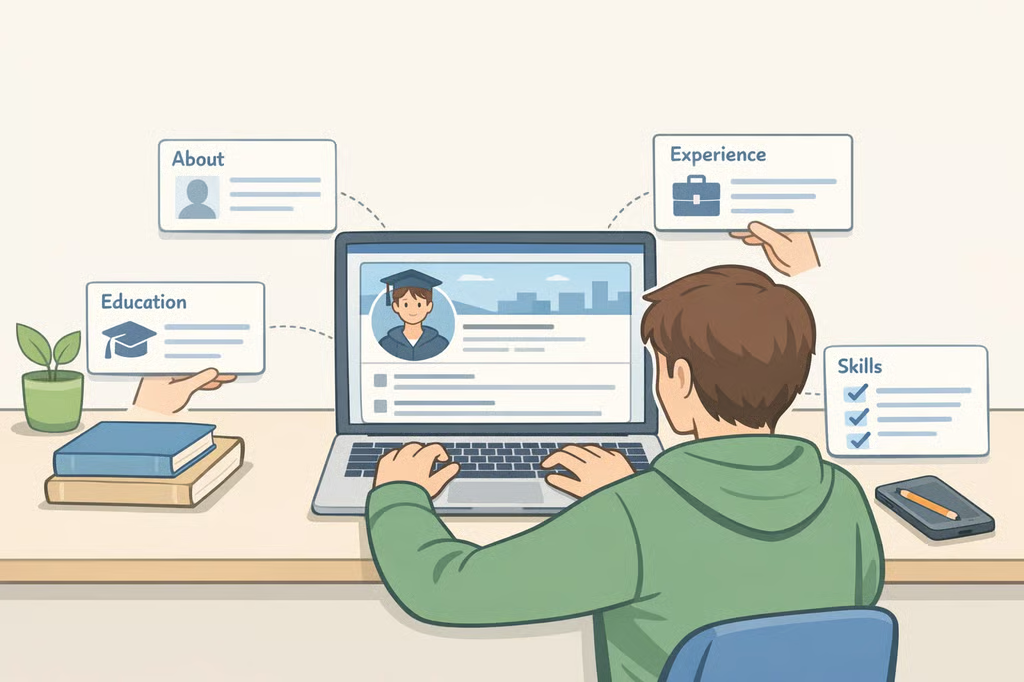
This guide walks through LinkedIn profile examples for students in the order a visitor actually sees them: photo and URL, headline, About, Education, Experience, and Skills, with a template and a filled-in example for each section.
Most of the specific examples here come from the University of Cincinnati's published career resources, along with additional guidance from St. John's University. The steps apply to any student building a LinkedIn profile for college students or recent grads, whether at a four-year university, a community college, or a certificate program. Where a resource, like a specific coaching office, is only open to students at one school, that's noted so students elsewhere know to check with their own career center.
Set the photo and custom URL first
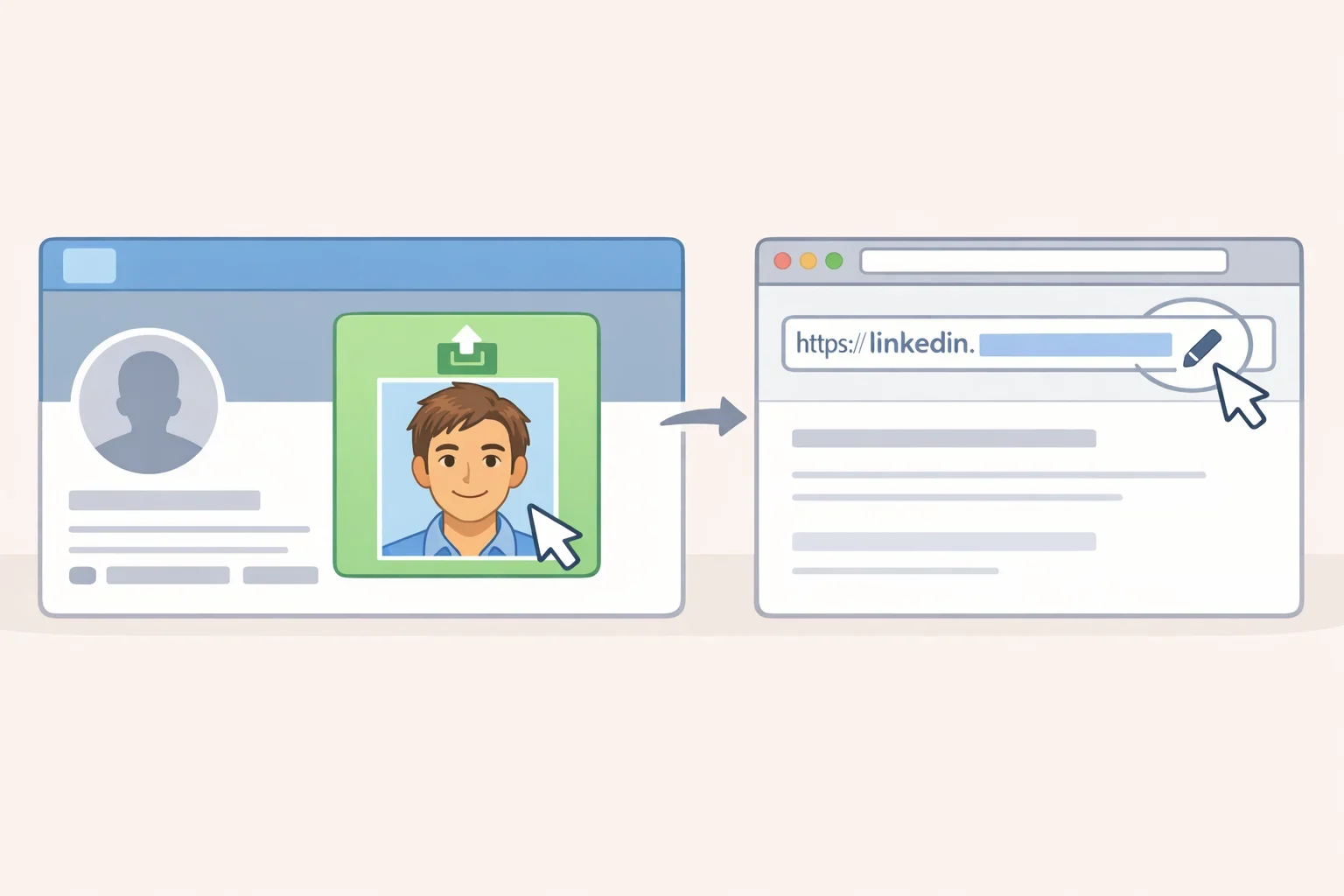
Two changes take almost no writing and should happen before drafting anything else: the profile photo and the custom URL.
LinkedIn profiles with a photo get up to 21 times more views than profiles without one, according to UC's career support page (UC Campus Life). That figure comes from UC's own guidance rather than a cited LinkedIn study, so treat it as a strong reason to add a photo, not a guaranteed outcome.
For the image, UC recommends a headshot around 400 by 400 pixels, with anything up to 2048 by 2048 pixels acceptable. Skip small or low-resolution photos that look blurry once uploaded (UC Campus Life). No professional headshot on hand? St. John's University advises students to get professional headshots at campus Career Expos and other events held during the semester (St. John's University). Ask your own career center whether it runs something similar.
Next, set a custom URL. Go to "Edit public profile & URL" in your settings and change it to a format like linkedin.com/in/firstnamelastname (UC Blog; UC Campus Life). It's a small edit, but it's easier to share on a résumé or in an email signature than the numbered string LinkedIn assigns by default.
LinkedIn headline examples for students
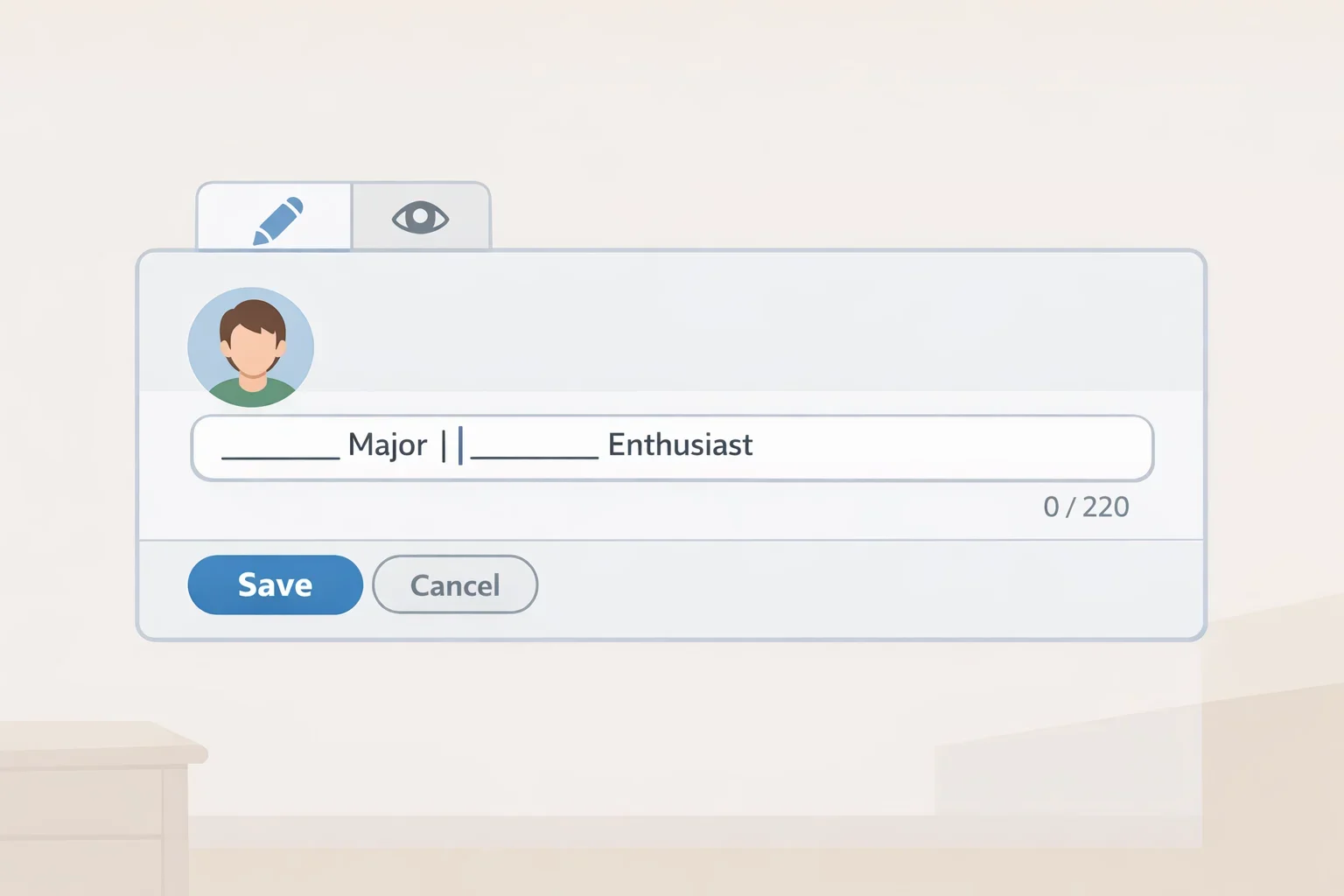
LinkedIn caps headlines at 220 characters, and UC's career guidance recommends using that space to name a field, focus, or specific opportunity rather than stopping at a job title (UC Blog).
UC's own model headlines include:
- "Mechanical engineering major | Co-op experience in automotive design"
- "Computer science student interested in data analytics and cybersecurity"
- "Marketing student passionate about brand strategy and digital content"
- "Psychology student exploring research and human behavior"
(UC Blog)
Each names a major plus a specific interest, project type, or experience. UC's Campus Life office offers a more application-specific format for a student targeting a particular term: "Finance Student at University of Cincinnati | Lindner College of Business | Seeking Summer 2026 Internship" (UC Campus Life). Because that source example points to Summer 2026, swap it out for the term and year you're actually targeting rather than copying it as-is.
A basic template to fill in: [year/major] at [school] | [specific skill, interest, or experience] | [optional: seeking X].
Weak: "Student at [University]."
Better, using UC's own wording: "I'm a third-year computer science student at the University of Cincinnati interested in cybersecurity and data analytics" (UC Blog). That line also works as an About-section opener, covered next.
For a student who hasn't held a formal job yet, here's a fictional example built on the same format: "Second-year biology major at [State University] | Lab volunteer interested in public health research." No job title required, just a major and a direction.
Mitchell Phelps, a LinkedIn enterprise account director and UC alumnus, says the most common mistake he sees is a profile that doesn't show "who [a person] actually is" (UC News). Use these templates as a starting structure, then fill them with your actual major, project, or interest instead of leaving the brackets in place.
What to include on a student LinkedIn profile: About and Education
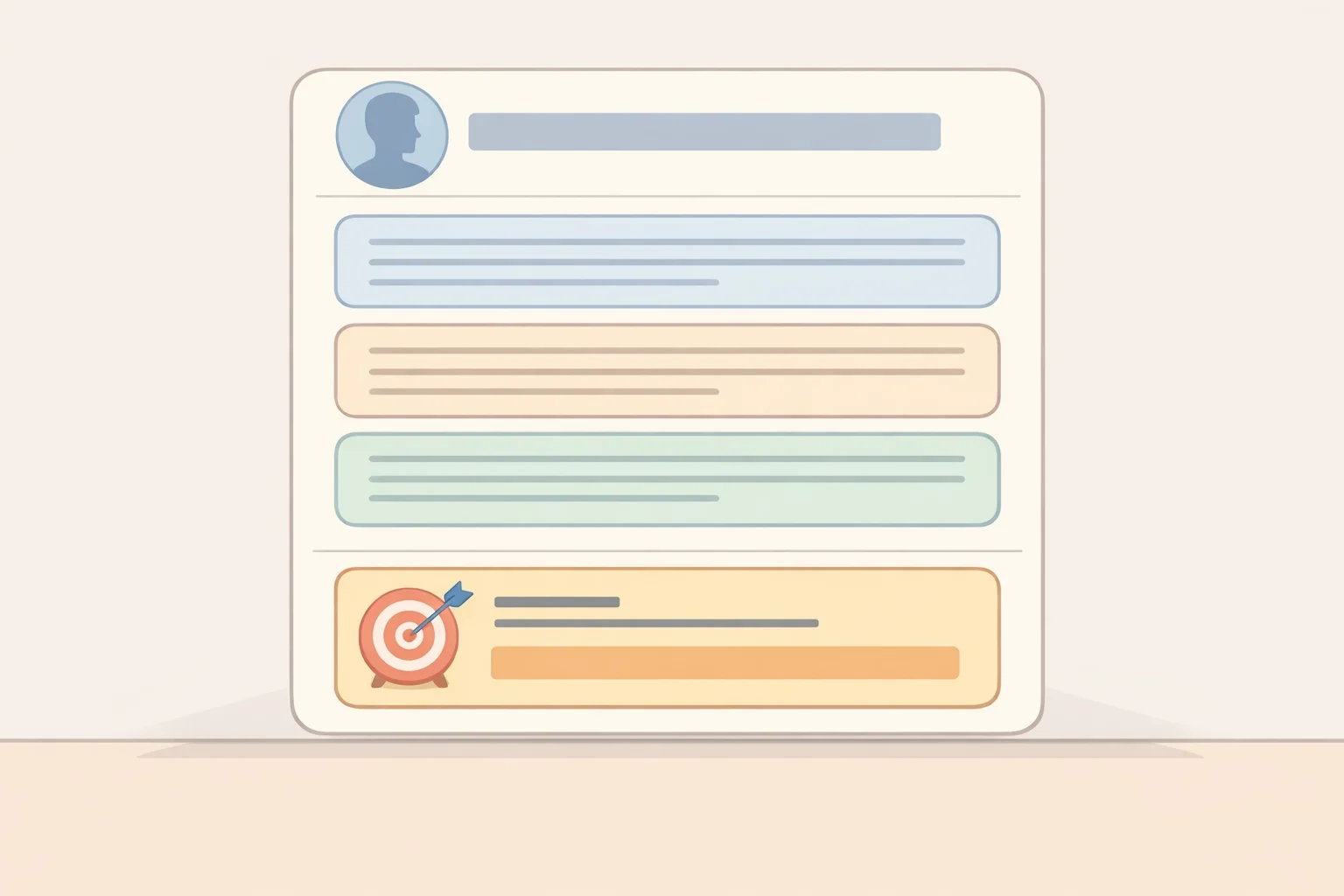
The About section gives a headline room to breathe. UC recommends keeping it to three to five short paragraphs, roughly 200 to 300 words, closing with a direct statement of what you're looking for next, whether that's an internship, research role, or co-op (UC Blog; UC Campus Life).
UC's published opener for a business student reads: "As a sophomore at the University of Cincinnati's Lindner College of Business, I'm passionate about leveraging data analytics to drive business decisions" (UC Campus Life). Building on that structure, here's a fictional four-paragraph About section:
- Paragraph 1, who you are and your direction: "I'm a third-year computer science student at the University of Cincinnati interested in cybersecurity and data analytics" (UC Blog).
- Paragraph 2, what you've done: "Through coursework and a class project, I've built experience analyzing network traffic data and identifying security vulnerabilities in sample systems."
- Paragraph 3, skills or relevant coursework: "My classes have focused on data structures, applied statistics, and introductory cybersecurity, and I've taught myself Python and SQL outside of class to support my project work."
- Paragraph 4, closing with what's next: "I'm currently looking for a summer internship or co-op in cybersecurity or data analytics, starting in [term/year]."
Paragraphs two and three are invented for this example. Don't paste them into a real profile word for word; write your own version based on actual coursework, projects, or reading you can speak to in an interview.
The Education entry doesn't need to be complicated. At minimum, list your school, degree or major, and expected graduation date; add relevant coursework, honors, or study abroad experience if it supports the direction stated in your headline and About section. None of the UC or St. John's material reviewed for this guide includes a full sample Education entry, so if your own school's career center publishes one, compare it against what you've written.
Choosing the right section for each activity
LinkedIn's profile has more than one place to put an accomplishment, and picking the right one matters as much as writing a good description. The names and layout of these sections can change over time, so check your own profile editor's current menu before assuming a section is or isn't available. As a general guide:
- Use Experience for a role with ongoing responsibilities, such as a job, co-op, or a recurring student organization position.
- Use Projects, if it appears in your editor, for a defined class assignment or independent project rather than an ongoing role.
- Use Volunteer Experience, if it appears in your editor, for unpaid service work that isn't tied to coursework.
- Use Education for coursework, honors, and academic context that supports your direction.
- Use Featured, if you have something worth linking to, for writing samples, a portfolio, or a project you can point someone toward directly.
Before publishing any entry, check what you're allowed to share. Don't post a personal phone number or home address in a section any visitor can see. If a class project or job involved a real employer's or client's confidential information, check your syllabus or your employer's policy, or ask your professor or supervisor, before describing specifics publicly.
How to create a LinkedIn profile for students with no job experience

Experience doesn't have to mean a paid job. Class projects, student organization roles, research assistantships, volunteer work, campus jobs, and internships or co-ops can all support a strong profile, placed in whichever section fits best from the list above.
Two real examples from UC students show how a campus role, not just an off-campus job, can carry a measurable result:
- Marketing Co-op, UC Athletics: "Managed social media content and helped increase engagement by 30% over one semester" (UC Blog).
- Marketing Assistant, UC Campus Recreation: "Supported the marketing team with event promotions and social media campaigns. Designed flyers, managed Instagram content and increased student engagement by 25%" (UC Blog).
A St. John's University example applies the same approach to unpaid club leadership: a marketing coordinator for a student Financial Management Association chapter credited a "500% increase in social media engagement over two years through innovative content creation and strategic communication efforts" (St. John's University). Club leadership can demonstrate the same kind of skill as a paid title when the description names a real responsibility and a specific, honest result.
For students without any of these yet, here are two fictional examples covering a class project and a volunteer role:
- Class project: "Marketing Campaign Project, [Course Name], [University]. Developed a social media campaign proposal for a local nonprofit as a semester-long class assignment, including audience research and sample content."
- Volunteer role: "Volunteer Tutor, [Organization Name]. Tutored middle school students in math twice a week for one semester, tracking session notes to support consistent progress."
Neither invented example includes a made-up percentage. If a real result exists and can be documented, such as a survey response rate or a grade improvement an actual program tracked, include it. If it can't be verified, describe what you did instead of guessing at a number.
A basic template for any entry: sentence one states the responsibility ("Managed social media content for a 20-person student organization"), sentence two states the outcome ("Grew follower count by 40% over one semester"). A title alone, with no description, leaves out the detail a recruiter would need, since recruiters and employers may review a profile directly to learn more about a candidate (Lindner College of Business).
For Skills, UC recommends starting with five to 10 skills tied to a major, interests, or career goals (UC Blog). St. John's sample list mixes technical and soft skills pulled straight from coursework and activities: Data Manipulation, Data Analysis, Qualitative Research, Academic Writing, Leadership, Community Service (St. John's University). A computer science student following the cybersecurity example above might instead list Python, SQL, Network Security, Data Analysis, Problem Solving, and Team Collaboration.
What to do after your profile is ready
Building the profile and using it are two different tasks. Once the sections above are filled in, the work shifts to outreach and upkeep.
Phelps argues that applying to a job posting alone often isn't enough anymore, and recommends messaging the hiring manager directly after applying to explain interest and how a candidate's background fits (UC News). That's one professional's advice, not a required step, so pair it with applications, career fairs, and job boards rather than relying on messages alone.
A simple outreach template: name a shared connection, such as school, major, or organization; state one specific reason for reaching out; ask one limited question. For example: "Hi [Name], I'm a [year/major] at [school] interested in [specific field]. I saw you work in [area] and wanted to ask: [one specific question]."
UC also encourages students to follow their university, college, and career-relevant organizations on LinkedIn, pointing to a network of more than 350,000 alumni worldwide as a resource for these connections (UC Blog; UC News).
On timing, UC recommends updating a profile at least once a semester (UC Blog), and its business school notes that if a profile isn't current, that can work against a student, since recruiters and employers may review it directly and an outdated profile can cost someone a role they wanted (Lindner College of Business).
UC students specifically can get one-on-one coaching and feedback on their profile through the Bearcat Promise Career Studio, which offers drop-in and virtual sessions, or through Lindner Career Services, booked through My Bearcat Network (UC Blog; Lindner College of Business). Peer drop-in coaching has run weekdays from 1 to 4 p.m. during fall and spring semesters, though it's worth confirming current hours before showing up (Lindner College of Business). Students outside UC should ask their own career center whether it offers a comparable one-on-one review.
UC's career resources also list Handshake alongside LinkedIn as a job-search platform, and UC students get free access to it through their university login (Lindner College of Business). Treat LinkedIn as one part of a broader search that should also include career fairs, your school's career center, and direct applications to employers.
Finish your profile and set a semester update reminder
Five parts of this profile don't depend on having a job history: the photo, the custom URL, the headline, the About section, and the Education entry. Most students can finish all five in one sitting. Start there.
Next, add at least one Experience, Projects, or Volunteer entry using the responsibility-plus-outcome template, built around something you can actually verify. Update the Skills list to match.
Then set a recurring reminder at the start of each semester to revisit the whole profile, matching UC's recommended schedule (UC Blog). UC students can book a review through the Bearcat Promise Career Studio or Lindner Career Services via My Bearcat Network before that update (Lindner College of Business); students at other schools should check with their own career center about comparable support before their next round of applications.