
- Gemini for Students of All Ages: What Schools Should Know
- What's confirmed, what's announced, and who controls it
- What Gemini for students of all ages includes
- Gemini study notebooks for students: what the new tools do
- Gemini school account teacher controls vs. administrator oversight
- Before assigning AI study tools: an academic integrity check
- What schools and families should verify
Gemini for Students of All Ages: What Schools Should Know
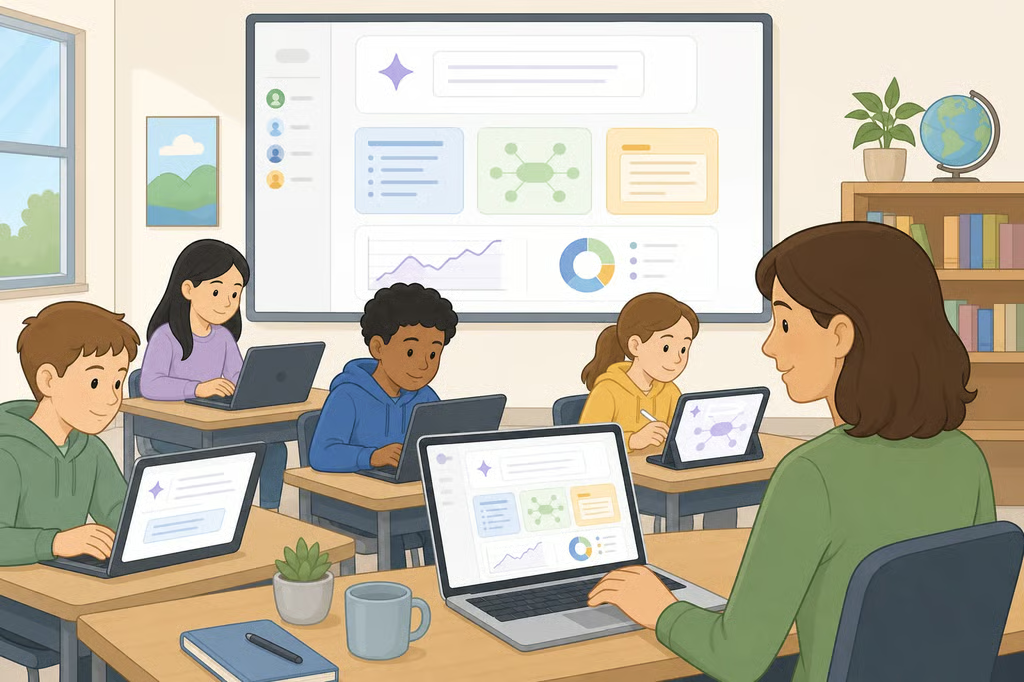
Google says Gemini for students of all ages is now standard across Google Workspace for Education, a status the company first announced in June 2025 and expanded three months ago with a batch of new AI study tools (Google, June 2025; Google, June 2026). The June 2026 update added adaptive "study notebooks," no-cost ACT and GRE practice tests, and several teacher-facing tools built directly into Google Classroom (Google, June 2026).
Broad platform access doesn't mean every feature works the same way on every account today. Availability still depends on a student's age, whether the account is personal or school-issued, the device in use, the language setting, and which Workspace for Education plan a school has purchased.
The research available for this article documents Google's June 2025 and June 2026 announcements only. It doesn't include anything published more recently, so schools and families should verify current status in the Admin console or Google's own product documentation before assuming a specific feature is live.
What's confirmed, what's announced, and who controls it
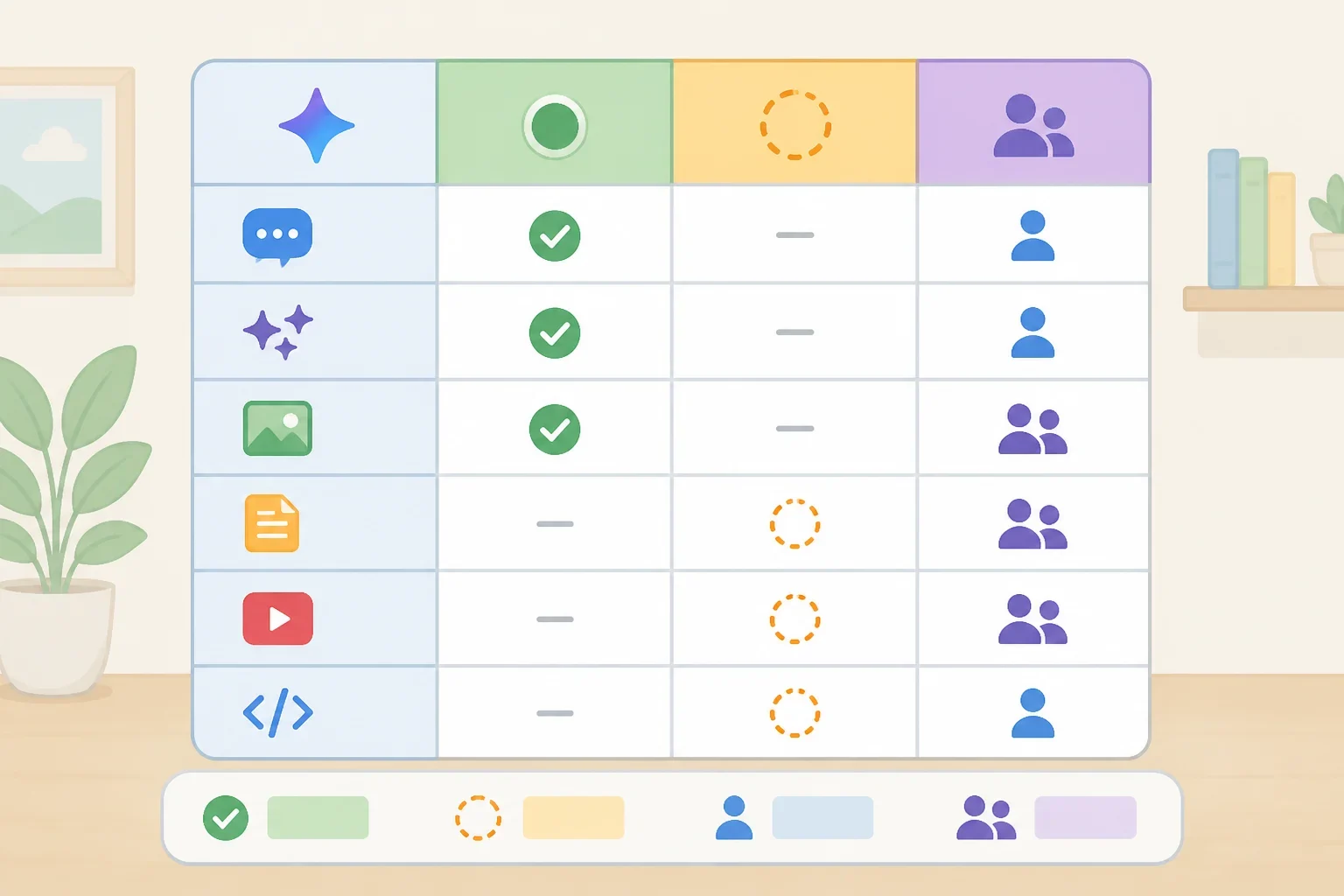
Before assuming a feature works on a specific account, it helps to see what Google has stated as live versus what it has only announced, and what the company says about who manages each layer.
Feature What Google reported Access details Gemini app, all ages Described as live since June 2025 (Google, June 2025) Administrators manage access through the Admin console Gemini in Classroom (teacher AI tools, 30+ features) Google said this became free for all Workspace for Education editions starting June 2025 (Google, June 2025) Included in Workspace for Education editions, per Google Classroom app in Gemini Google reported this as available globally in English for users 18 and older, launched as part of its June 2026 announcement (Google, June 2026) Limited by account age and language Gemini in Classroom destination for students of all ages (study guides, quizzes, Guided Learning) Google said it is "bringing" this to students of all ages, with no launch date specified (Google, June 2026) Not detailed in Google's announcement Teacher-assigned study notebooks, Guided Learning, NotebookLM Google described this as "coming months" work as of June 2026 (Google, June 2026) Depends on the school enabling it once available Study notebooks, personal accounts Google said this rolled out for users 18 and older, desktop only, with mobile planned for later in the summer (Google, June 2026) Personal account, age 18+ Study notebooks, school-issued accounts under 18 Google said this was arriving "in the coming weeks" as of June 2026 (Google, June 2026) School-issued account No-cost ACT/GRE practice tests Google said these were launching "in the coming weeks" as of June 2026 (Google, June 2026) Tied to the study notebooks rollout Class tools screen lock to NotebookLM/Guided Learning Google reported this as available on Chromebooks (Google, June 2026) Requires Workspace for Education Plus or the Teaching and Learning add-on, plus Chromebooks for the teacher and every student
What Gemini for students of all ages includes
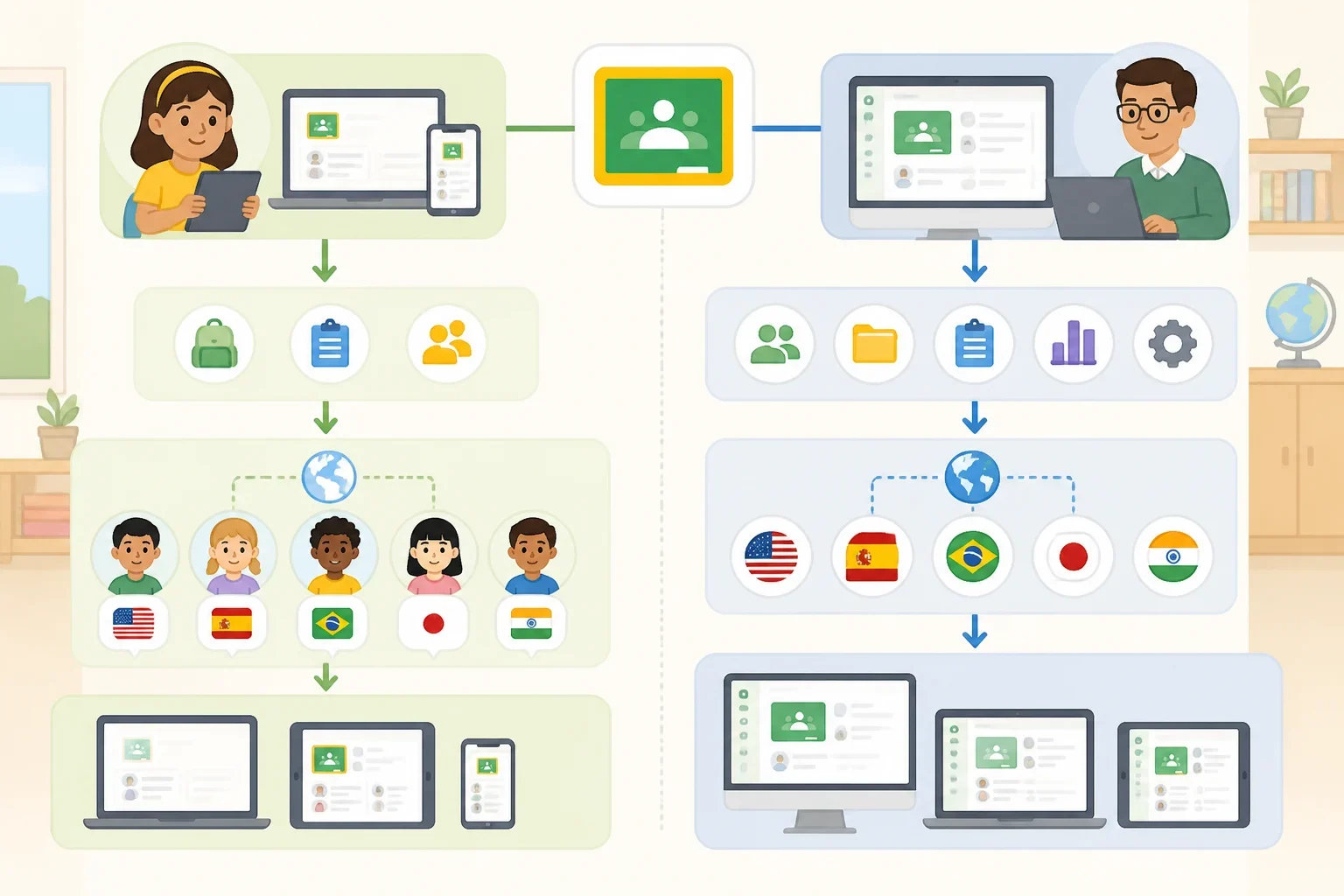
Google Gemini student access starts with the broadest layer: the standard Gemini app itself. Google describes it as a core Workspace for Education service, included in a school's existing plan at no added cost, starting June 2025 (Google, June 2025).
The newer Classroom app inside Gemini is a narrower product. Google launched it three months ago, but it's available globally only in English and only for Workspace for Education users 18 and older (Google, June 2026). That's a real limit for Gemini for K-12 students, since the feature requires an account age most K-12 students haven't yet reached.
Separately, Google says it is bringing a different feature, a central destination inside Google Classroom for creating study guides, taking quizzes, and using Guided Learning, to students of all ages (Google, June 2026). The announcement doesn't include a launch date for this piece, so it's fair to call it announced rather than confirmed live on any particular account.
Study notebooks follow their own staggered timeline. Google rolled the feature out first to personal accounts for users 18 and older, on desktop only, with mobile support planned for later in the summer. School-issued accounts for students under 18 were promised access "in the coming weeks" as of that same June 2026 announcement (Google, June 2026).
Gemini study notebooks for students: what the new tools do
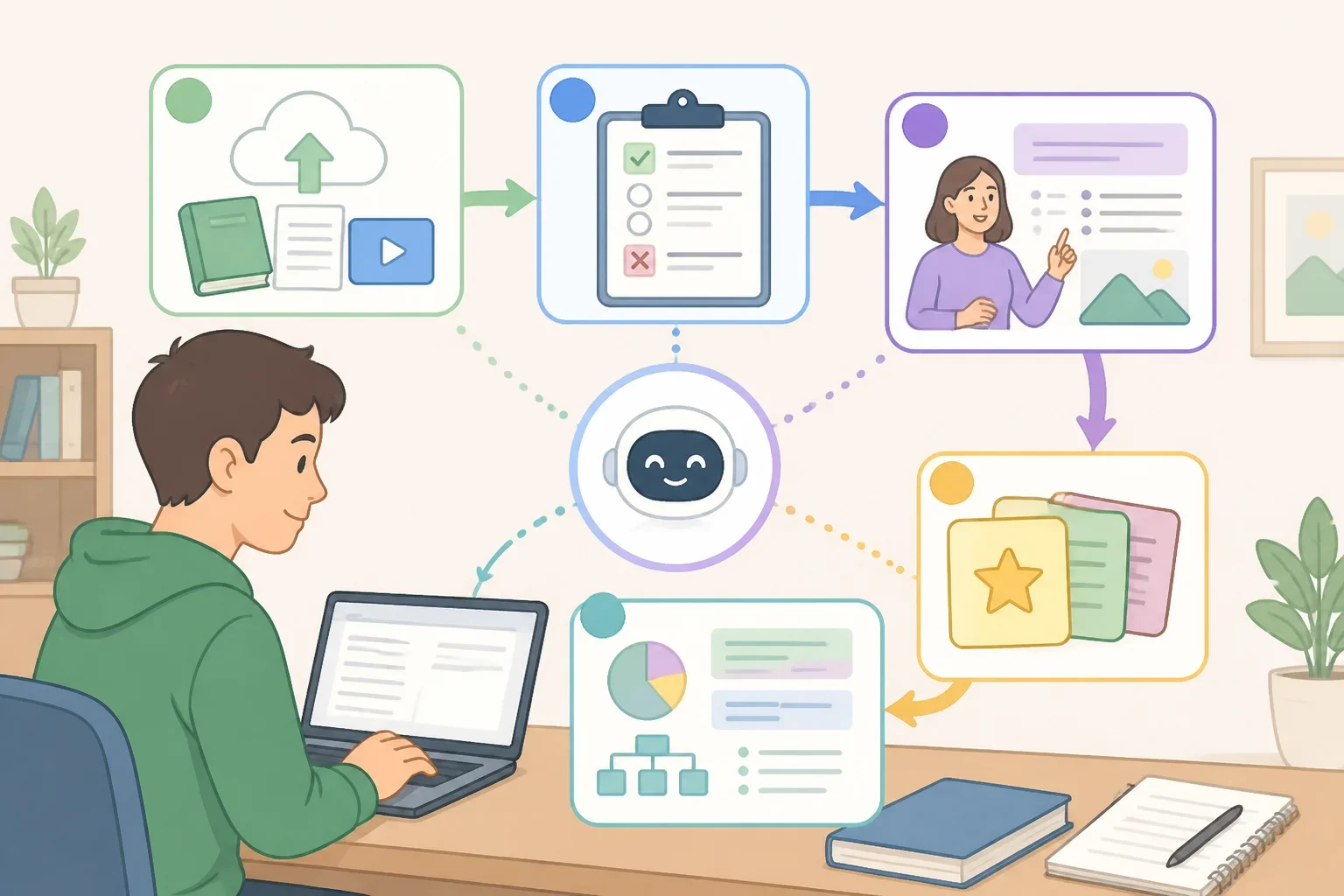
Study notebooks work as an adaptive planner. A student uploads class materials or types a prompt, takes a diagnostic quiz, and receives a series of short lessons that adjust as new quiz results and materials come in (Google, June 2026).
The feature connects to NotebookLM, letting a student move from a study notebook into asking questions about their own course materials or generating flashcards and infographics from them (Google, June 2026).
Test prep rides along on the same rollout, and Google said it was launching in the coming weeks as of that announcement: full-length, no-cost ACT and GRE practice tests built with The Princeton Review, plus SAT support and planned Akira ENEM prep for students in Brazil, each producing a topic-by-topic performance breakdown (Google, June 2026).
Teachers have their own version of custom AI assistants. Google said last year it planned to add four Gems templates to Classroom: Study Partner, Quiz Me, Brainstorm Partner, and Real-World Connector, each grounded in materials a teacher selects (Google, June 2025).
One claim is worth flagging before anyone repeats it as settled fact. Google describes Guided Learning as "proven to drive positive learning outcomes" (Google, June 2026), but its own post doesn't cite a study, sample size, or methodology behind that statement.
Gemini school account teacher controls vs. administrator oversight
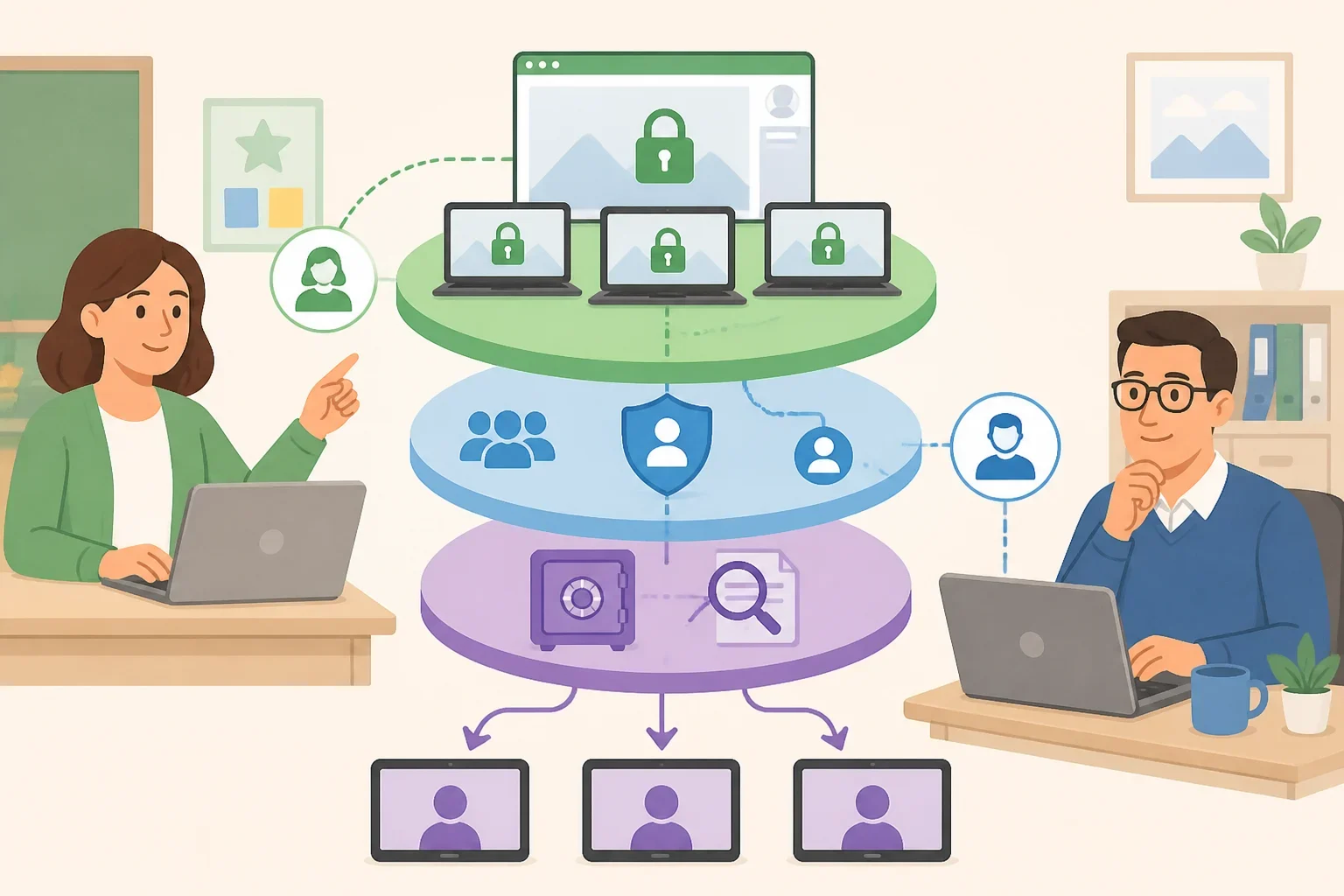
Google said teachers will soon be able to assign a study notebook grounded in class material and gain insight into where a class or an individual student needs more help, a view tied to that specific assignment (Google, June 2026). Google describes teacher insights in the context of assigned activities; its announcement doesn't establish that teachers can view all of a student's Gemini activity.
On Chromebooks, teachers can already use Class tools to lock student screens to NotebookLM or Guided Learning mode during class, cutting distractions while giving them visibility into that session's work (Google, June 2026). Google separately said a new toggle that makes this even easier is "coming soon," so the lock-screen capability itself is reported as available now, while that specific upgrade isn't yet. Either version requires Google Workspace for Education Plus or the Teaching and Learning add-on, plus Chromebooks for the teacher and every student in the class (Google, June 2026).
Systemwide governance sits above individual classrooms. Administrators, not teachers, manage who has access to Gemini and NotebookLM through the Admin console, can search domain-wide Gemini conversations using Vault, and can pull usage reports (Google, June 2025).
Google also describes several protections specific to younger users: stricter content policies for under-18 accounts, a youth onboarding experience with AI-literacy resources endorsed by ConnectSafely and the Family Online Safety Institute, and a Search-based check the first time a student asks a fact-based question (Google, June 2025). These are the company's own descriptions of its safeguards, not results from independent testing.
Google says Workspace for Education data isn't used to train AI models and that Gemini for Workspace for Education holds the Common Sense Media Privacy Seal (Google, June 2025). Google's announcement doesn't spell out what that seal evaluates or the criteria behind it.
For outside context, UNESCO's guidance on generative AI in education calls for formal age limits on students' independent conversations with GenAI tools and a human-centered, age-appropriate approach to how they're designed and vetted (UNESCO, updated January 2026). That's general policy guidance, not an assessment of whether Gemini's specific safeguards meet the standard UNESCO describes.
Before assigning AI study tools: an academic integrity check
Grounding is the key distinction between the tools schools control and the ones students use on their own. A study notebook or NotebookLM session a teacher builds from selected class materials stays tied to what's being taught in that class. Google describes these teacher-led experiences as grounded in selected Classroom materials; its announcements don't say that every response from the general Gemini app is limited to those same materials (Google, June 2025; Google, June 2026).
Neither source addresses whether a teacher's specific assignment treats an AI-generated study guide, quiz, or flashcard set as a private study aid or as a submitted product. That line is set by the individual teacher or school, not by Google.
Before using any Gemini-generated material toward a graded assignment, a student should ask the teacher directly whether AI-assisted studying and AI-assisted assignment completion are treated differently under that class's rules. The answer varies by teacher and by task, not by the tool itself.
What schools and families should verify
Every feature covered here follows the same pattern: broad platform access doesn't guarantee that a specific tool works on a specific account today. Age, account type, device, language, and Workspace plan each gate a different layer, and Google described several teacher-led experiences as forthcoming rather than confirmed live as of its most recent update. Because the research available for this article stops there, anything marked "coming weeks" or "coming months" should be checked directly rather than assumed.
- Students and parents: Ask the teacher whether a specific feature is turned on for the school account in use, ask whether AI-generated study material is allowed on a given assignment, and confirm whether the account is personal or school-issued, since reported protections and availability differ between the two.
- Teachers: Verify which teacher-led activities, including Guided Learning, study notebooks, and NotebookLM, are actually enabled in the Classroom instance rather than assuming from Google's announcements, and check whether the school's Workspace edition and device fleet support Class tools' screen-lock features before building a lesson around them.
- Administrators: Confirm current Admin console access settings, Vault search capabilities, and usage reporting, and ask the district's data-privacy contact what the Common Sense Media Privacy Seal actually covers before describing it to families as a complete guarantee.