
Students use AI chatbots to brainstorm essays, review drafts, explain difficult concepts and troubleshoot code. Depending on the account and privacy settings, some of those conversations may be saved and later used to improve or train future AI models.
Gemini and Claude both provide controls that limit this use for personal accounts. Those settings do not erase saved chats, remove information from completed models or make it appropriate to upload private school records, another student’s work or confidential research.
Privacy is also separate from academic integrity. A student can exclude a chat from general model training and still violate an assignment’s rules by using AI without permission or submitting generated work as their own.
These instructions apply to personal Google accounts and Claude Free, Pro and Max accounts. School-managed accounts may use administrator-controlled privacy and retention settings.
Turn off training in Gemini
Google’s main control for personal Gemini accounts is Keep Activity. When it is on, Google saves prompts, responses, uploads and other information associated with Gemini. Eligible activity may be used to improve Google services, including generative AI models.
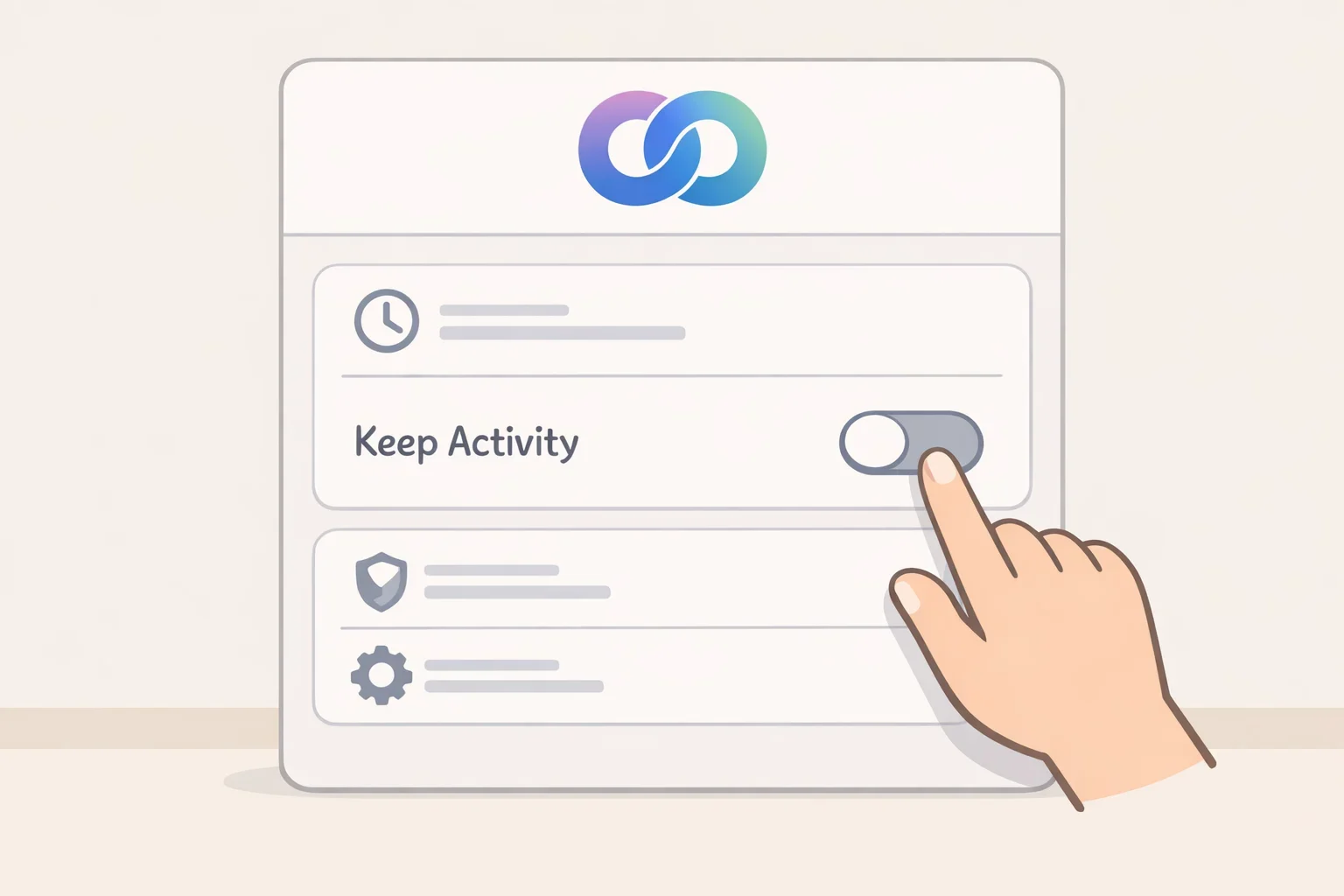
To turn it off on the Gemini website:
- Open Settings & help.
- Select Activity.
- Select On.
- Choose Turn off or Turn off and delete activity.
In the mobile app, open the menu, select your profile picture or initial and choose Gemini Apps Activity.
Google explains in its Gemini Apps Privacy Hub that future chats created while Keep Activity is off do not appear in Gemini Apps Activity and are not used to train its AI models unless the user submits feedback.
Google still retains those conversations for up to 72 hours to provide the service and perform safety and security functions.
Check Connected Apps
Turning off Keep Activity also disables most Connected Apps. This may affect students who use Gemini with Google Drive, Docs, Calendar or OpenStax. Google lists the current controls and supported services in its guide to managing Gemini Apps Activity.
Disconnect services you do not use. Removing a connection does not automatically delete information already stored in Gemini Apps Activity.
Use temporary chats carefully
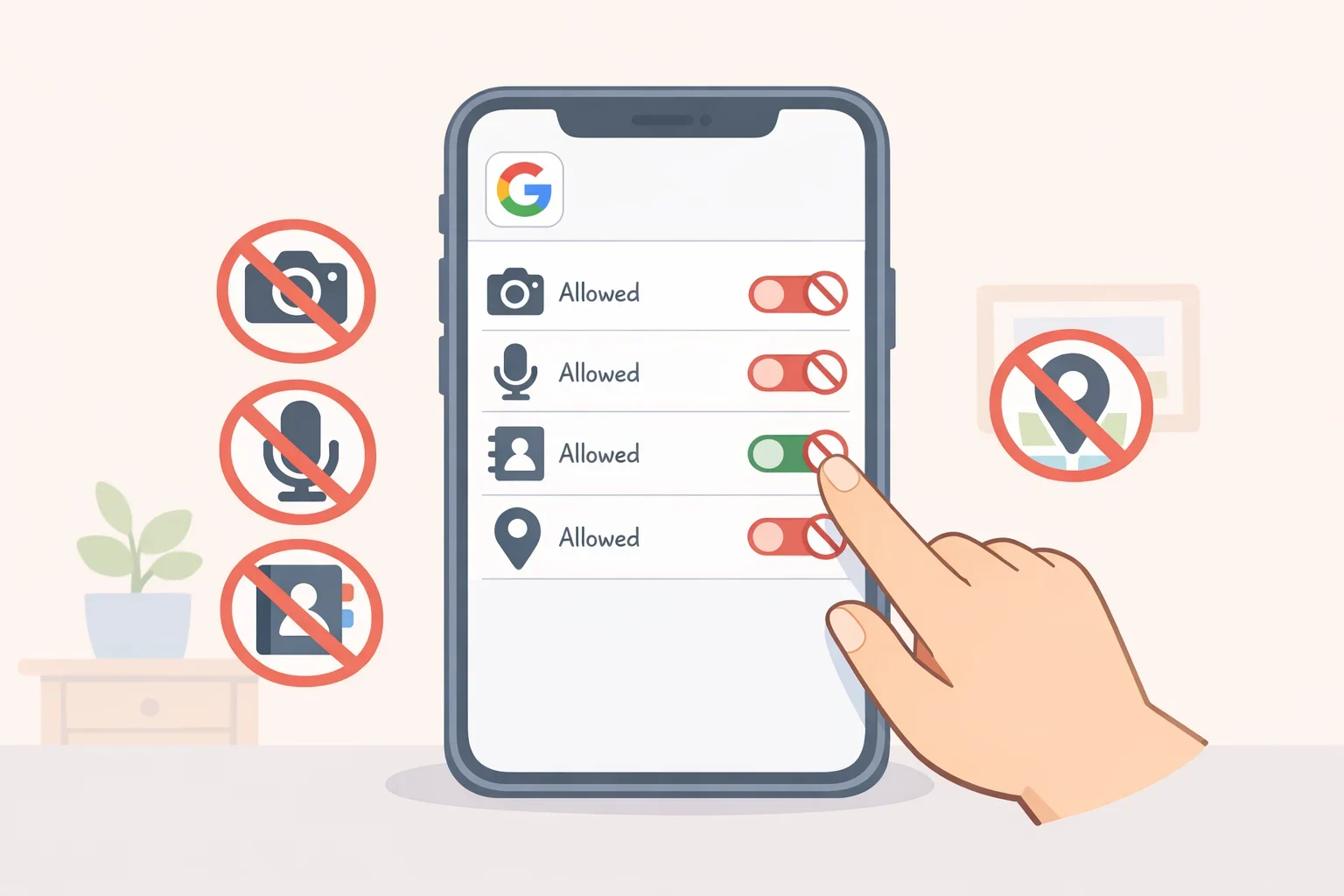
Temporary chats do not appear in Gemini Apps Activity and are not used for training, but Google retains them for up to 72 hours.
Do not use them for passwords, identification numbers, grades, accommodation records, health information or restricted course materials.
Feedback is a separate exception. If a user submits feedback while Keep Activity is off, Google may collect recent conversation context and related uploads or Connected App content.
Turn off training in Claude
Anthropic calls its consumer training control Help Improve Claude.
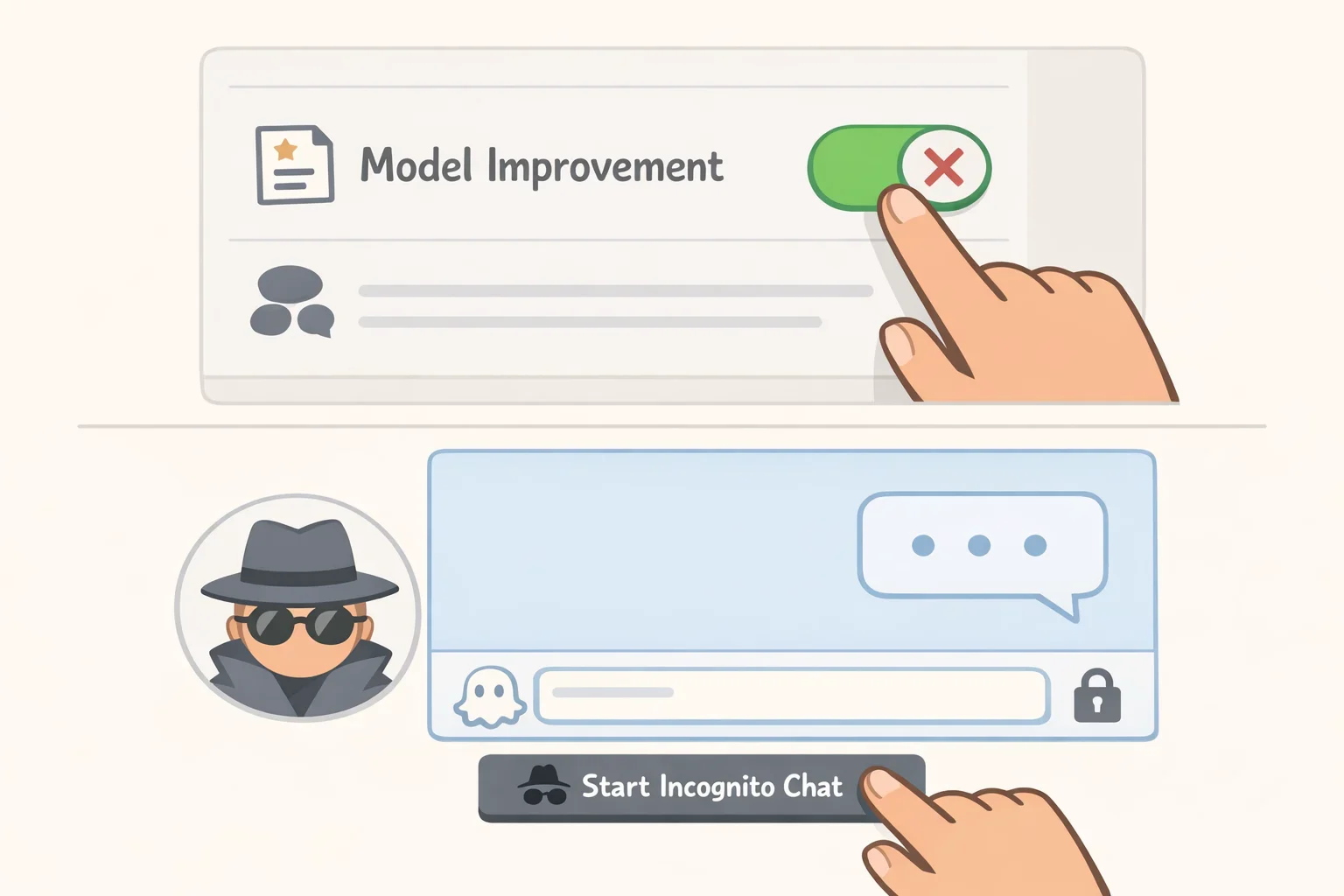
To turn it off:
- Open Settings.
- Select Privacy.
- Switch off Help Improve Claude.
Anthropic says disabling its model-improvement privacy setting stops new chats, Claude Code sessions and previously stored conversations from entering future training runs.
The setting cannot remove information from training already underway or from models that have already been trained.
Use an incognito chat
Claude’s incognito chats do not appear in chat history, are not added to memory and are not used for general model training.
Anthropic’s incognito-chat documentation says these conversations are retained for 30 days by default. They cannot be reopened after they are closed and are unavailable within Projects.
Incognito mode limits how a conversation is stored and reused, but it is not a secure place for grades, student records or confidential research.
Avoid sending private chats as feedback
Claude’s feedback controls follow separate rules from the Help Improve Claude setting. Anthropic says feedback may include the related conversation and may be retained for up to five years for research or model training.
Its explanation of how consumer data is used for training also says raw connector content is generally excluded unless it is copied into the conversation.
Do not submit feedback attached to private or unpublished material.
Delete saved chats separately
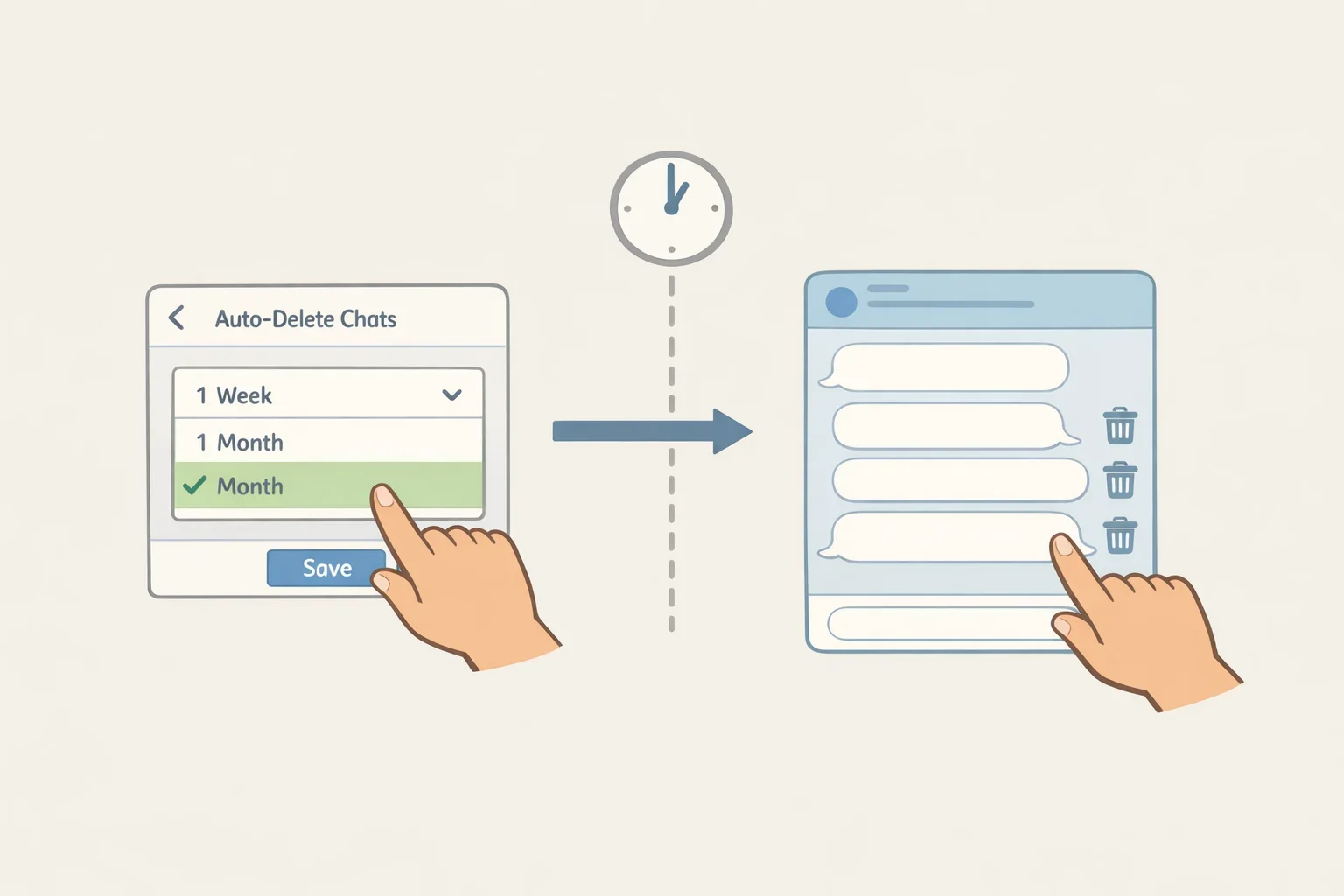
Turning off training does not erase conversations already stored in an account.
Gemini activity is deleted after 18 months by default, although users can change the schedule or manually remove chats. Google says some reviewed data may be disconnected from the account and retained for up to three years.
Claude removes a deleted chat from visible history immediately and ordinarily deletes it from backend systems within 30 days.
If model improvement was enabled, de-identified Claude data may remain in training pipelines for up to five years. Anthropic says safety-flagged inputs and outputs may be retained for up to two years, while related classification scores may remain for up to seven years. These periods appear in its consumer data-retention policy.
Neither platform offers a setting that can remove a specific conversation from a completed model.
Use AI responsibly for schoolwork
Turning off training does not determine whether AI is allowed for an assignment.
Before using Gemini or Claude:
- Read the assignment instructions.
- Ask the teacher if the rules are unclear.
- Do not submit AI-generated work as entirely your own.
- Verify quotations, facts, calculations and citations.
- Do not use AI during restricted tests or quizzes.
- Do not upload another student’s work, grades, recommendation letters, private records or restricted instructor materials.
- Keep prompts or drafts when disclosure of AI use is required.
For a school-managed account, contact the institution’s IT or privacy office. Administrators may control activity, retention and deletion settings.
Before entering course material into a chatbot, answer two questions: Is AI permitted for this work, and is the information safe to share? Both answers should be yes.