
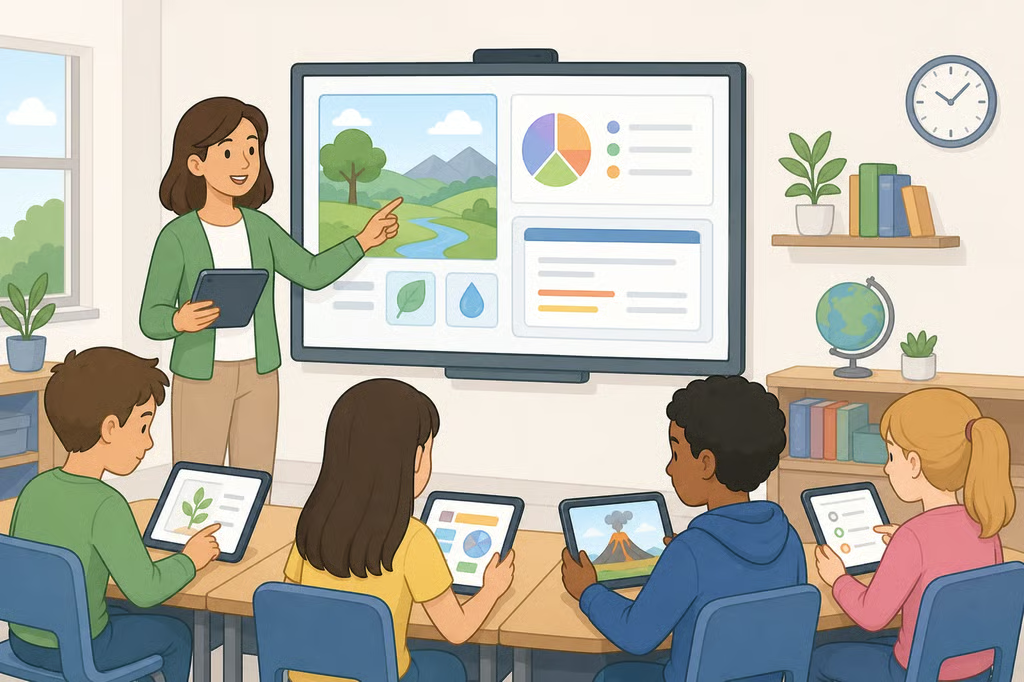
- How to use technology effectively in education: 5 steps that put learning first
- 1. Put teacher judgment before the tool
- 2. Use technology to support proven learning practices
- 3. Check understanding and decide what happens next
- 4. Make the tool pass an evidence and value test
- 5. Check access, privacy, and accessibility before scaling
How to use technology effectively in education: 5 steps that put learning first
A tablet, learning platform, simulation, accessibility tool, digital text, or generative AI system can support learning. None can decide what a student needs next, build a supportive classroom, or replace a teacher’s judgment. That is why knowing how to use technology effectively in education starts with the learning goal, not the newest product.
The decision looks different for each reader. Teachers and school leaders may be evaluating a tool for classroom use. Parents may be considering an AI tutor at home. Students may be deciding whether a digital resource helps them practice or simply completes work for them. The same rule applies in each case: technology should support learning that a qualified educator can explain, observe, and improve.
A UNESCO report published two weeks ago says technology can improve some types of learning in some contexts. It also reports that benefits can disappear when technology is used excessively or without a qualified teacher. The question is not whether technology belongs in education. It is whether a particular use helps a particular learner reach a clear goal.
1. Put teacher judgment before the tool
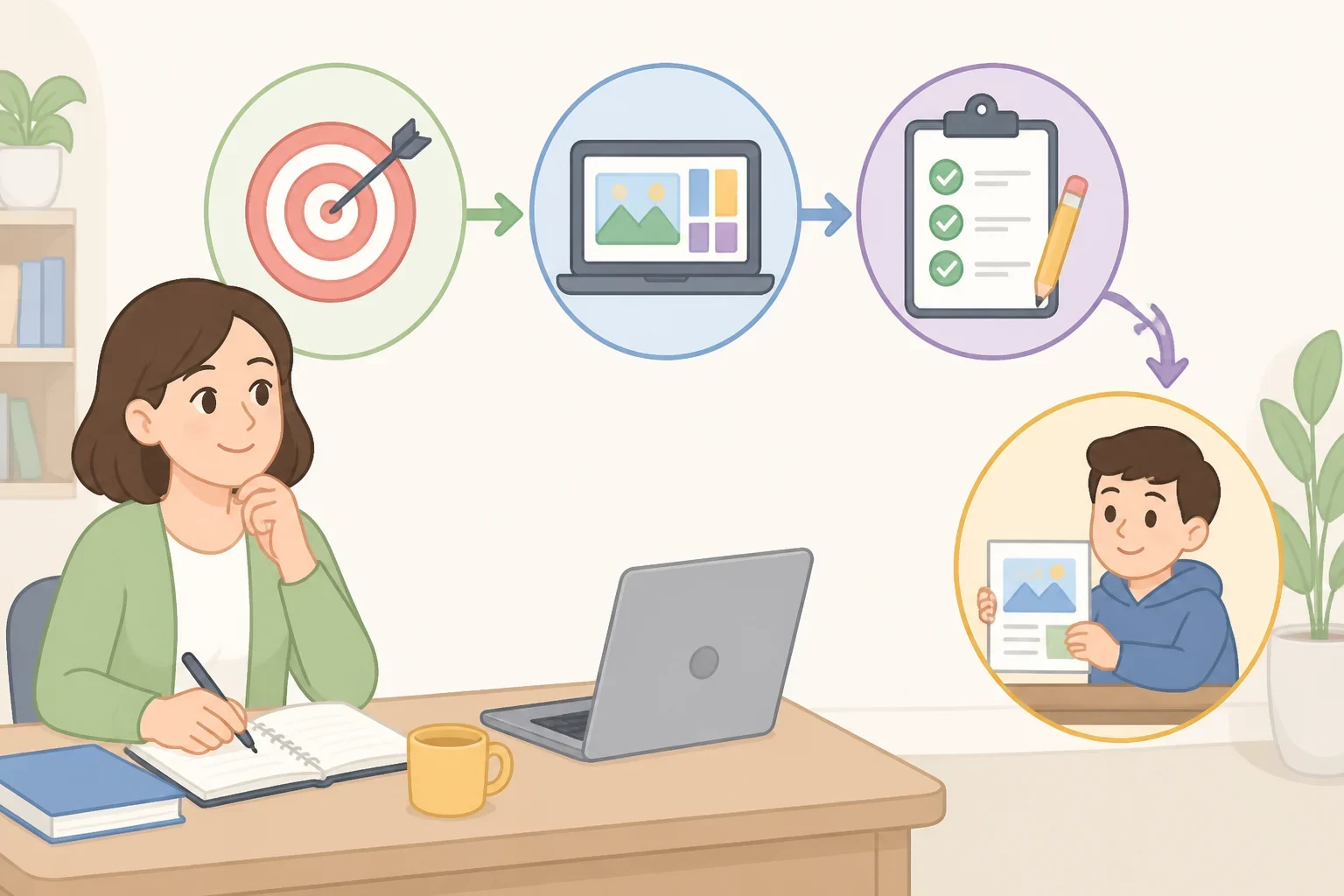
Start with the outcome. Is the student practicing vocabulary, working through a math representation, receiving accessibility support, reviewing a digital text, or checking understanding after a lesson? A tool should have a specific job, and that job should be visible to the teacher, parent, or student using it.
The Institute of Education Sciences identified six broad elements of effective teaching last year: preparation and planning, professionalism and collaboration, classroom management, teacher expectations, instructional delivery, and assessment and feedback. A device cannot supply that instructional structure. It can fit within a well-planned lesson, but it cannot create the lesson’s purpose.
Before choosing a product, ask:
- What should the student understand or practice?
- What part of the lesson will the tool support?
- What will the teacher do before, during, and after the activity?
- How will the student show learning without simply repeating the tool’s answer?
Teacher preparation also needs to cover responsible technology use. UNESCO reported two weeks ago that 54% of countries have defined digital skill standards, while few teacher-training programs cover cybersecurity. The report also says 5% of ransomware attacks target education. Training should involve more than learning how to click through a platform. Teachers need time to consider classroom use, student support, data handling, and what to do when a tool produces an unhelpful result.
2. Use technology to support proven learning practices
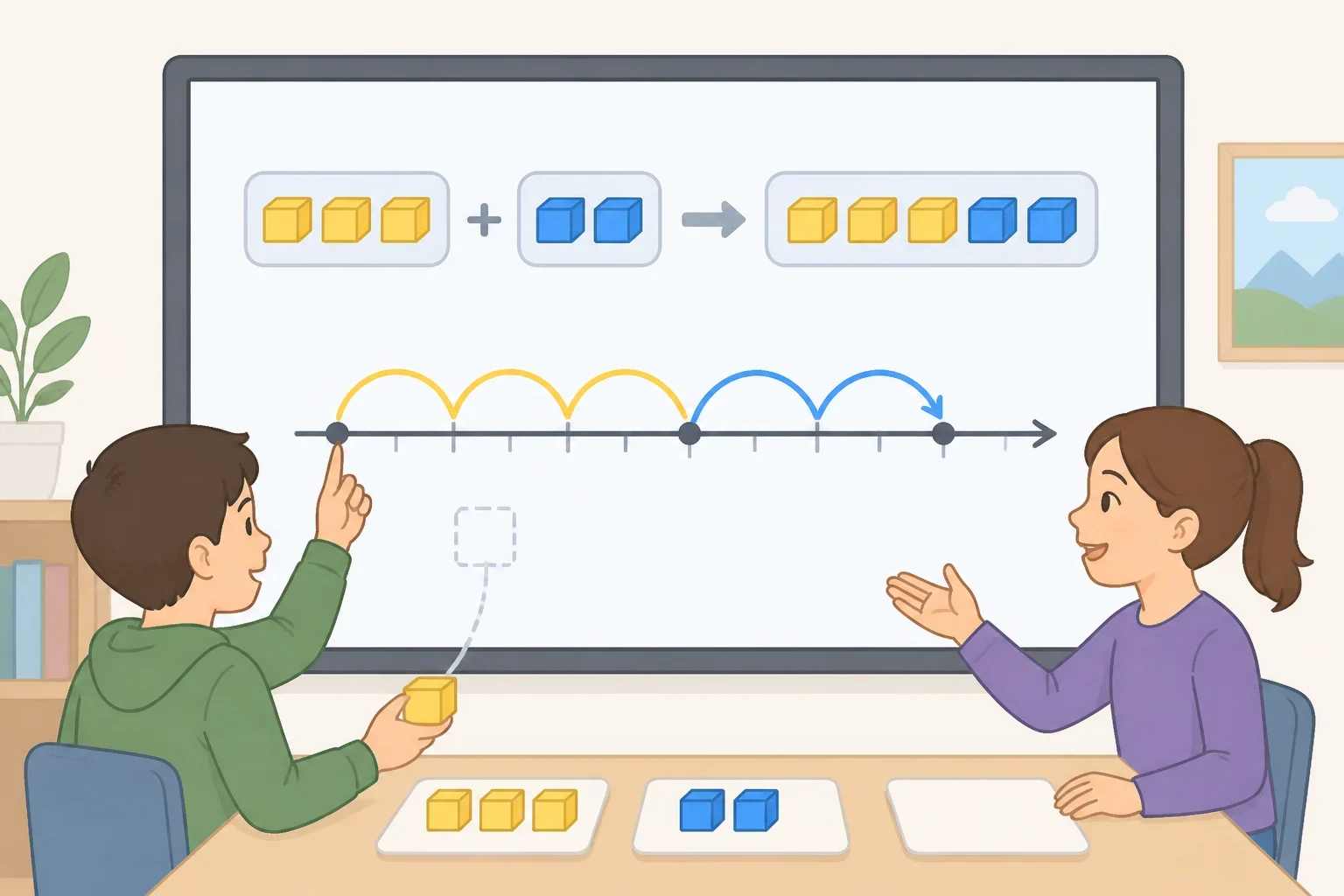
Technology in the classroom with teacher support should make a useful practice easier to apply, not distract from the practice itself. A digital quiz can re-expose students to important content. A visual tool can show a number line or connect a concrete representation with an abstract one. A digital text can give students access to challenging material while the teacher helps them make sense of it.
The IES evidence-based strategies published last year include spacing learning over time, interleaving worked examples with problem-solving exercises, combining graphics with verbal explanations, connecting concrete and abstract representations, using quizzes, and asking deep explanatory questions. These practices matter more than adding a screen to make an activity look modern.
For a math lesson, a teacher might use a digital number line and then ask students to explain how it represents an operation. In reading, a platform might provide a text and vocabulary support, but students still need to analyze ideas, discuss meaning, and explain what they understood. At home, a parent can ask a student to use an online practice tool and then review one difficult question together rather than treating the score as the whole lesson.
The same caution applies to generative AI. It may produce an example, question, explanation, or draft problem-solving path, but students need opportunities to reason, check, and explain. UNESCO reported two weeks ago that students with better reading skills are far less likely to be duped by phishing emails. Reading skill does not prevent every online risk, but foundational literacy remains part of digital safety.
3. Check understanding and decide what happens next
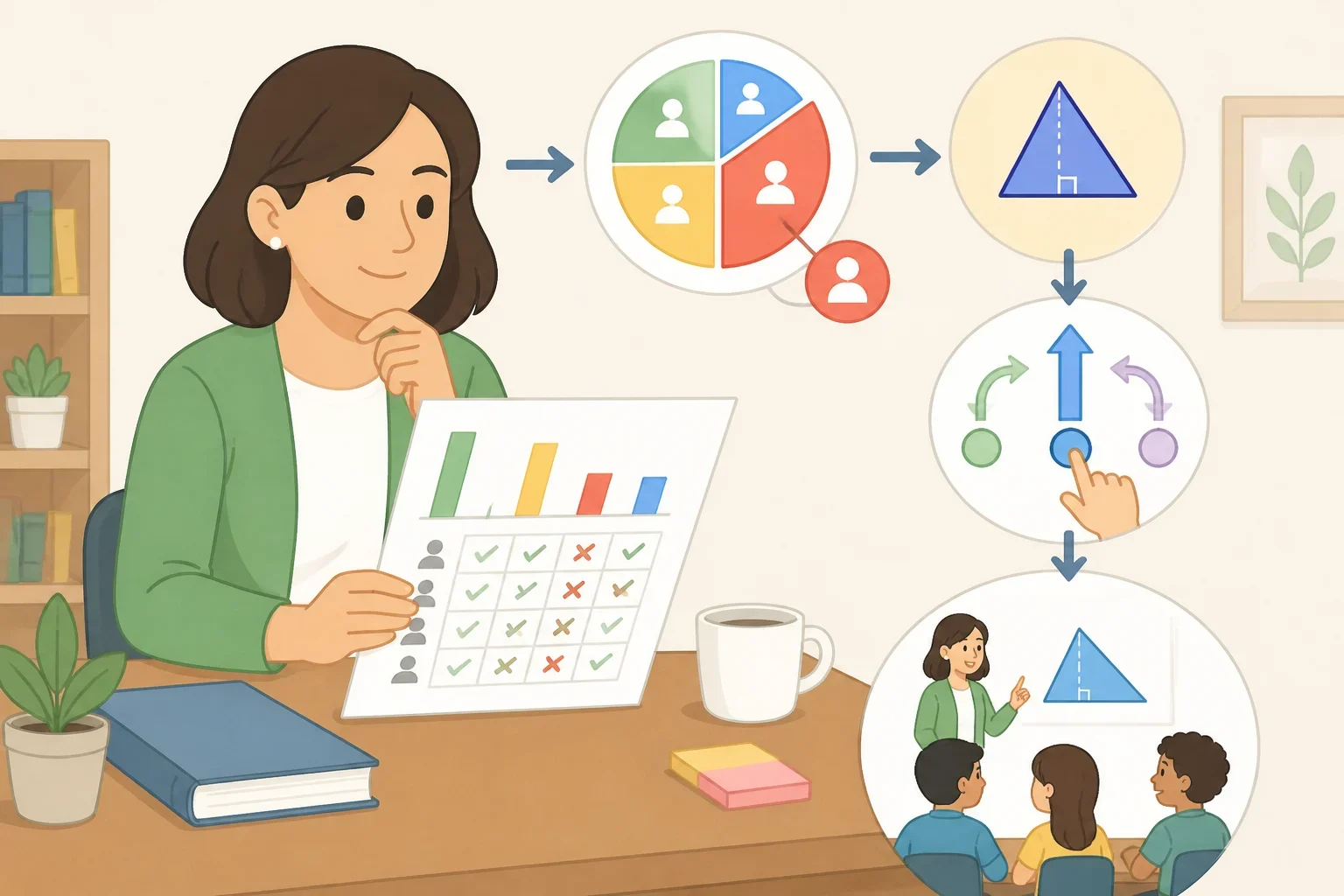
A technology activity is not successful because students logged in, finished a module, or received a high automated score. The useful question is what the results show and what action follows.
IES assessment guidance published two months ago separates assessments for learning from assessments of learning. Assessments for learning happen during instruction and help educators track understanding. Assessments of learning happen after instruction and measure progress or achievement against specific standards. Diagnostic, formative, interim, and summative assessments can serve different purposes, and no single assessment provides a complete picture.
Before adopting a digital assessment, ask:
- What decision will this result support?
- What can the assessment show, and what can it not show?
- What additional evidence is needed?
- How will the teacher respond to a wrong answer or misunderstanding?
A short digital check might show that many students missed a concept. The teacher could reteach it, provide a different representation, or meet with a smaller group. The IES teaching guidance explains that formative assessment involves collecting evidence of learning and modifying instruction in response to it. It also describes feedback that includes both positive information and performance gaps.
If a tool delivers content but does not help anyone make a better instructional decision, it may be automating a worksheet rather than improving learning outcomes.
4. Make the tool pass an evidence and value test
The available research does not yet provide strong, impartial evidence that generative AI adds more value than established teacher-led instruction. That does not prove every AI use fails. It does mean schools should pilot, observe, and measure before expanding a product across classrooms.
A UNESCO framework published two weeks ago offers four screening questions. Is the proposed use:
- Appropriate for the age group, subject, learning goal, and classroom setting?
- Equitable for students with different devices, languages, abilities, and learning conditions?
- Evidence-based, with independent support rather than only promotional claims?
- Sustainable in cost, training, maintenance, and long-term use?
The evidence gap deserves a hard look. UNESCO reported two weeks ago that fewer than 2% of education interventions assessed by the U.S. What Works Clearinghouse had strong or moderate evidence of effectiveness. That figure refers to education interventions assessed by the clearinghouse, not solely digital products, but it still warns against treating a vendor demonstration as proof. When evidence comes only from technology companies, the report says, it may be biased.
A school or family considering a tool should ask for the evaluation method, not just the success story:
- Who conducted the study?
- What learning outcome was measured?
- Were results compared with the existing lesson or practice?
- What would cause the pilot to stop?
A sustainable plan matters, too. Education technology products change every 36 months on average, according to UNESCO, so schools should consider replacement, teacher training, and student continuity before committing.
5. Check access, privacy, and accessibility before scaling
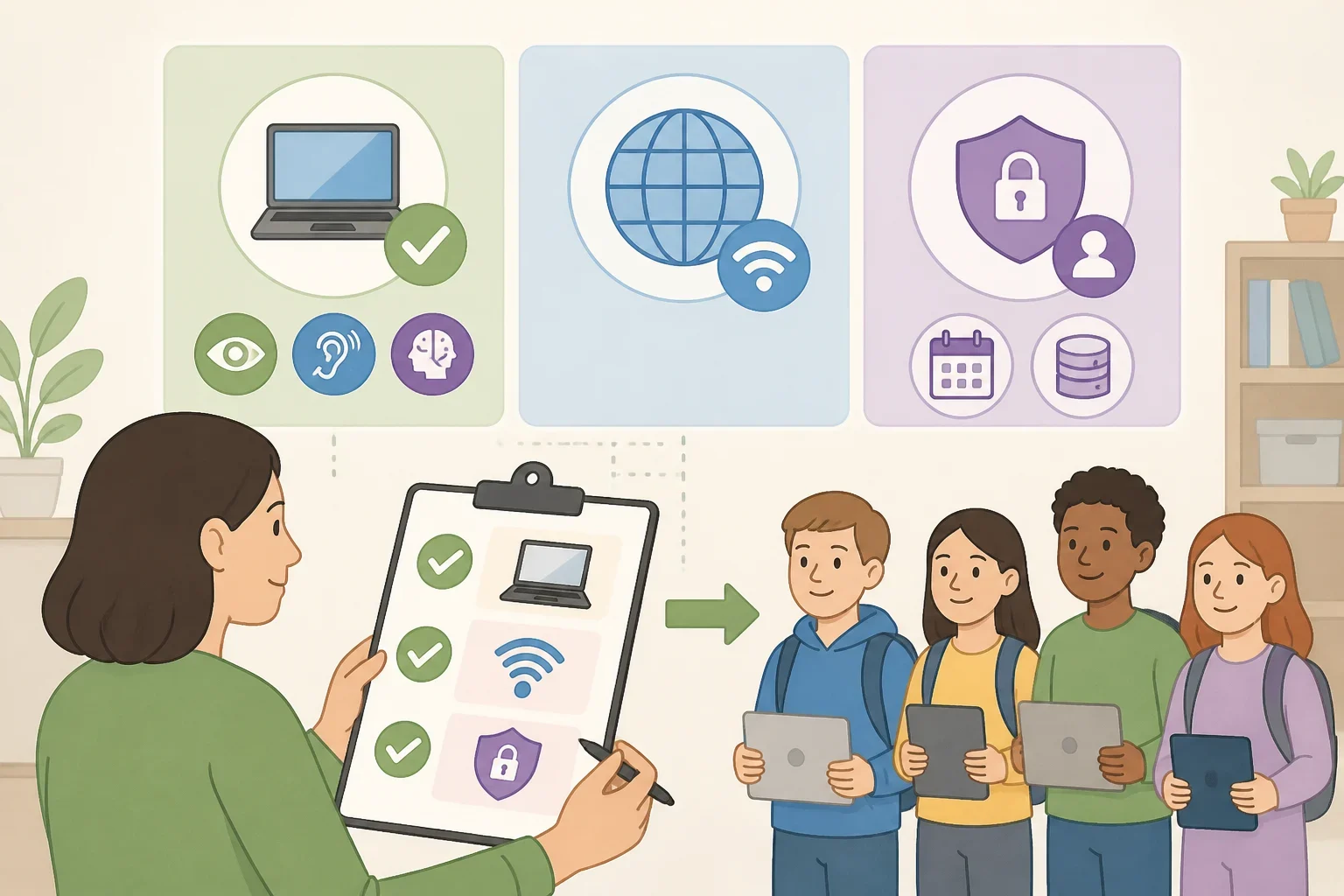
Equitable access to educational technology is not a final nice-to-have. It is a condition for responsible adoption.
Before using a tool, check whether students have the required:
- device and charging access
- electricity and internet connection
- language support
- accessibility features
- offline option or alternative assignment
- time and space to complete the activity
The access gap is substantial. UNESCO reported two weeks ago that only 40% of primary schools globally are connected to the internet, while one in four primary schools lack electricity. During the COVID-19 pandemic, the rapid move to online learning left out at least half a billion students worldwide, mostly affecting the poorest and those in rural areas.
Privacy requires the same practical check. UNESCO reported two weeks ago that only 16% of countries guarantee education data privacy by law. One analysis found that 89% of 163 education technology products could survey children. That finding does not mean every product collected the same information, but it does mean adults should ask what data a tool gathers, why it gathers it, who can access it, and how long it is retained.
Before agreeing to use a new tool, ask:
- What specific learning goal does it support?
- What will the teacher, parent, or student do with the result?
- What evidence, privacy information, accessibility support, and offline alternative are available?
Technology can be useful in education, but usefulness is not automatic. The strongest approach keeps people responsible for teaching, gives students meaningful practice, and makes the tool earn its place through evidence and careful use. Start with the goal, check the learning, and verify the support around the technology before scaling it.