
How to Build a College Resume: Sections, Format, Steps
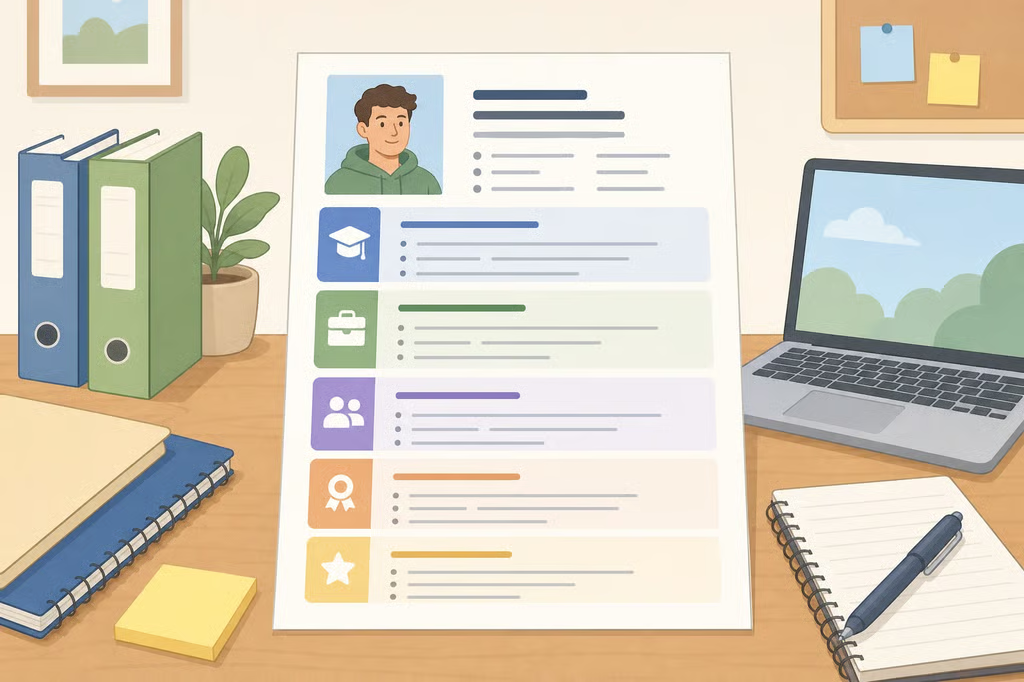
A strong college resume does not require years of paid work. University career guidance describes a resume as a way to show what a student has learned, practiced, and contributed through education, projects, activities, work, and other experiences. This guide explains how to build a college resume for internships, co-ops, part-time jobs, and entry-level roles.
The process starts with a complete record of your experiences. From there, you will choose the entries that fit a particular posting, describe them with specific evidence, and format the document so it is clear to readers. The result should be a college student resume that changes as your skills and experience grow, rather than a file created once and forgotten.
This guide focuses on employer applications. Graduate-school applications may require a CV or additional materials instead of the same resume used for an internship. A resume is generally shorter and targeted to a role, while a CV is a more complete academic record. Check the application instructions before submitting either document, as UC’s resume and CV guidance explains.
What to include on a college resume
Before writing individual bullets, set up the main sections. The career-office guides cited here commonly recommend the following:
- Contact information
- Education
- Experience
- Skills
- Activities, leadership, volunteer work, or awards when relevant
The order can vary. For a current college student, education often appears near the top because the degree, field of study, and expected graduation date help an employer understand the applicant’s current path. A resume is unique to the student, so not every section needs the same amount of space. The University of Cincinnati’s college resume guide, published last year, presents education, experience, skills, and activities as useful parts of a college student resume.
Add clear contact information
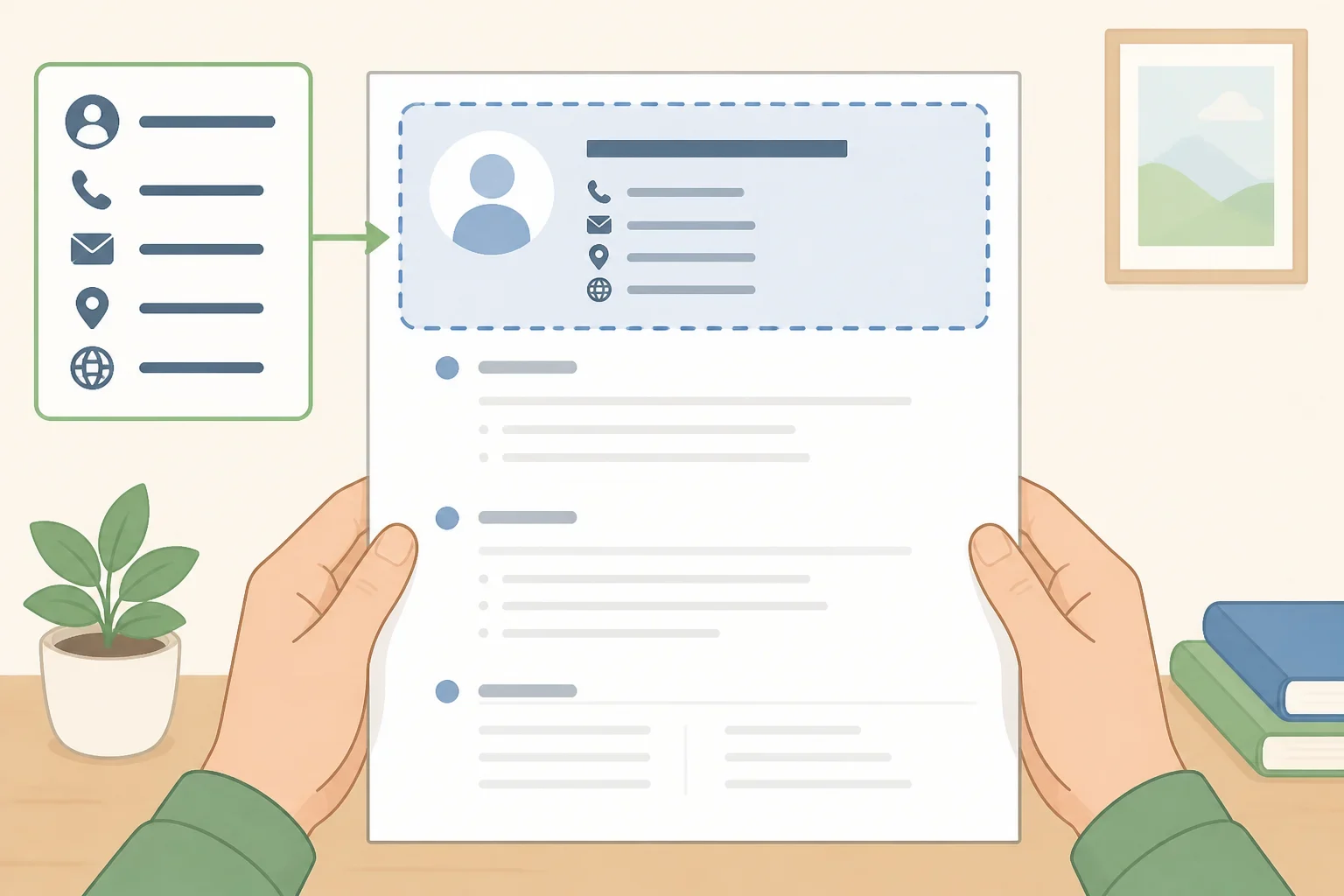
Place your name prominently at the top. Include a phone number, a professional email address that is checked regularly, and the city and state where appropriate. A LinkedIn URL can be added if the profile is current and professional. A street address is not always necessary.
Do not include age, marital status, a photograph, salary information, or other personal details that do not help explain your qualifications. UC’s resume-writing guide and the Lewis & Clark Career Center guide, published about two months ago, both distinguish useful application information from unnecessary personal details.
Describe your education precisely
Use the official name of your degree, along with your major, minor, concentration, or certificate when relevant. Include the school’s name, city, state, and expected graduation date. Relevant coursework, honors, awards, and certifications are optional additions, not automatic requirements.
A planning example based on UC guidance would look like this:
University of Cincinnati, Cincinnati, OH
Bachelor of Business Administration, Marketing
Expected graduation: May 2027
Use the full degree name rather than an abbreviation that a reader may not recognize. UC Lindner Career Services also recommends using the full names of degree, minor, and certificate programs.
A GPA is optional. Some career offices recommend listing a cumulative GPA above 3.0, but that is guidance rather than a universal cutoff. If you include it, copy the accurate number and do not round it up. Consider whether it supports the application and whether the role or field gives you a reason to include it.
Choose relevant experience and skills
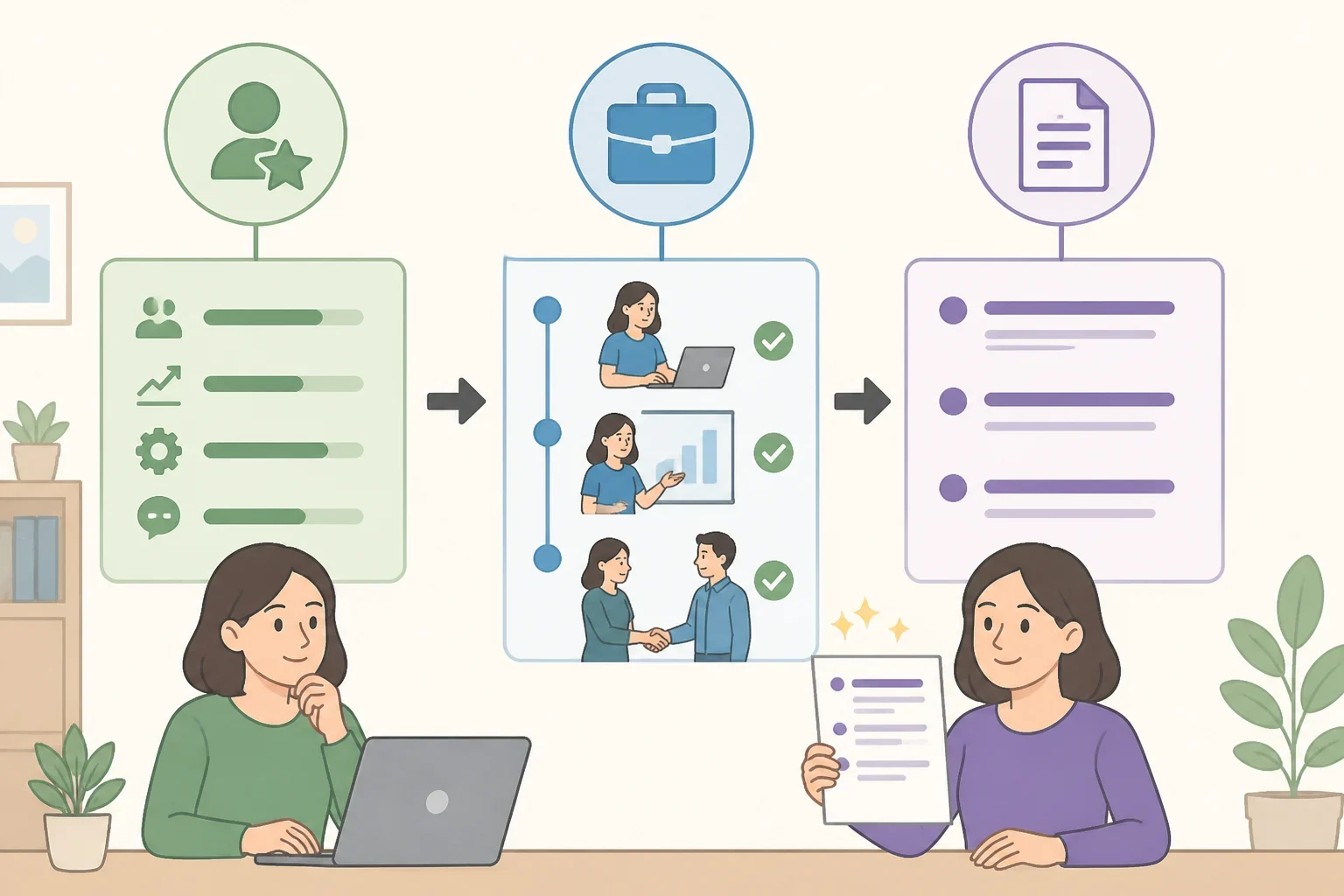
Experience may include paid work, internships, volunteer roles, class projects, research, student organizations, leadership, training, or certifications. Skills can include technical abilities, such as computer applications, programming languages, or laboratory techniques, as well as transferable skills such as communication, teamwork, and problem-solving. UC’s resume guide recommends showing how skills were used in experience rather than listing vague qualities without evidence.
References generally do not belong on the resume itself. Keep them on a separate page or provide them only when the posting requests them, as recommended by Lewis & Clark.
How to write a resume for college students with limited experience
The phrase “no experience” often means “no experience that has been labeled as professional.” A class project can show research, analysis, writing, or presentation skills. A student organization can show planning and collaboration. Volunteer work can show responsibility and communication.
Step 1: Build a master list
Create one private document containing everything that could possibly belong on a resume. Include:
- Jobs, internships, and co-ops
- Volunteer roles
- Class projects and relevant coursework
- Student organizations and leadership positions
- Research or lab work
- Awards, honors, and certifications
- Training programs
- Technical and language skills
Add the dates, organization or course name, role, location when relevant, and a short description. Do not try to make this document fit on one page. Its purpose is to give you material to select from later. Career guidance from Lewis & Clark and UC Lindner recommends keeping a master record because not every experience will belong on every application.
Step 2: Attach skills to evidence
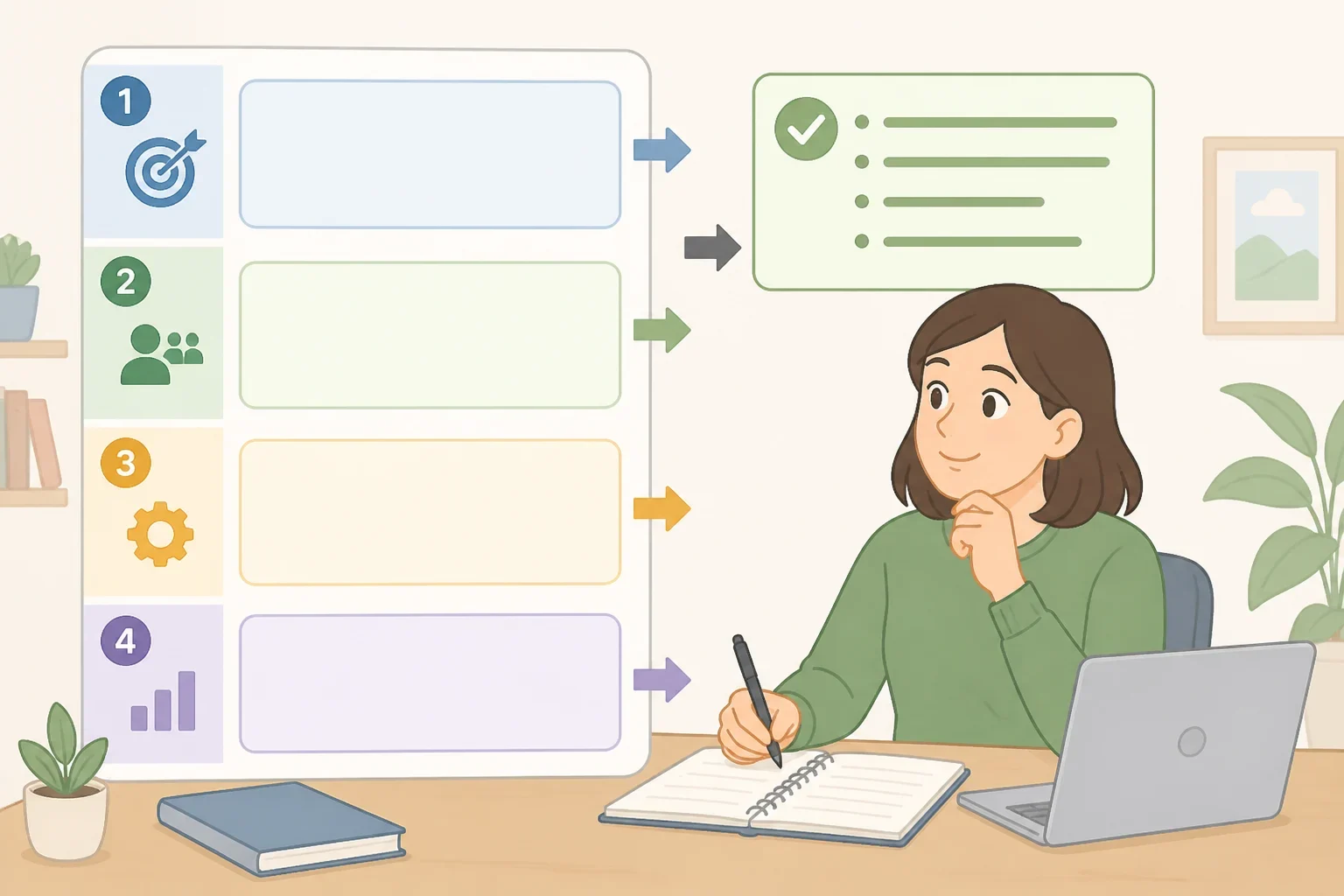
For each item, answer four questions:
- What did you do?
- What skill did you use?
- What was the result, product, or responsibility?
- Why might this matter for the role?
This creates the connection between college resume skills and experience. For example:
Activity: Group marketing project
Action: Researched an audience and developed campaign recommendations
Skills: Audience research, collaboration, presentation
Evidence: Presented the recommendations to the class
That information can become a bullet such as:
- Created a campaign proposal by researching an audience, collaborating with a project team, and presenting recommendations to the class.
The point is not to make a class assignment sound like paid employment. The point is to describe the work accurately and show what it required.
Compare these two versions:
- Weak: Worked on a marketing project.
- Stronger: Created a campaign proposal using audience research and presented recommendations to the class.
The second version begins with an action, identifies the work, and gives the reader evidence of skills. UC’s guidance recommends action verbs, accomplishment-focused descriptions, and quantifying results when possible.
Step 3: Decide what to keep
Review the master list and remove entries that do not support the application. A short resume does not need to include every position ever held. Keep an older experience if it demonstrates a skill the target role needs, but remove it when stronger college experience can replace it.
High school information can be appropriate for first- and second-year college students. UC’s general resume guide permits it for both years, while UC Lindner Career Services recommends removing high school information after the first year. Treat that difference as a judgment call based on the strength of your current college record.
How to tailor a student resume for internships
A student resume for internships should answer a practical question: how does this student’s education and experience connect to this particular role?
Step 4: Read the posting before editing
Underline or copy the posting’s qualifications, responsibilities, tools, and repeated terms. The job description can show which parts of your education, experience, and skills deserve emphasis. UC Lindner advises using the posting to shape those sections.
Suppose the same class project appears in two applications. For a marketing internship, the bullet might emphasize audience research, campaign planning, and presentation. For a research assistant role, it might emphasize source evaluation, data organization, and analysis. The project has not changed. The emphasis has.
Do not claim experience with a tool or task that you have not actually used. Match the employer’s language only when it accurately describes your work.
Step 5: Prioritize and write accomplishment-focused bullets
Choose the entries that best match the posting, then place the most relevant bullets first within each entry. Start bullets with clear action verbs such as:
- Led
- Created
- Organized
- Developed
- Implemented
- Analyzed
- Presented
- Researched
Use past tense for completed work and present tense for current responsibilities. Avoid beginning bullets with “I,” “we,” or “my.” UC Lindner recommends using three to five bullets for each position or experience, although the final number should depend on the space available and the relevance of the work.
A useful bullet structure is:
Action + task or skill + evidence, result, or scope
For example:
- Organized volunteer materials and communication for a campus event.
- Analyzed survey responses for a class research project and presented findings.
- Developed a social media proposal based on audience research.
Add a measurable result when you have one and can verify it. If there is no meaningful number, describe the product, audience, responsibility, or decision involved. A made-up measurement is worse than a precise description without one.
Step 6: Review AI-assisted wording carefully
AI tools may help generate possible bullet-point wording, but the final language should reflect your actual experience and vocabulary. Personalize every suggestion, verify every claim, and remove anything that exaggerates your role. UC Lindner recommends reviewing and personalizing AI-assisted content before submission.
Check your school’s rules and the employer’s instructions before uploading application materials to an AI tool. AI use is not automatically permitted in every academic or hiring context, and confidential information should not be added casually.
How to format and check your resume
Step 7: Use a simple, readable layout
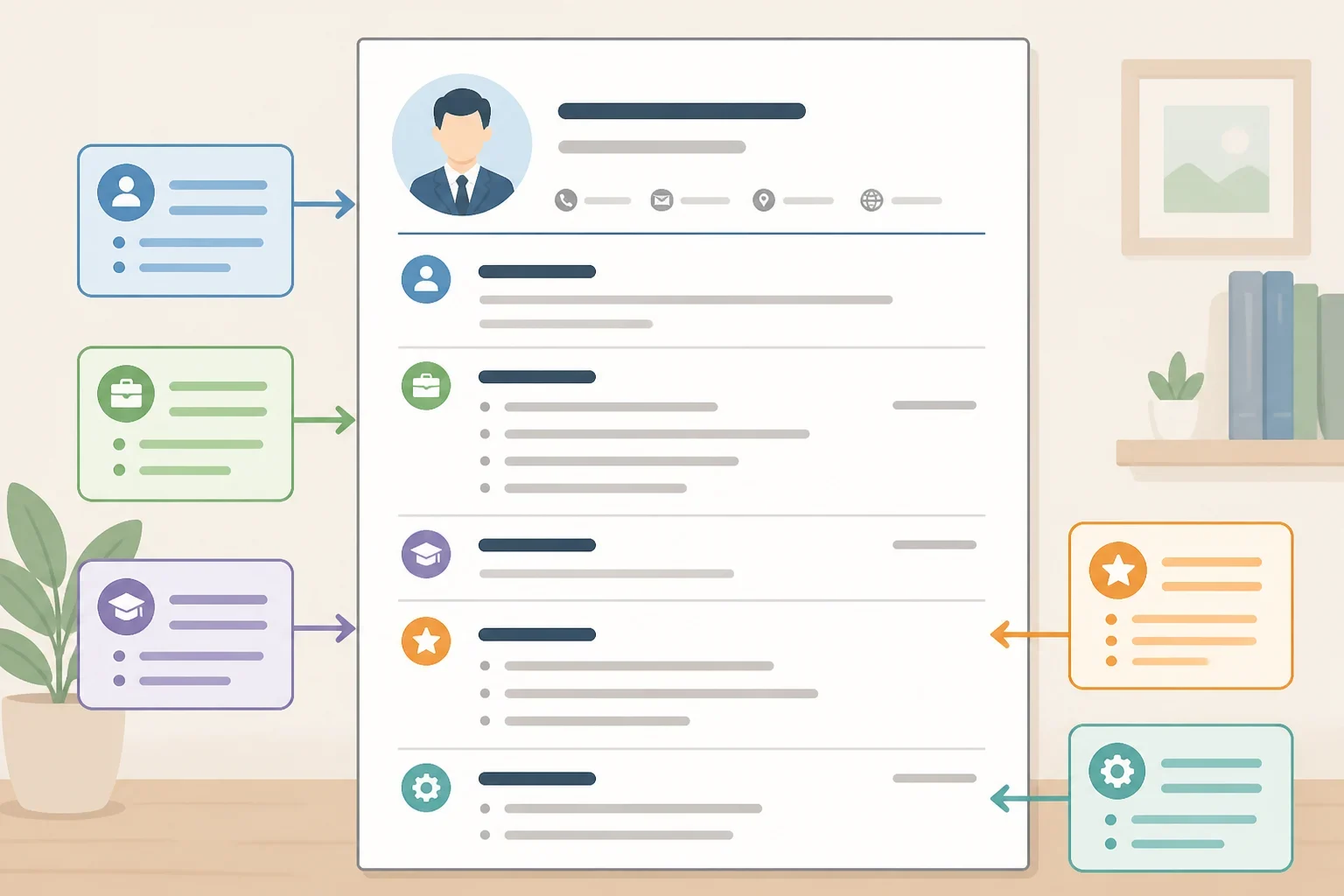
For many current college students, one page is a practical default. Lewis & Clark recommends that undergraduate resumes stay within one to 1.5 pages, while UC guidance describes resumes as typically one to two pages depending on experience. Let the content determine the length rather than shrinking the font to force a page count. Both recommendations are summarized in UC’s resume and CV guidance.
Use:
- One readable font throughout
- Consistent headings and bullet styles
- Reverse chronological order within each section
- Consistent date formatting
- Margins of about 0.5 to 1 inch
- Bullet points instead of dense paragraphs
Font recommendations vary. UC suggests 10 to 11 point type, while Lewis & Clark gives a 10 to 12 point range. Choose a size that remains easy to read and leaves enough white space.
A simple planning framework is:
- Name and contact information
- Education
- Relevant experience
- Additional experience or leadership
- Skills
- Awards, certifications, or activities, when relevant
There is no single correct arrangement. A student applying for a research role may place research experience before general employment. Another student may need education and technical skills near the top.
Step 8: Check ATS readability and file instructions
For maximum compatibility, use a text-based layout without decorative elements that can interfere with automated applicant tracking systems. Career guidance from UC’s resume-writing guide cautions that borders, tables, columns, colors, images, and graphics can hinder ATS readability.
That does not mean every field requires a completely plain document. A restrained design may be acceptable in some applications, but a simple layout is the safer choice when the employer uses an online portal or does not provide design guidance.
UC Lindner recommends saving a resume as a PDF with a filename such as FirstName LastName_Resume. Follow the employer’s or application portal’s instructions if they request a different file type or naming format.
What to do before you submit
Complete this final review:
- Compare the draft with the posting and confirm that relevant skills appear.
- Verify every date, degree name, skill, responsibility, and result.
- Confirm that the requested file type is being used.
- Check that headings, spacing, fonts, bullets, and dates are consistent.
- Make sure current and past verb tenses are correct.
- Confirm that personal pronouns, unnecessary personal information, and references are not included.
- Proofread spelling, punctuation, grammar, and contact information.
- Ask a career-center adviser, mentor, or appropriate industry contact to review the document.
Save each tailored version in a clearly labeled folder so it can be updated or compared later. Before the next application, return to the master list, reread the posting, select the strongest evidence, and revise the resume rather than sending the same version automatically.