
- BigFuture School for AP Students: What Families Should Know
- What BigFuture School does for AP students
- Who qualifies: BigFuture School eligibility for AP students
- How the school-level opt-in works
- BigFuture School Connections for AP students: how it works
- What College Board says about privacy, and what's still unclear
- Part of a larger AP course expansion
- What to ask your AP coordinator
- Next step for families
BigFuture School for AP Students: What Families Should Know
Starting with the 2026-27 school year, students enrolled in eligible AP courses can access BigFuture School for AP students, a free College Board app and its optional Connections feature that were previously limited to students who took the SAT Suite of Assessments in school (AP Central FAQ; SAT Suite eligibility page).
The change reaches a much larger group of students than before, but it isn't automatic. Access depends on a student's age, location, course enrollment, and whether a school's AP coordinator turns the feature on during registration.
Here's what the app actually does, who qualifies, how the school-level opt-in works, what the optional Connections program shares with outside organizations, and what families should confirm before handing over a phone number.
What BigFuture School does for AP students
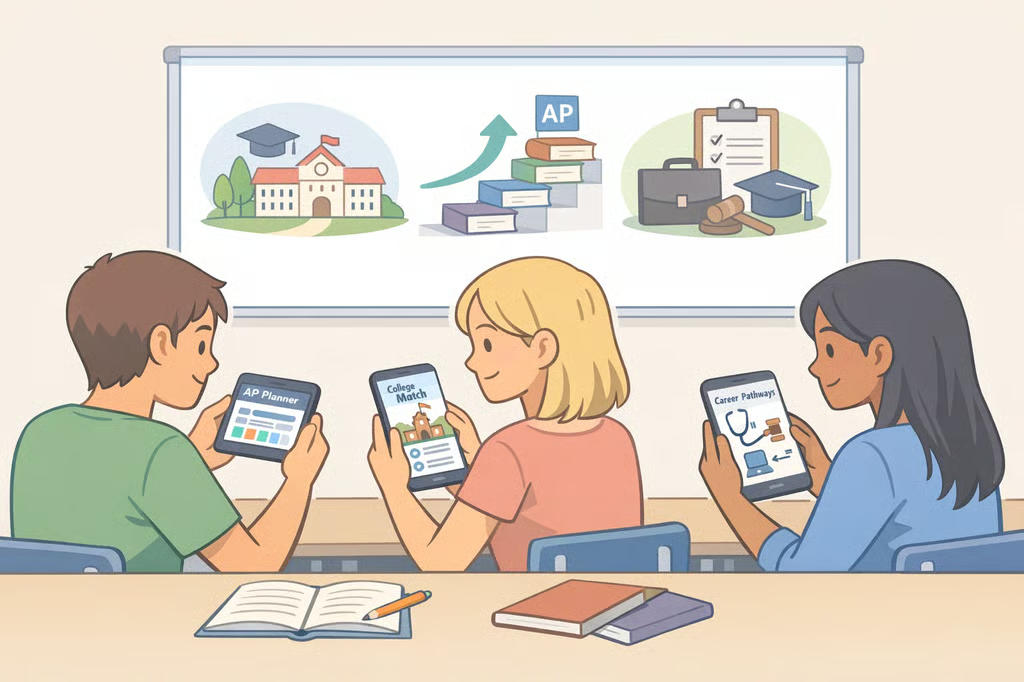
BigFuture School is a free mobile app built to help students explore colleges and careers and take practical steps toward planning for life after high school, according to College Board (AP Central FAQ). For AP students specifically, the app is designed to connect skills they may be developing in their coursework to potential majors, careers, and planning milestones tied to their grade level and time of year (AP Central FAQ).
College Board describes the exploration guidance as covering four areas:
- Skills a student may be developing in their AP courses
- Related college majors
- Related careers
- Postsecondary planning milestones based on grade level and time of year
That guidance is explicitly separate from AP Classroom, the platform teachers and students already use for AP course content. College Board says BigFuture School does not replace it (AP Central FAQ). AP Exam scores won't show up inside BigFuture School either; students still get their scores through the existing AP online score-report system (AP Central FAQ).
In short, this is a career-and-college exploration app, not a study tool or an exam portal. That distinction matters when a family is deciding whether it's worth the setup.
Who qualifies: BigFuture School eligibility for AP students
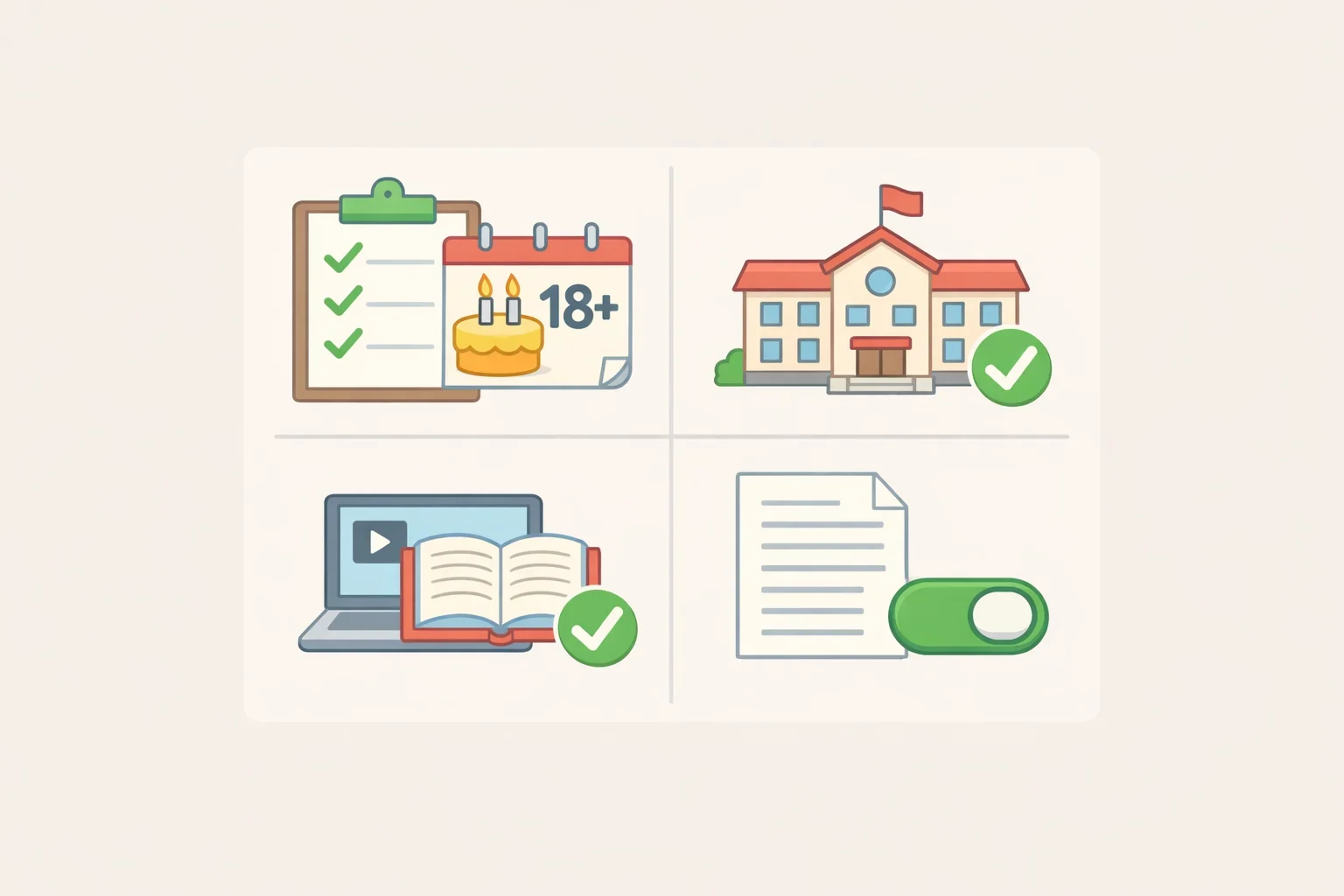
To use BigFuture School through an AP course, a student must meet several conditions at once, according to College Board:
- Be 13 or older
- Attend a participating U.S. school
- Be enrolled in an eligible AP course
- Attend a school that has enabled access through AP Registration and Ordering
(AP Central FAQ)
That last condition is the one families most often overlook. A student can meet every other requirement and still have no access if their school hasn't opted in.
Location is a separate filter. College Board says BigFuture School and Connections are not being offered through AP participation to students in New York or outside the United States "at this time," and notes that other exclusions may exist beyond what's currently listed (AP Central FAQ).
Students also need a U.S. or domestic mobile number, since that number verifies identity and triggers the secure app download (AP Central FAQ).
One detail the FAQ doesn't spell out: which specific AP courses count as "eligible." College Board said setup instructions, including how coordinators complete the BigFuture and Connections opt-in screen, would appear in the 2026-27 AP Coordinator's Manual, Part 1, scheduled for release Aug. 3 (AP Central FAQ). That date has now passed, so the manual should already reflect current setup steps and course eligibility. Families should confirm those specifics with their school's AP coordinator rather than assume every AP class provides access.
How the school-level opt-in works
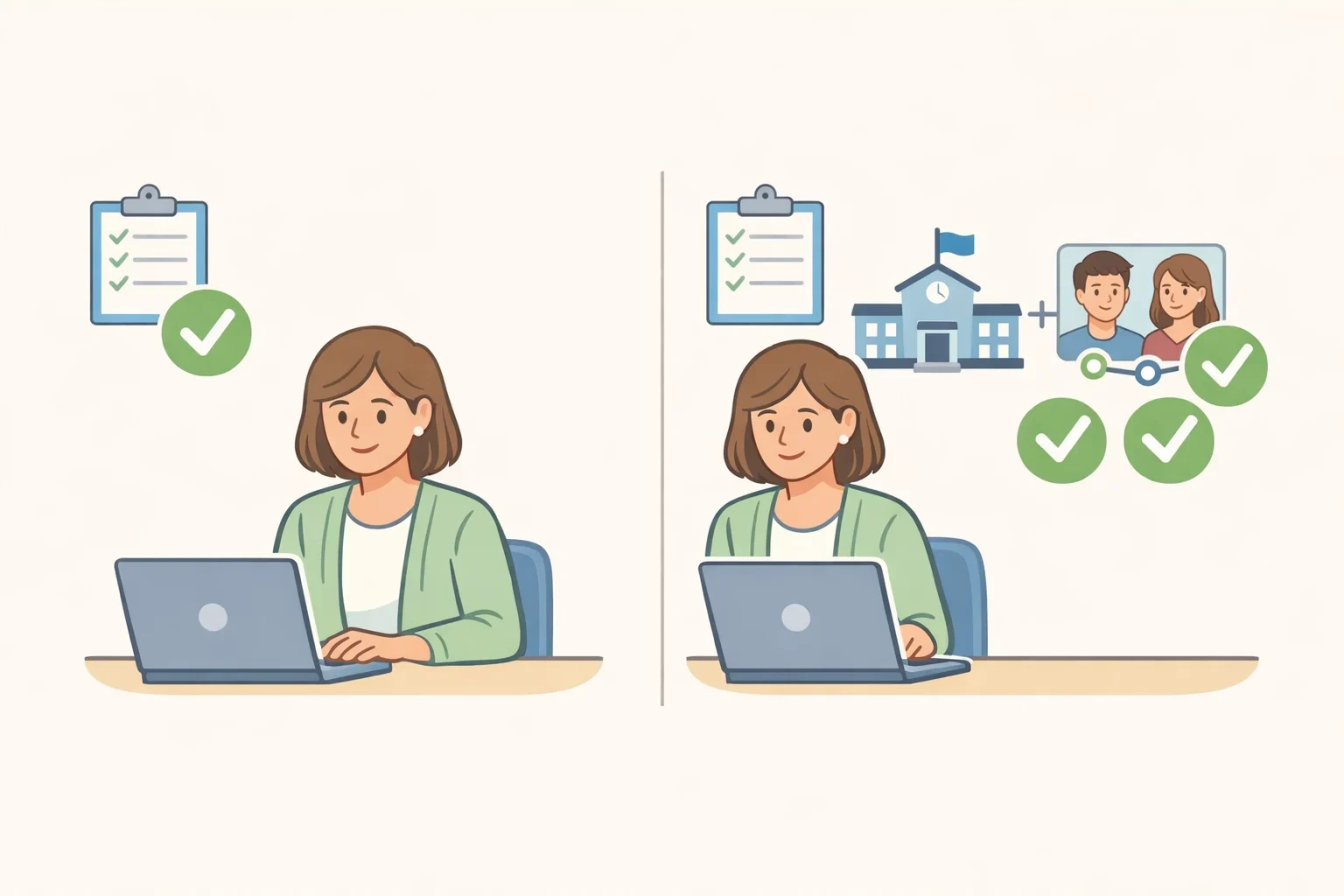
Coordinators choose from three options during AP Registration and Ordering: offer both BigFuture School and Connections, offer BigFuture School only, or offer neither (AP Central FAQ).
If a coordinator skips the opt-in entirely, students won't see the option to add a mobile number during registration, and neither the app nor Connections will appear later through My AP (AP Central FAQ). If a coordinator opts in to BigFuture School but not Connections, students can still use the app but won't have access to Connections features (AP Central FAQ).
Practically, that means two students in the same eligible AP course at different schools could end up with different access levels, purely based on what their coordinator selected during setup.
Once a school opts in, eligible students can add a mobile number in My AP the first time they enter a join code for a class section. That number triggers a text with a secure download link (AP Central FAQ). If a student skips that step during registration, or a school enables access afterward, the option to add a number stays available later in the student's My AP Profile (AP Central FAQ).
BigFuture School Connections for AP students: how it works
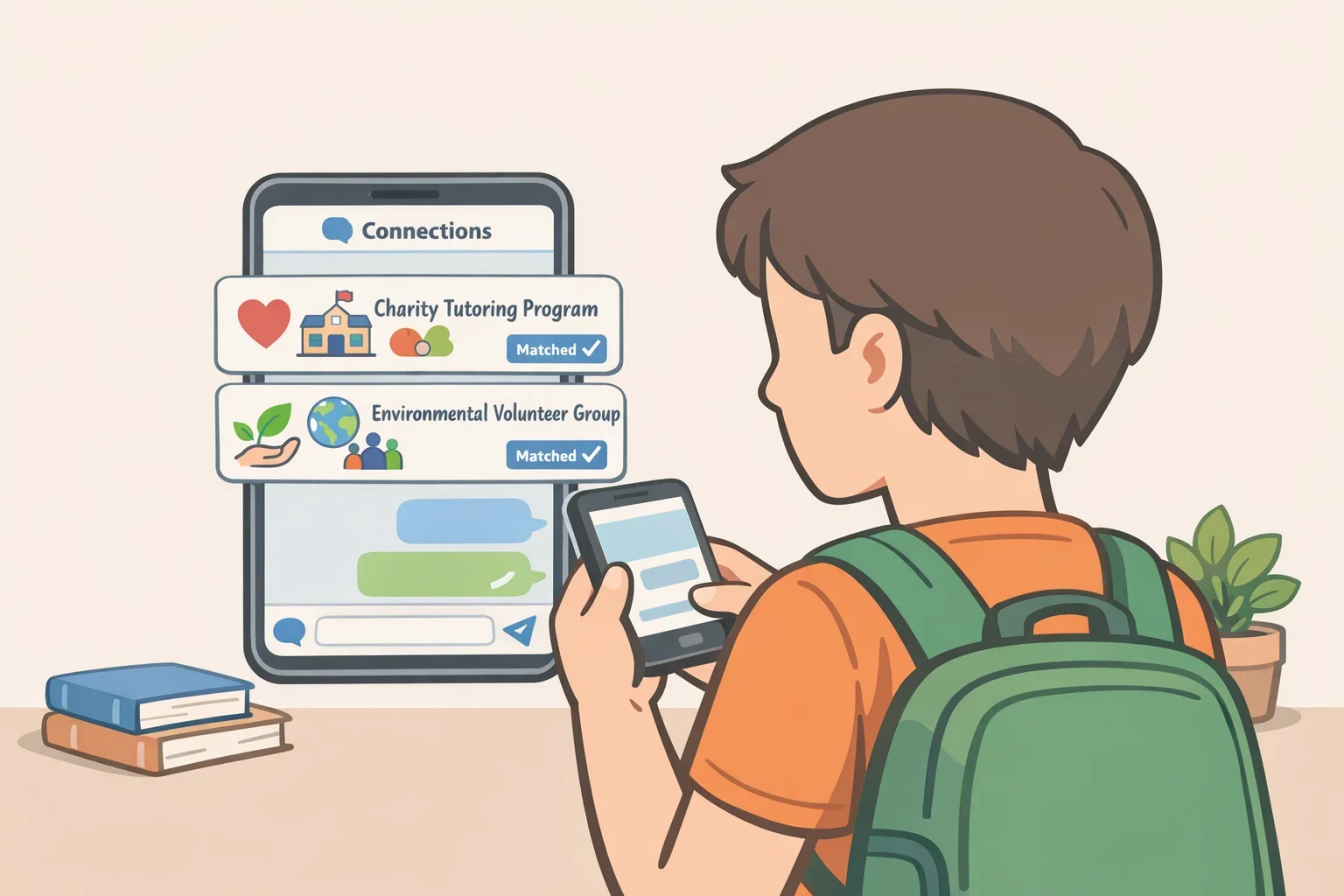
Connections is a free, optional feature inside BigFuture School that lets students discover nonprofit colleges, scholarship providers, and government agencies running education programs that fit their interests (AP Central FAQ).
"Matches" surface colleges that align with at least one student preference, gathered through a tool called College Quiz, paired with institutions that have indicated interest in students with a similar profile (AP Central FAQ). Messages can also reach students partly based on which AP courses they're enrolled in and information already stored in their My AP Profile (AP Central FAQ).
Students keep control after opting in. They can turn Connections on or off at any time, mute specific colleges or organizations, toggle push notifications, and delete saved messages (AP Central FAQ). Connections is a separate layer on top of the base app, not something that comes bundled in automatically once a student downloads BigFuture School.
What College Board says about privacy, and what's still unclear
College Board says no personally identifiable information is shared with outside institutions through Connections. The company also says a student's mobile number is used only to verify identity in the app and to send download or access codes, not for any other purpose (AP Central FAQ).
Students separately decide if and when to share their own information directly with a specific college or program that interests them (AP Central FAQ). Opting out of Connections is available at any time, either inside the app's settings or by calling College Board customer service at (866) 630-9305 (AP Central FAQ).
These are College Board's own statements about how the program handles data. The FAQ does not specify which fields in a student's My AP Profile drive individual matches or messages, or how long that information is retained. Families who want more detail on data retention should raise the question with College Board or their school's AP coordinator rather than assume an answer.
Part of a larger AP course expansion
The BigFuture School rollout lands alongside a broader expansion of AP coursework. College Board says it plans to offer 42 AP courses starting this fall, including new options such as AP Business with Personal Finance and AP Cybersecurity (College Board All Access).
The two changes are related but not the same thing. Adding new AP courses doesn't automatically make them eligible for BigFuture School access; that eligibility is still set by each school during registration.
What to ask your AP coordinator
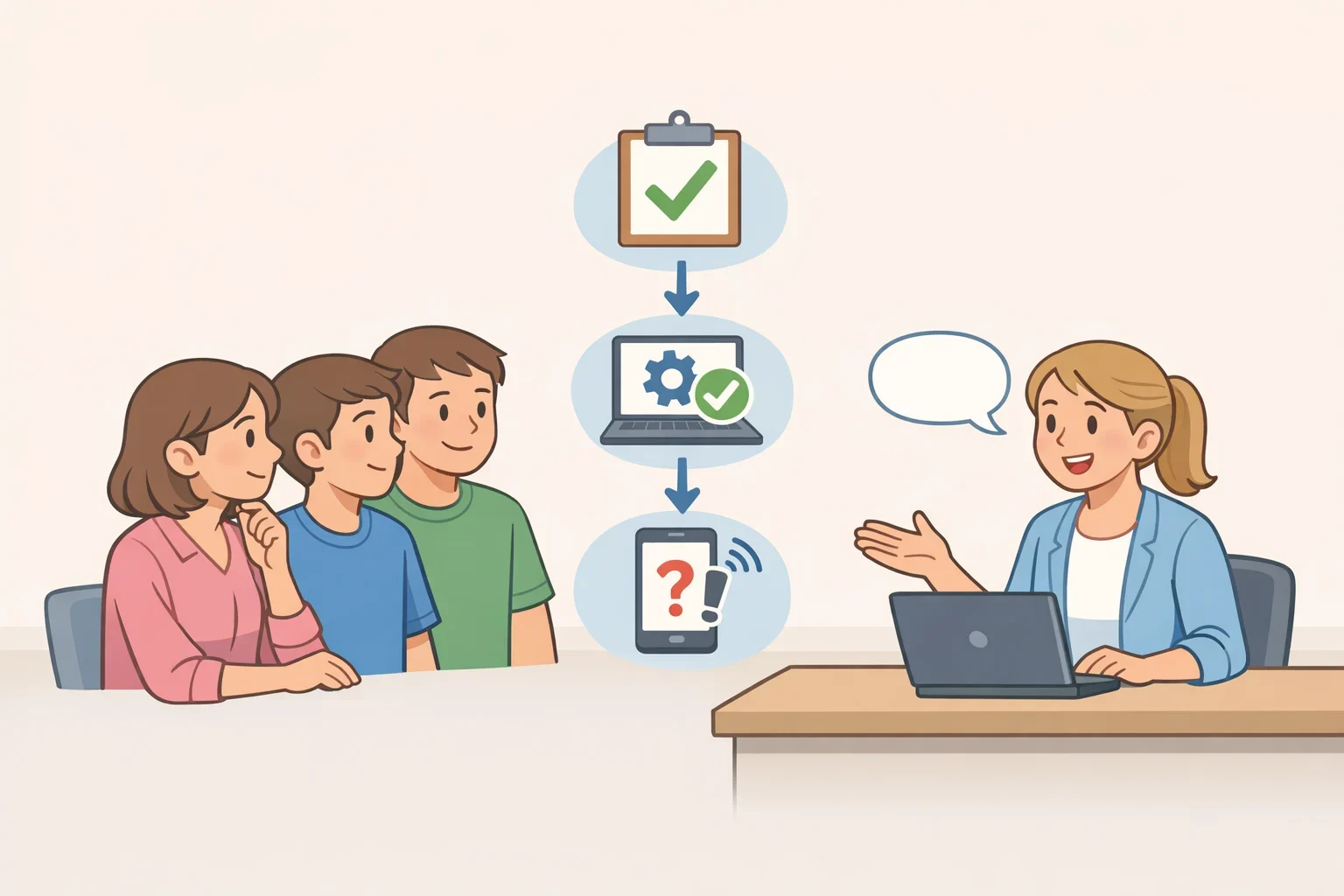
Before providing a mobile number or downloading the app, students and parents can bring a short list of questions to their school's AP coordinator:
- Has our school opted into BigFuture School for the 2026-27 year, and did it also opt into Connections?
- Which AP courses at our school currently qualify for BigFuture School access?
- Is our state or location among the ones College Board currently excludes?
- Where can we review the setup details in the 2026-27 AP Coordinator's Manual, Part 1?
Next step for families
Confirming those answers before entering a mobile number is the most useful step a family can take right now. Students interested in trying BigFuture School should review the opt-in screen in My AP with a parent or guardian, decide together whether to add Connections, and revisit those settings anytime through the app if their preferences change (AP Central FAQ).